Have you ever wondered why some websites just click for you? The ones you know you’ll revisit because they’re so much simpler and more enjoyable than others? Well, that’s the magic of great user experience!
What if you could create that same feeling for your website visitors? If you’re ready to learn how to improve website user experience in WordPress, you’ve come to the right place — so let’s dive in!
Why You Need to Improve User Experience
You might be thinking, “Why bother improving my website’s user experience if it gets the job done?”
Here’s the thing — without a great user experience, your website isn’t truly doing its job. A frustrating journey will push visitors away, often straight into the arms of your competitors!
On the flip side, enhancing user experience and website accessibility offers numerous benefits:
Higher Visitor Engagement: A seamless experience keeps users exploring your site longer.
Increased Conversions: Happy visitors are more likely to take action, whether it’s making a purchase, signing up, or subscribing to your newsletter.
Improved SEO Rankings: Search engines reward user-friendly websites with better visibility and higher rankings.
Stronger Brand Loyalty: A great experience makes users want to come back — and recommend your website to others.
Investing in user experience isn’t just an option — it’s a must for any website aiming to thrive in today’s digital landscape!
How to Improve Website User Experience in WordPress
Let’s get to the heart of the matter — how to improve website user experience in WordPress!
Choose the Right Website Builder
Probably the most important step to enhancing website accessibility is choosing the right website building tool. A well-chosen builder can make all the difference when it comes to creating a more user-friendly website, thanks to its built-in capabilities.
When selecting a website builder, keep an eye out for these key features:
Responsive Design: Make sure to choose a responsive website builder to easily ensure your site provides a seamless user experience across any device.
Customization Flexibility: Look for a tool with customization flexibility and granular control so you can easily tailor your site to fit your audience’s needs.
Interaction: Choose a website builder that enables you to effortlessly create interactions that guide and engage website visitors.
High Performance: Find a tool that ensures high performance by avoiding bloated code, extra plugins, and other inefficiencies, keeping your website running optimally for your users.
When considering these features, a one-stop solution like the Kirki WordPress Website Builder comes to mind. It checks off everything on the list and more, making it the ideal choice to enhance website design and user experience.
Improve Content Readability
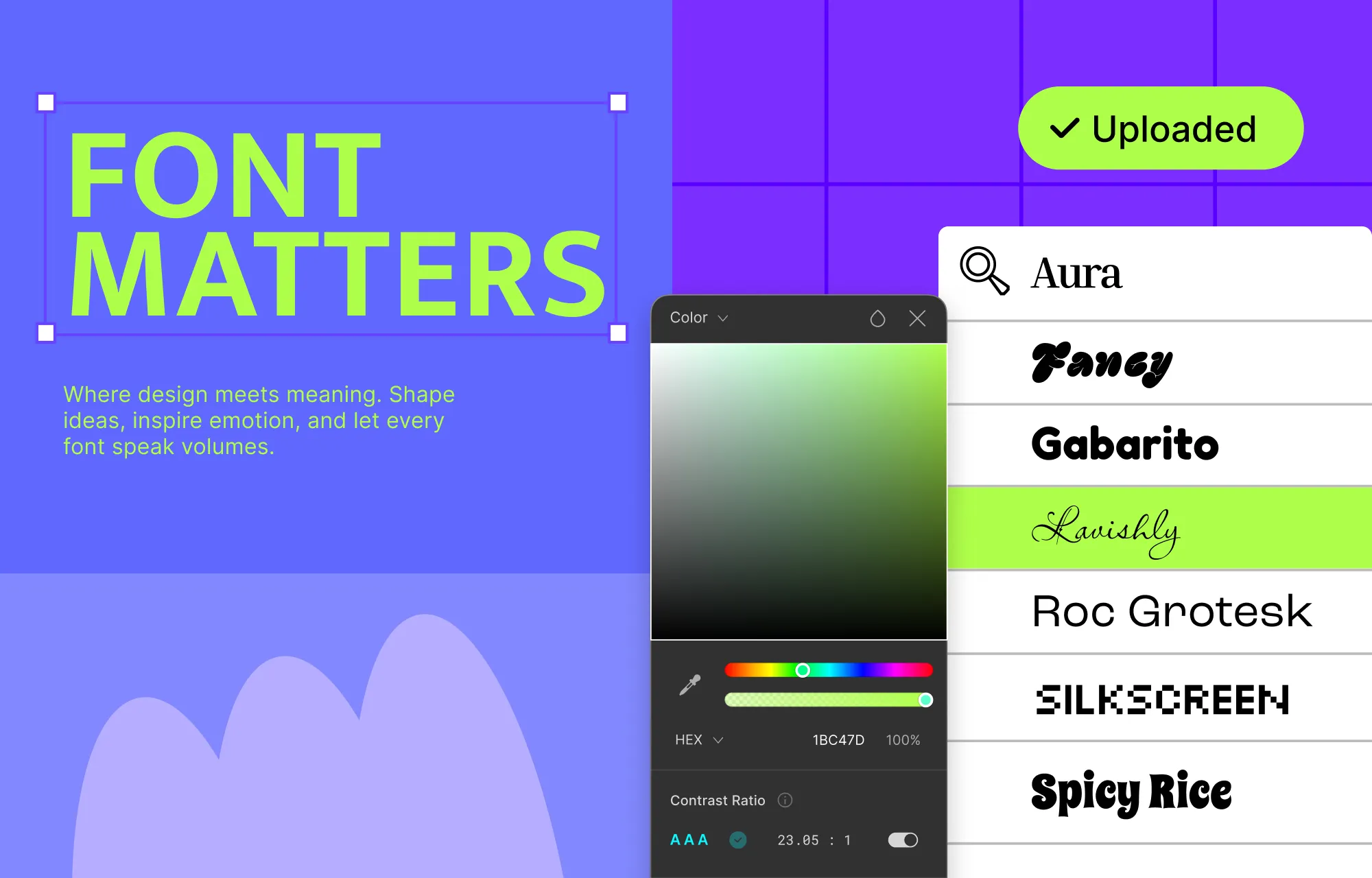
Once you’ve chosen your website builder, a key area to start with is content readability. Text is often the primary way to communicate important information to your audience, so ensuring its clarity is essential.
When improving website content readability, keep in mind factors like font legibility, text-to-background color contrast, line spacing, character spacing, and more.
Kirki makes this step effortless with its built-in Color Contrast Checker, which helps you ensure your chosen text and background color combinations are readable for all visitors.
In Kirki, you can also choose from a wide range of Google Fonts, upload your own Custom Fonts in TTF or OTF format directly from the font picker, and use the Advanced Typography panel to tailor your text with options for line height, letter spacing, clamp, word break, text overflow, and much more — giving you complete control over readability.
On top of that, you can set Alt Text for images directly in Kirki, further enhancing your website’s accessibility for visually impaired visitors.
Use Well-Placed and Consistent CTAs
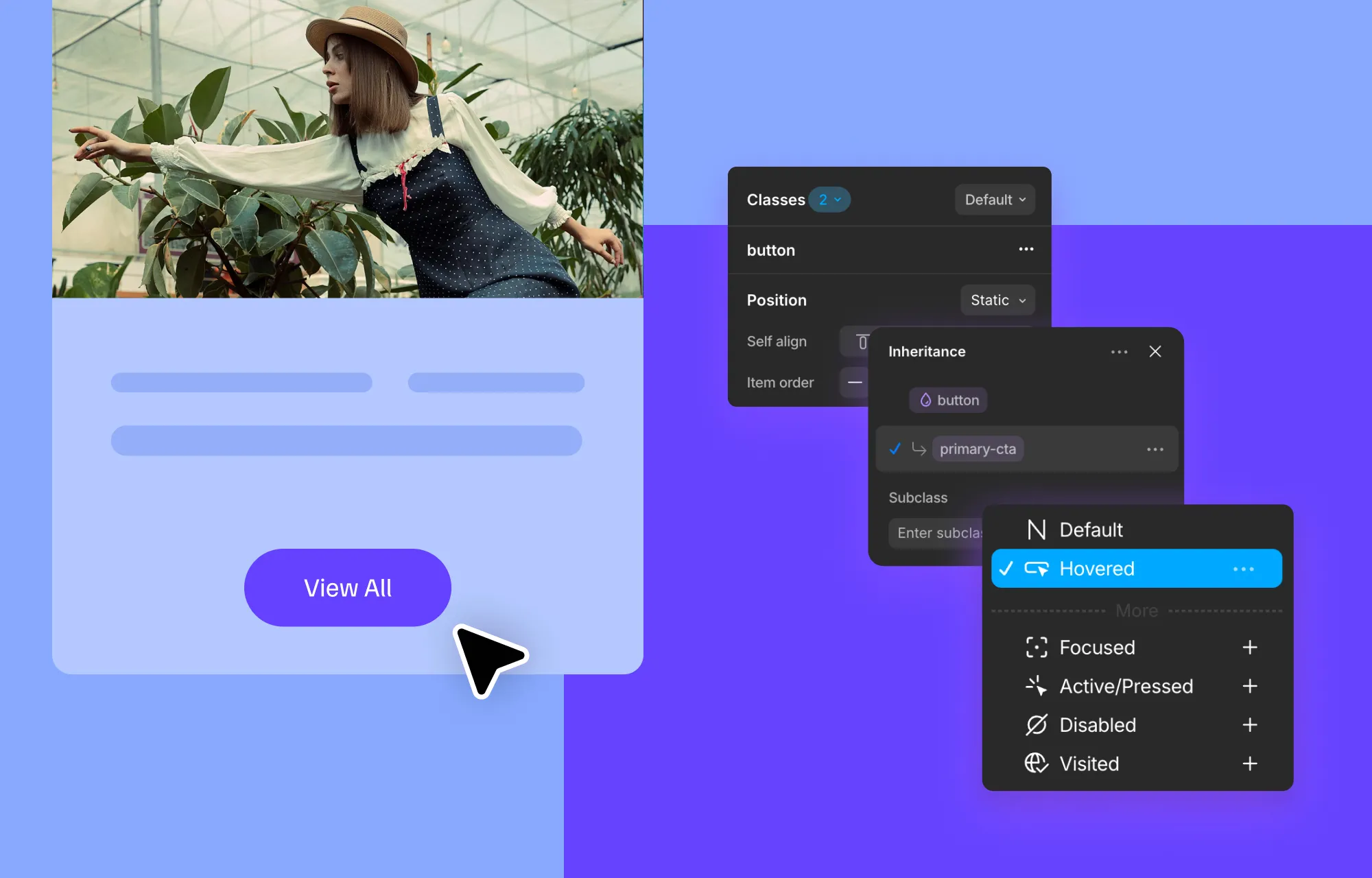
Among the many website user experience best practices, strategically placing CTAs while maintaining their consistency is essential. This allows users to easily spot, recognize, and interact with them, creating a more seamless and user-friendly experience across your site.
While you can try keeping things uniform manually, it’s not always practical — especially for large-scale websites. This is where Kirki shines with tools like the Class Manager and Components.
The Class Manager in Kirki lets you assign the same class to elements of the same type, enabling you to style them synchronously at any stage — making cohesive CTA design effortless across your entire site.
With Components, you can take it a step further by saving individual elements or groups of elements as reusable blocks from the Assets tab. This is especially useful for sections that need to be repeated exactly as they are across multiple pages, including both style and content.
Ensure Responsiveness Across All Devices
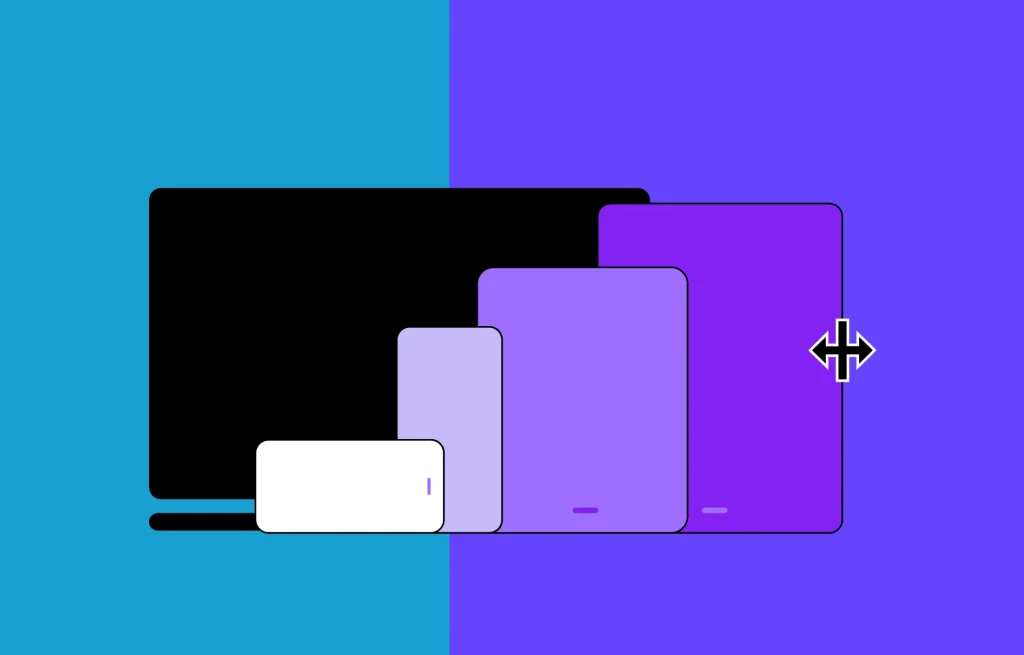
With a larger percentage of website traffic coming from mobile devices, ensuring your website’s user interface is responsive on all devices is pivotal for a seamless experience across the board.
Kirki makes this effortless with its infinite canvas, which displays all your breakpoints – Desktop, Tablet, Landscape, and Mobile, side by side simultaneously. You can design across every screen size at once, make breakpoint-specific adjustments directly on the canvas, and see how your changes look across all devices in real time, all without switching modes.
Use Interactions to Guide and Engage Your Audience
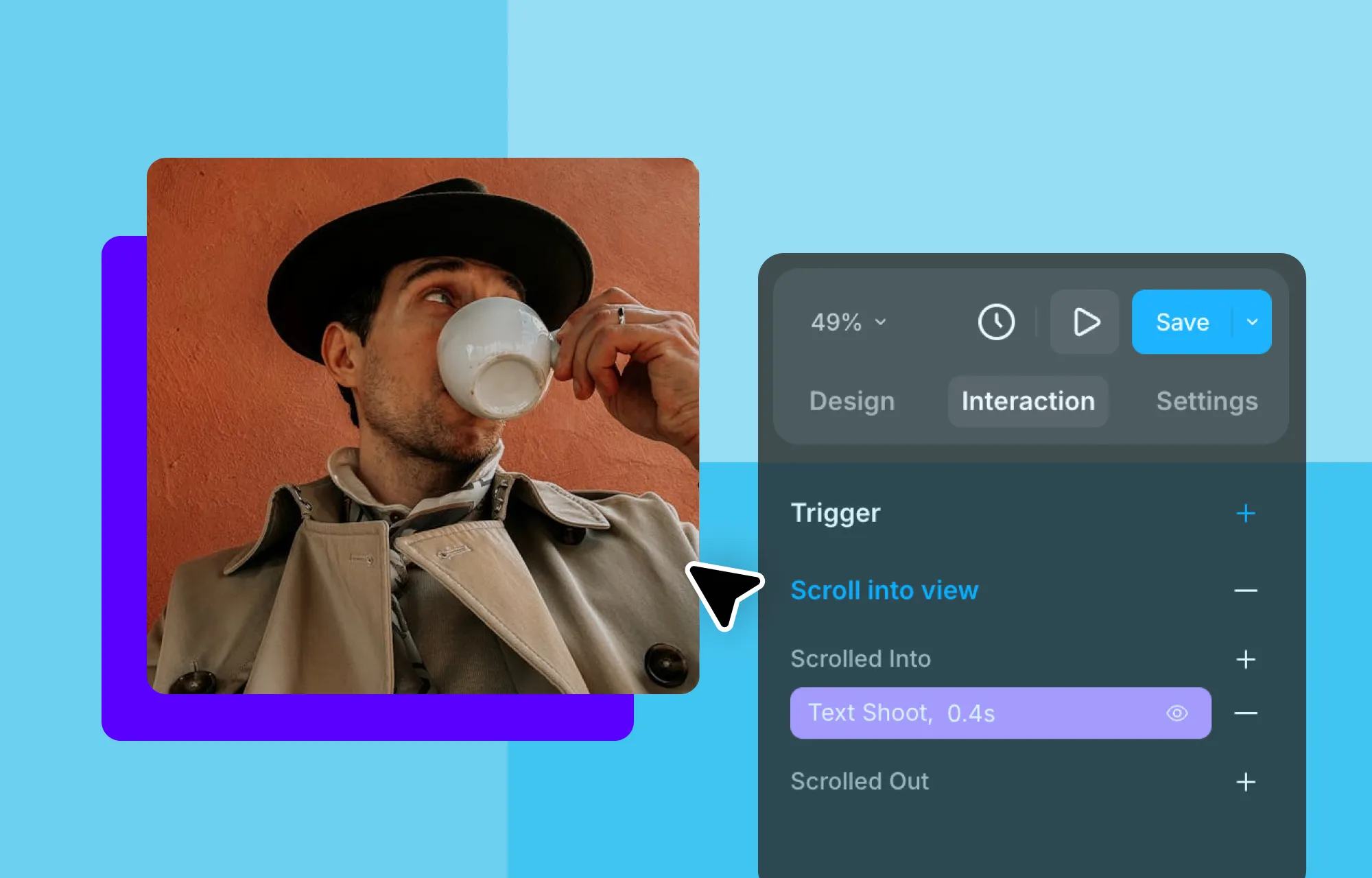
Another tried-and-true way to improve website user experience is by adding subtle interactions that guide users through their journey. These interactions can prompt visitors on where to focus, where to click, and help them navigate your site more intuitively.
In Kirki, there are several ways to achieve this. From the Design tab, you can easily switch to the Hover or Focus states for any element and style them visually, adding interactive effects to your website’s user interface. You can pair this with Transitions in the Design tab to customize the animation timing and ensure these effects feel smooth and seamless.
You can also customize Cursor Effects in Kirki — changing the cursor style based on what it’s hovering over or the user’s actions. Found in the Style section of the Design tab under Cursor, you can choose from a wide range of cursor styles including Pointer, Grab, Not Allowed, Move, Wait, Crosshair, Text, Progress, and many more. This visually guides users, letting them know where they can type, click, drag, or interact on your site.
Last but not least, you can craft complex interactions visually using Kirki’s Visual Interaction Builder. Open the Interaction tab, click Add trigger +, choose your trigger, and build your response using the visual timeline — selecting from preset animations in the Library or creating fully custom responses. With this powerful tool, the only limit is your imagination, allowing you to create dynamic, engaging interactions without writing a single line of code.
Maximize Website Performance
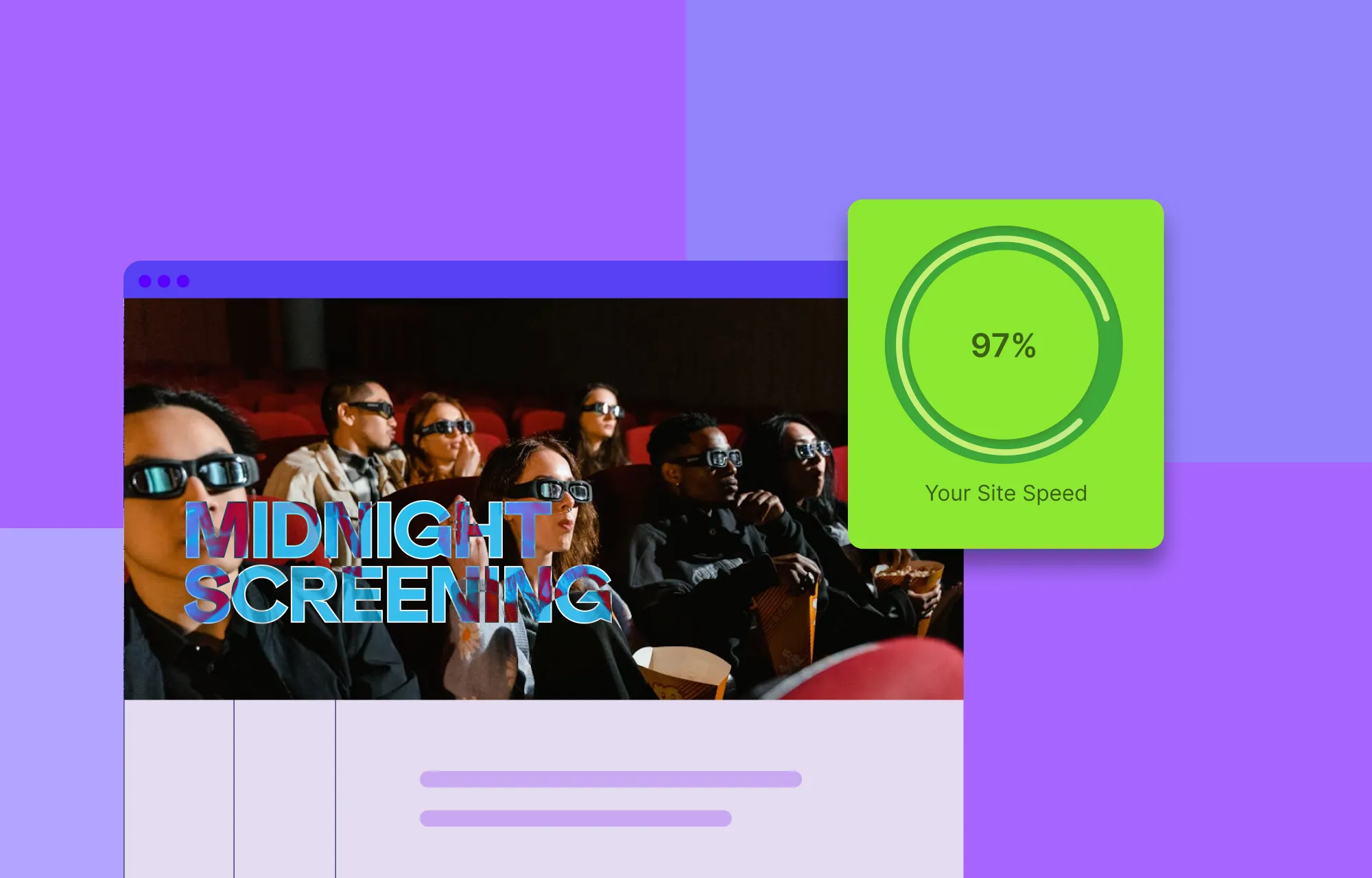
You can’t fully improve website user experience without also enhancing website performance. Slow loading times and janky experiences push users away just as quickly as poor design.
With Kirki, much of this heavy lifting is done for you. Since it produces bloat-free code, avoids third-party JavaScript libraries, and automatically compresses CSS and JS, Kirki contributes significantly to improving your website’s speed out of the box.
Additionally, you can enable Kirki’s built-in Image Optimization feature, which ensures all uploaded images are optimized right from within the builder — eliminating the need for third-party optimization tools and further boosting your site’s performance.
Kirki also stands out as a one-stop solution with built-in features like the Dynamic Content Manager, Pop-up Builder, Image Editor, Audit Tool, and more — reducing dependency on clunky extra plugins that slow down your site and complicate your workflow.
Build Better User Experiences With Kirki
Now you know how to improve website user experience in WordPress! By focusing on these key factors – readability, consistency, responsiveness, interactions, and performance – you can create more accessible, user-friendly websites that keep visitors coming back.
And with the Kirki WordPress Website Builder, you can achieve all of this effortlessly and take your site to the next level!

