SEO
Optimize your SEO workflow
Boost SERPs ranking and the website traffic by optimizing your SEO using Kirki’s native tools.
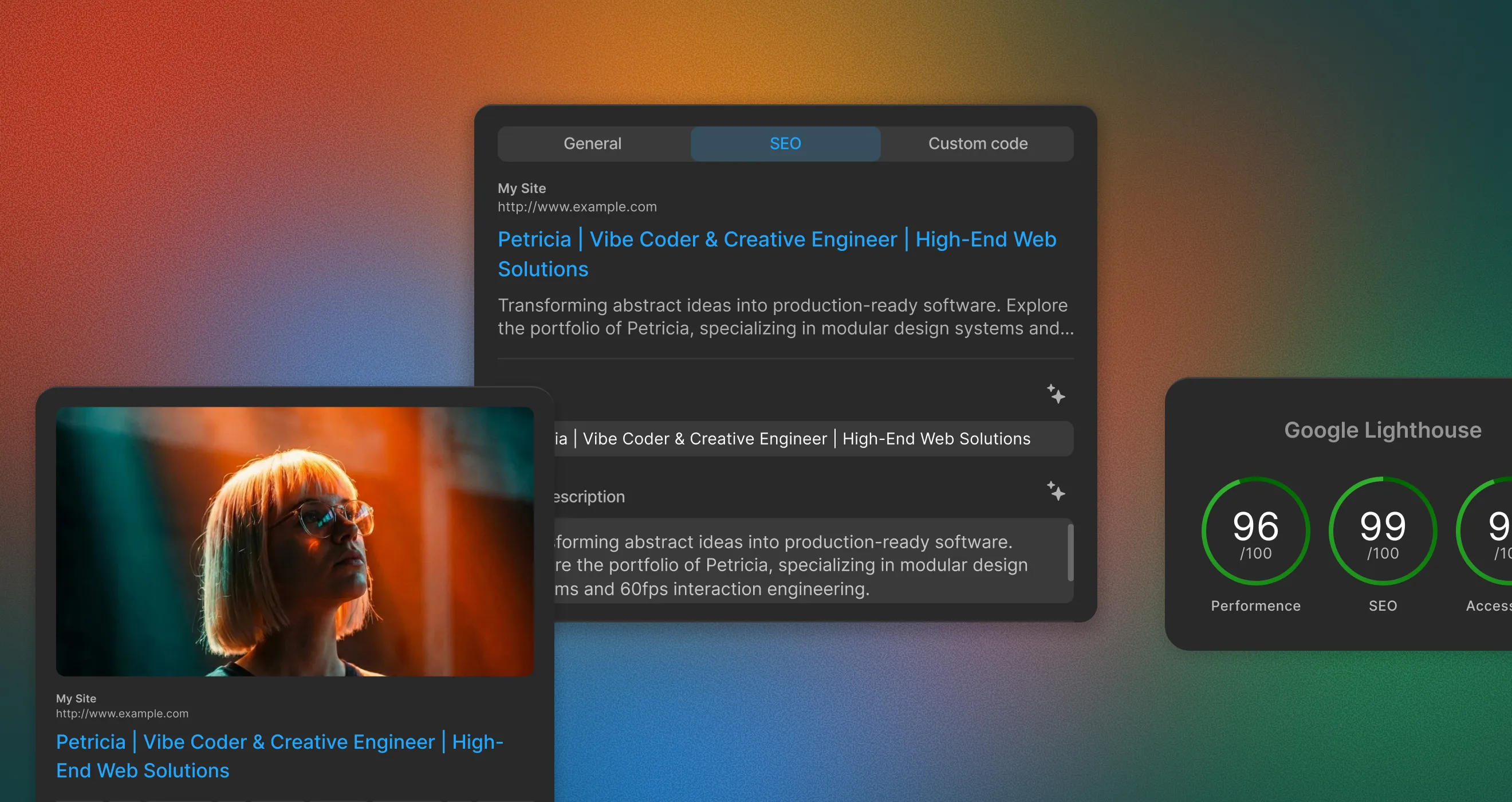
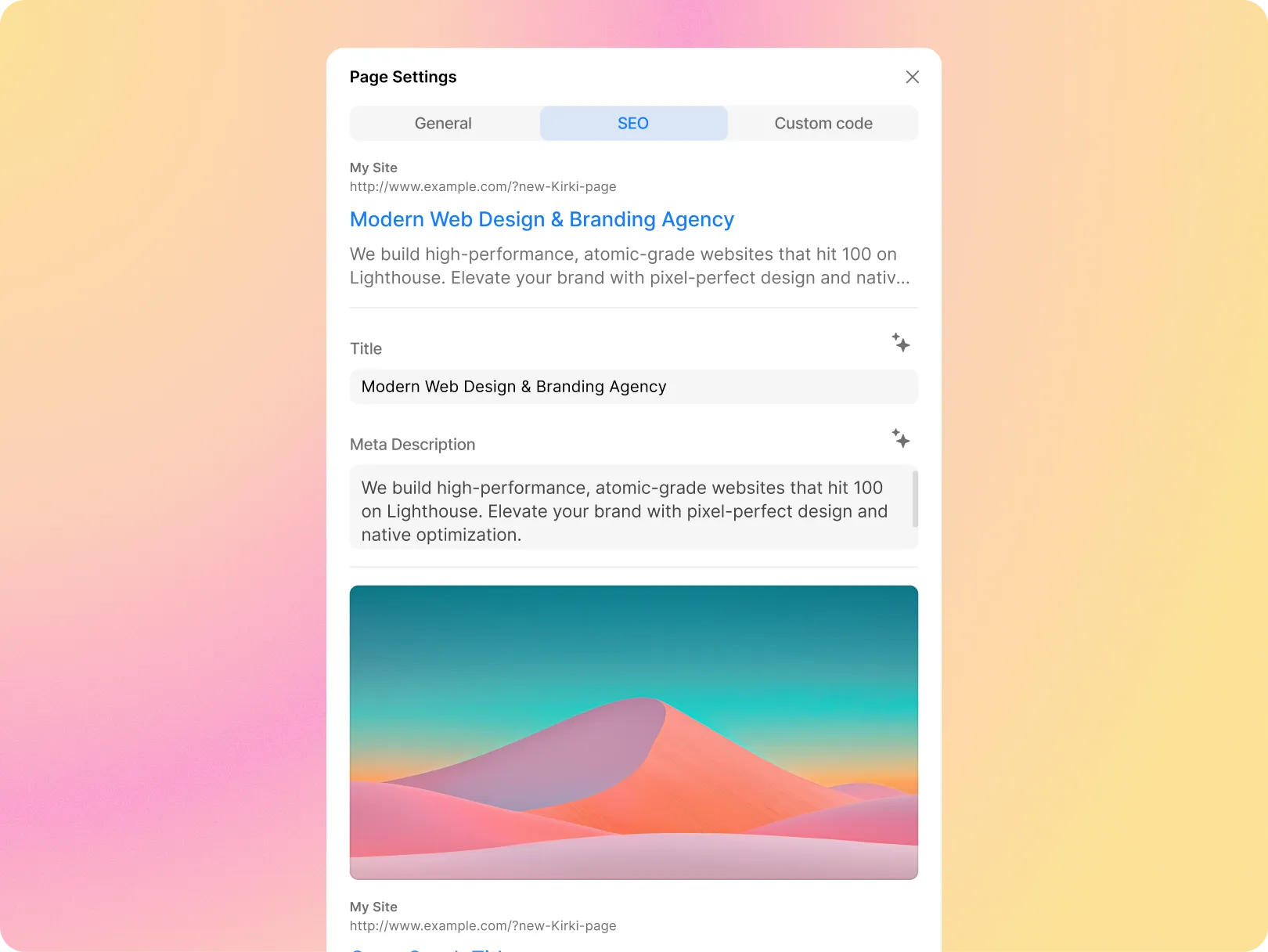
SEO Settings With Preview
Define your SEO-related metadata all the while getting to preview what it’ll look like on the SERPs page right from page settings
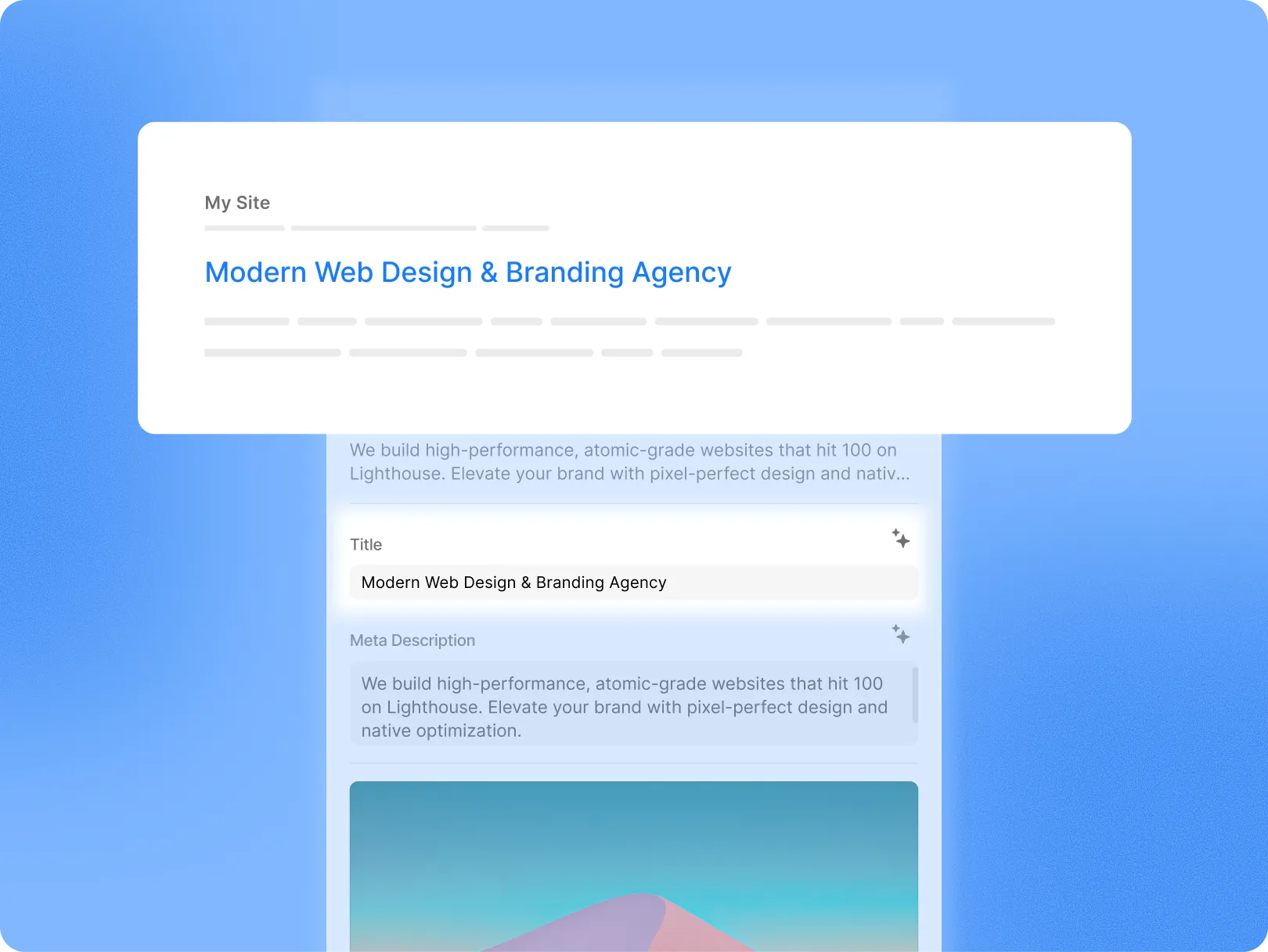
SEO Title
Define the SEO title text that will be displayed as a clickable title in any search snippet on the search engine result pages
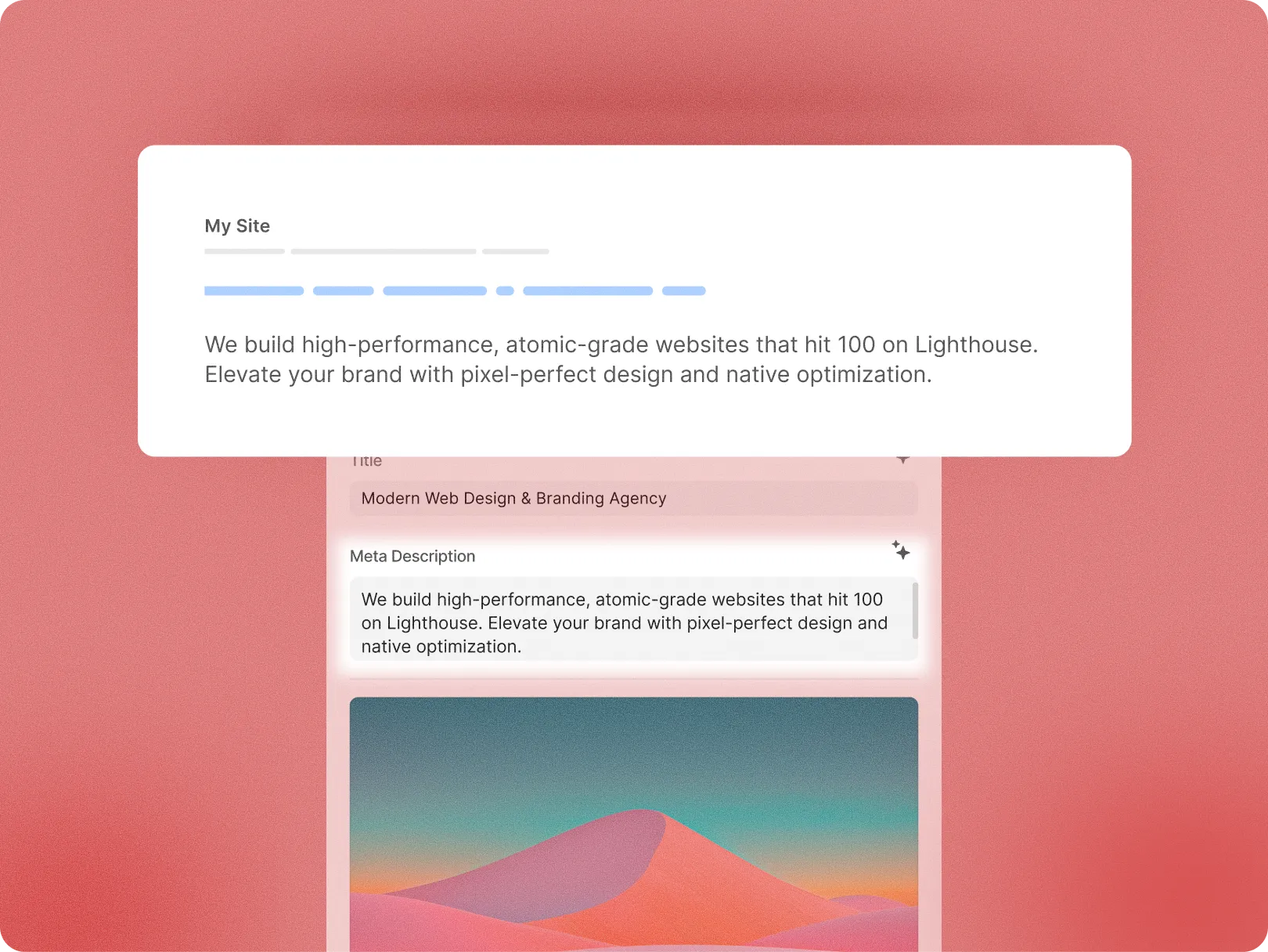
SEO Meta Description
Add meta description that will be displayed as part of the search snippet on the search engine result pages
Open graph controls
Preview how your open graph controls will appear when sharing your page on social platforms
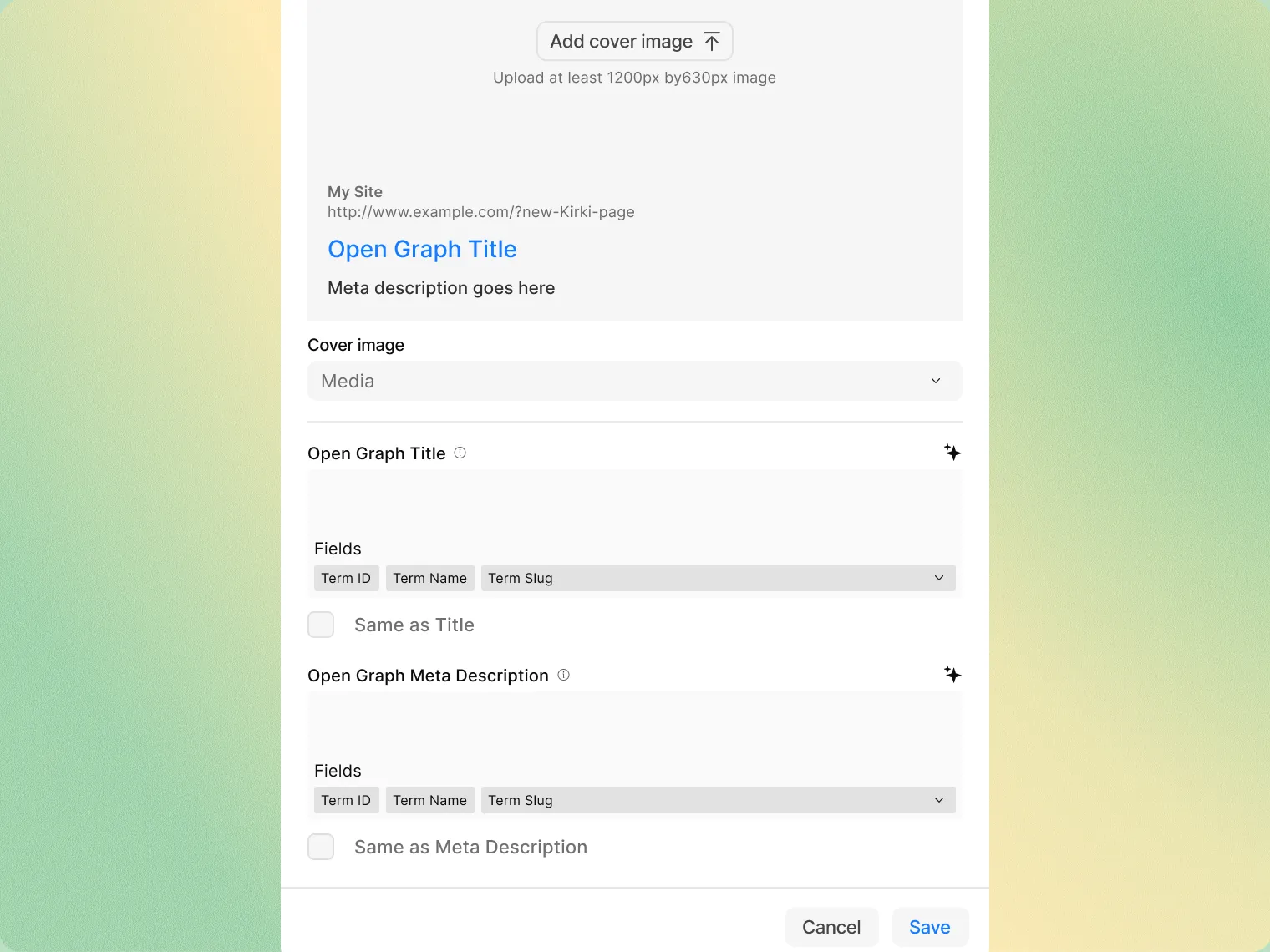
Cover image
Upload the image you want to display as part of the card that’ll be created when a page is shared on major platforms
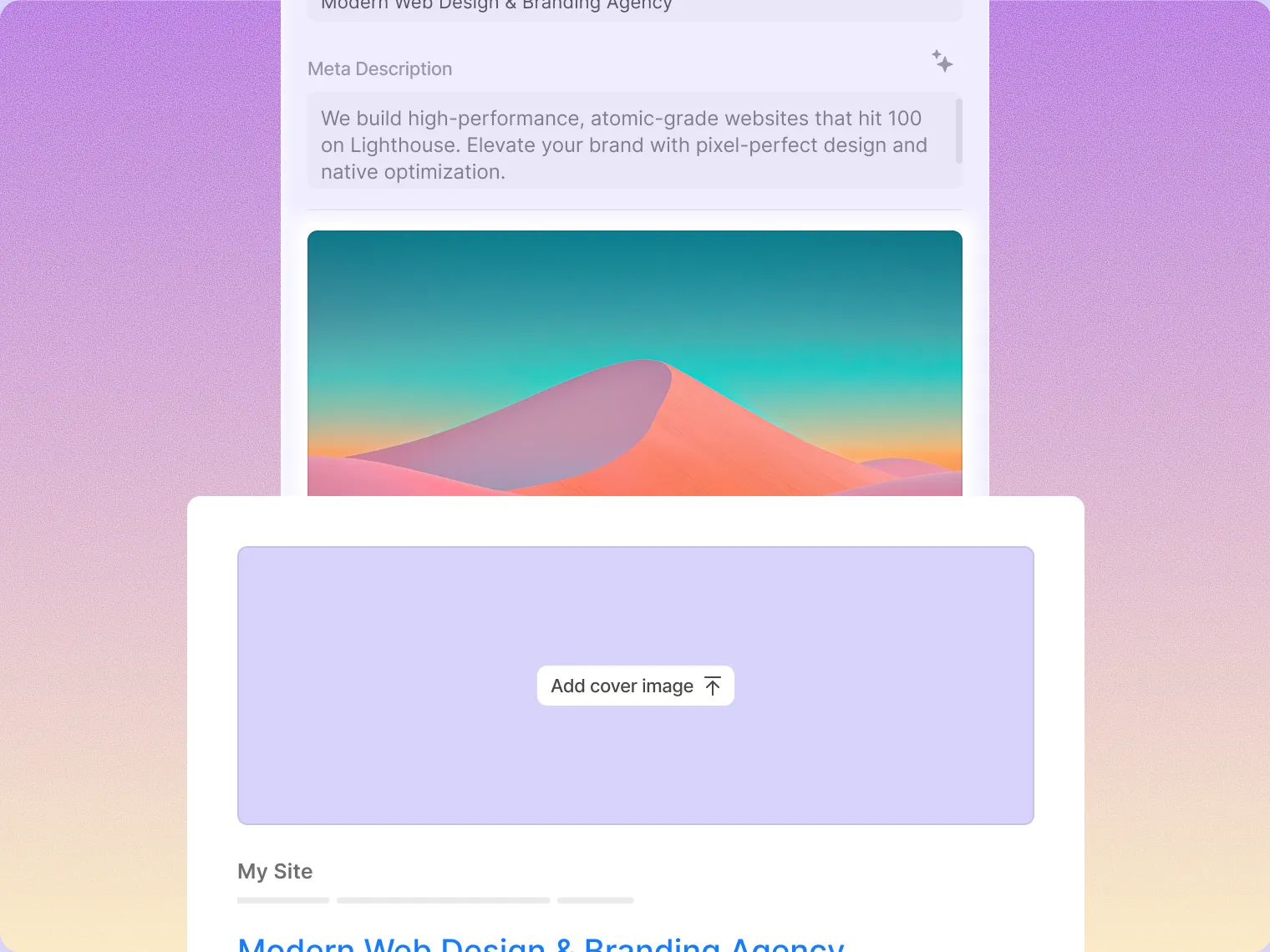
Open graph title
Define an accurate but enticing title to display on the open graph card which users can then click to visit the page shared
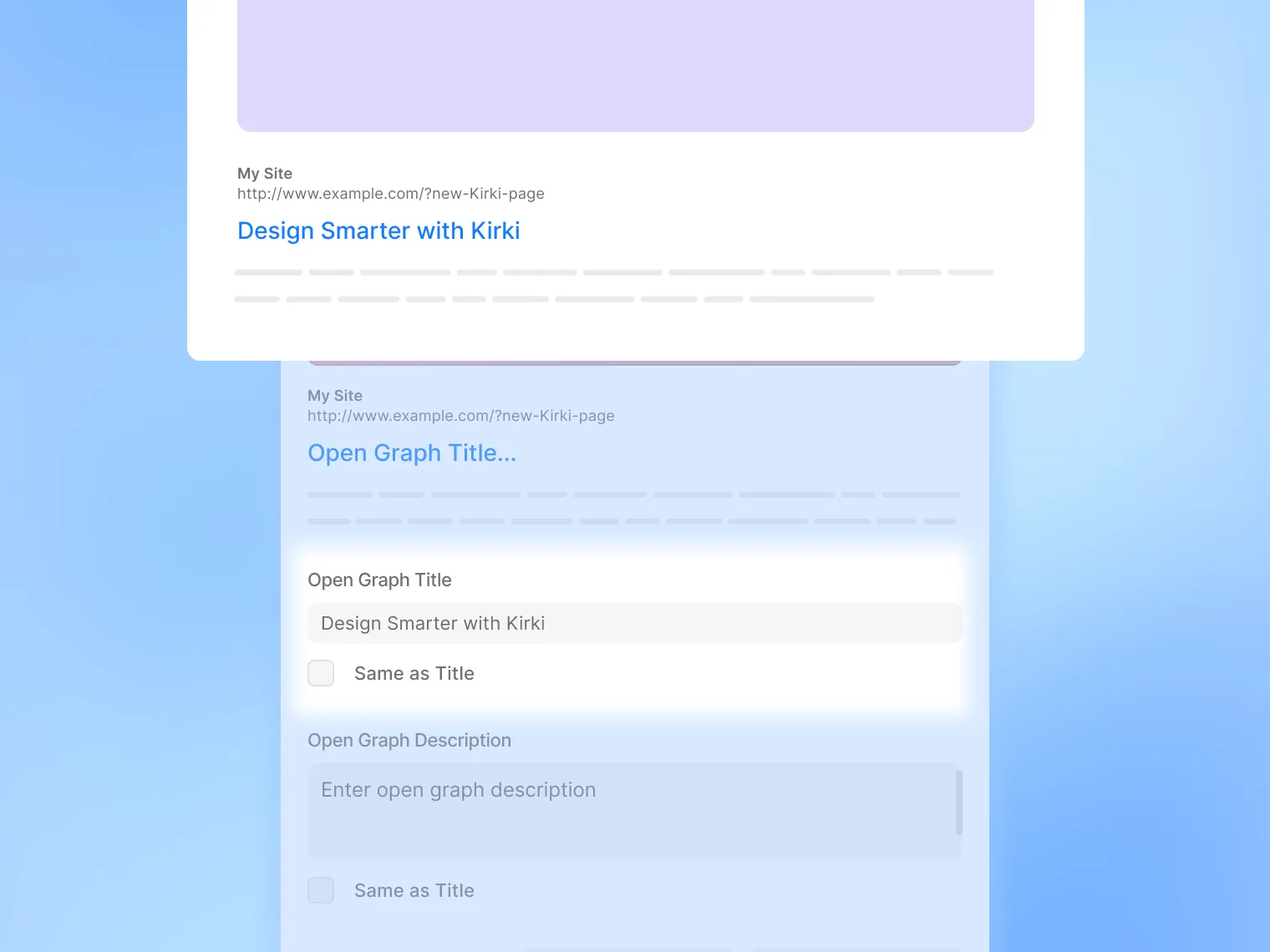
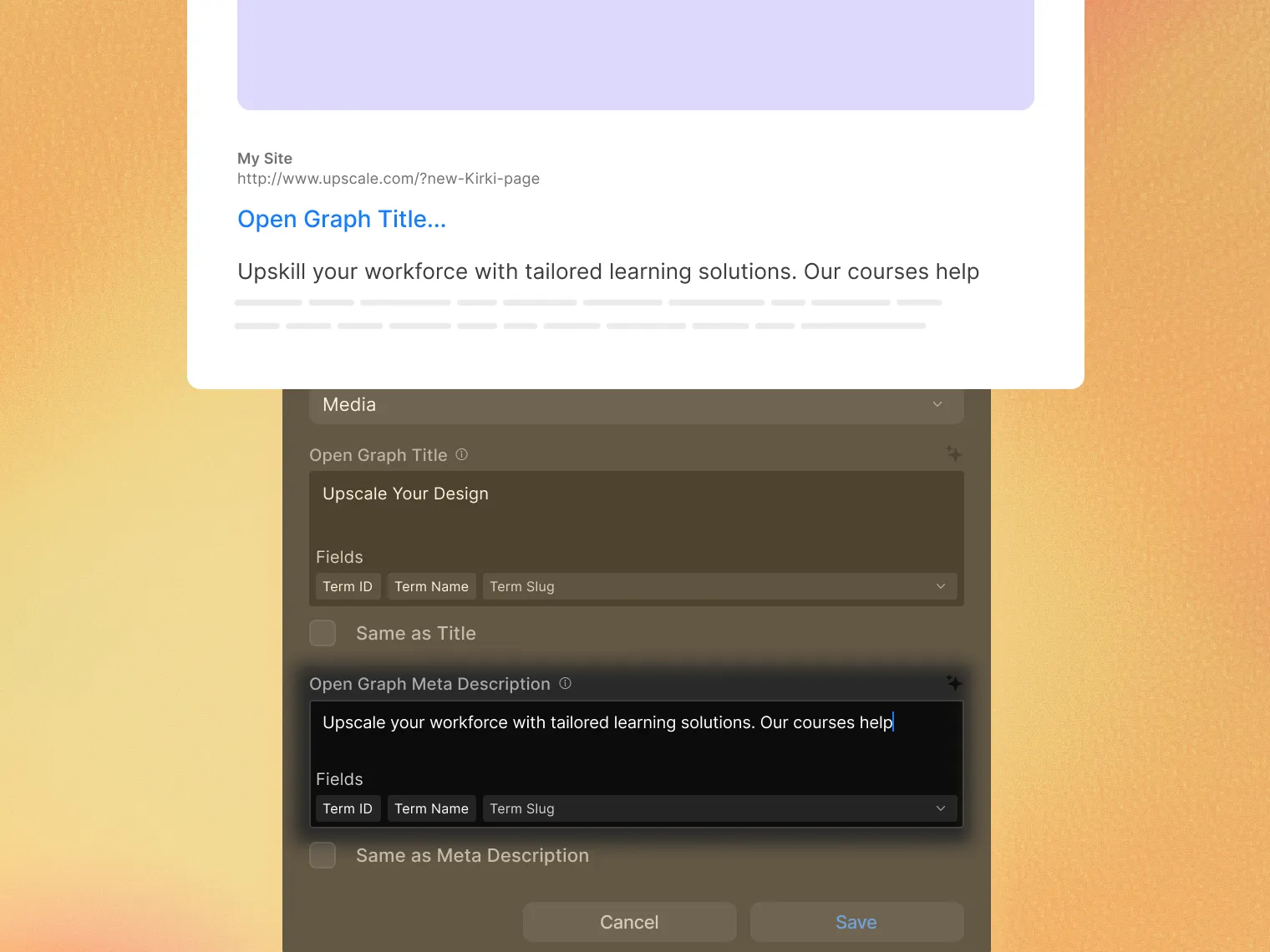
Open graph meta description
Add a short description to your open graph card that will give users a brief idea of what the page shared is about
Boost your SEO with Kirki’s smart optimizations
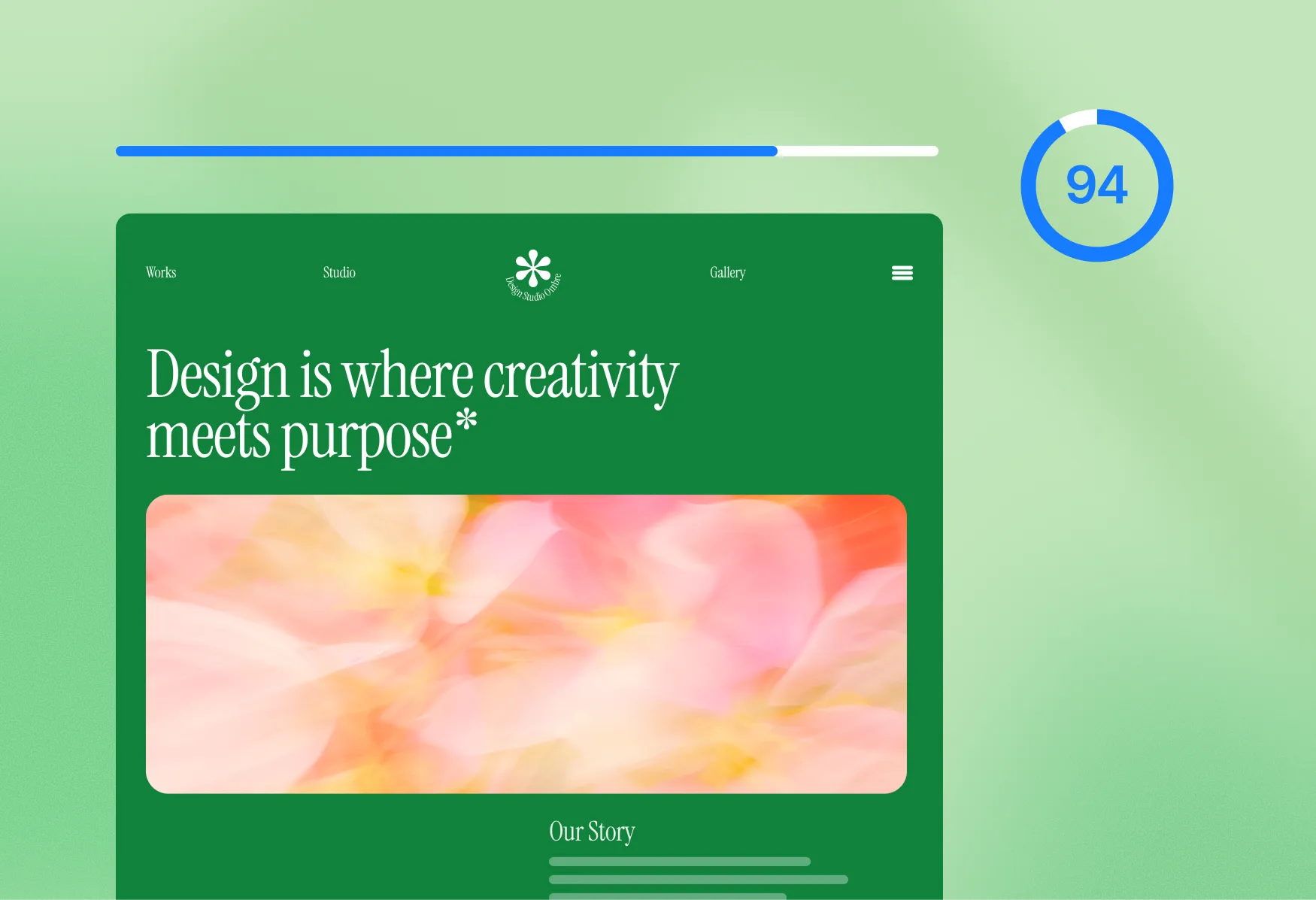
Faster page loads
Kirki minimizes server requests and enhances page speed to improve your SEO rankings.
Optimized DOM structure
A clean, efficient DOM ensures faster rendering and better crawlability for search engines.
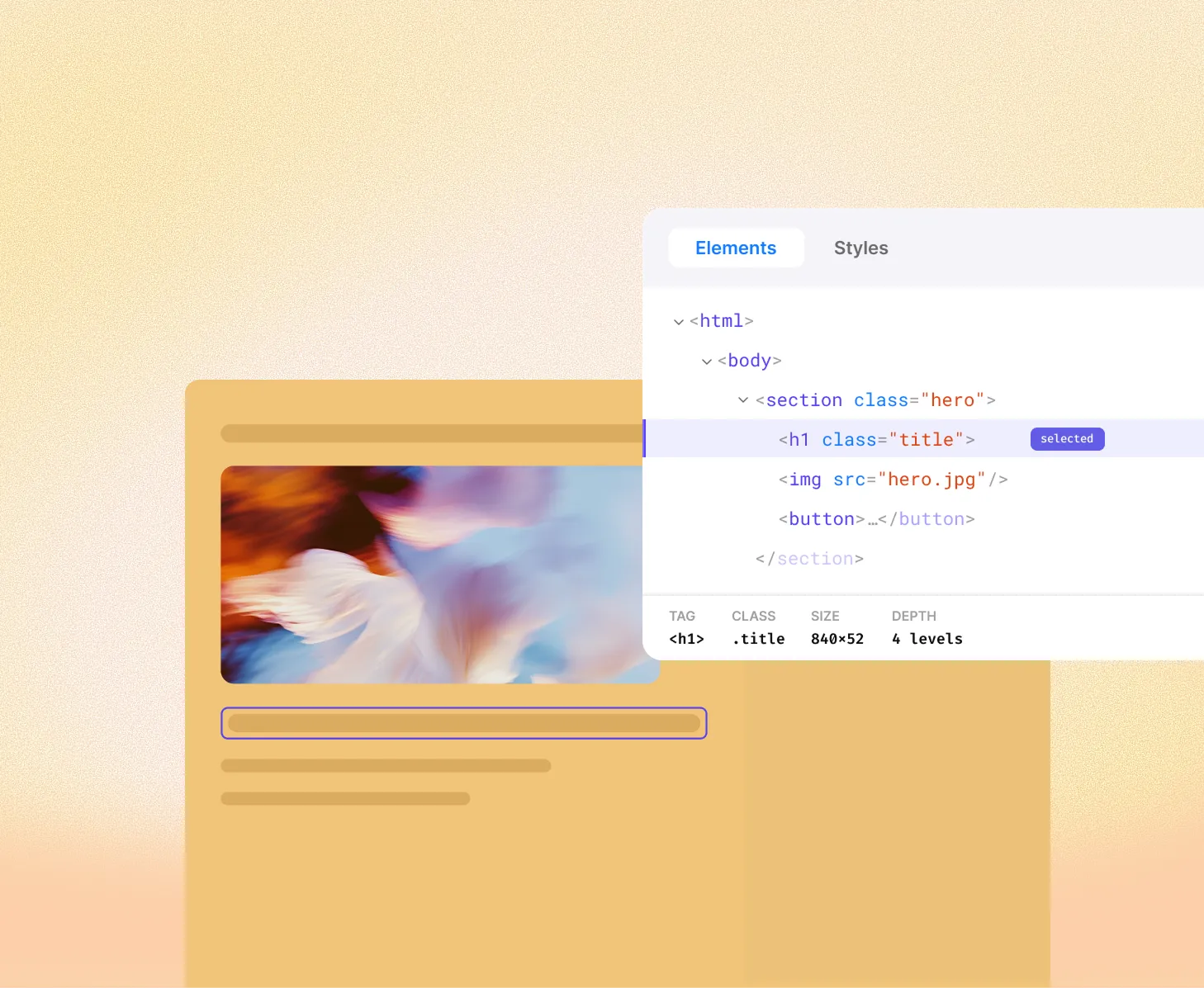
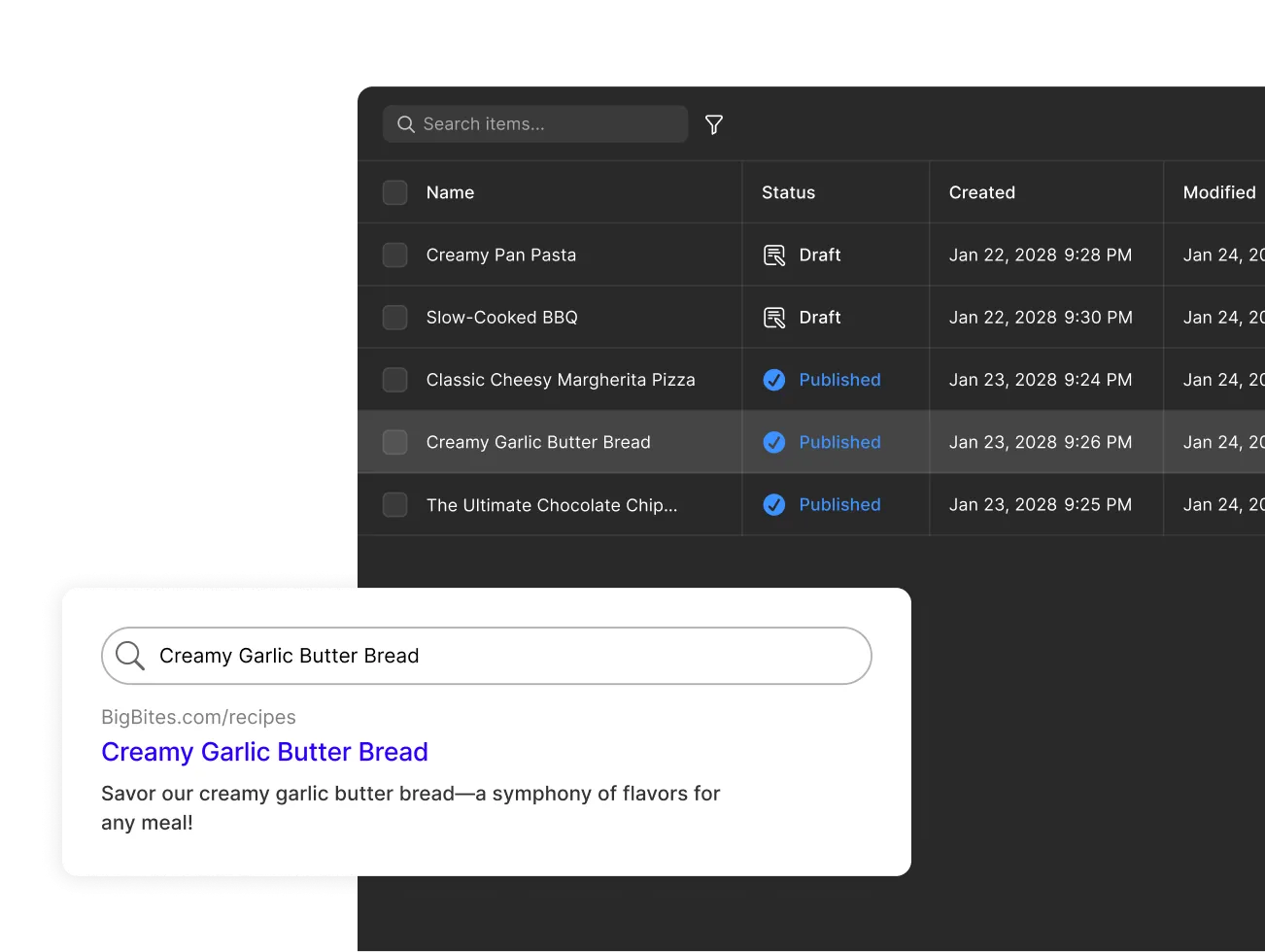
Image optimization
Kirki automatically optimizes images for faster load times without sacrificing quality.

Dynamic SEO for effortless growth
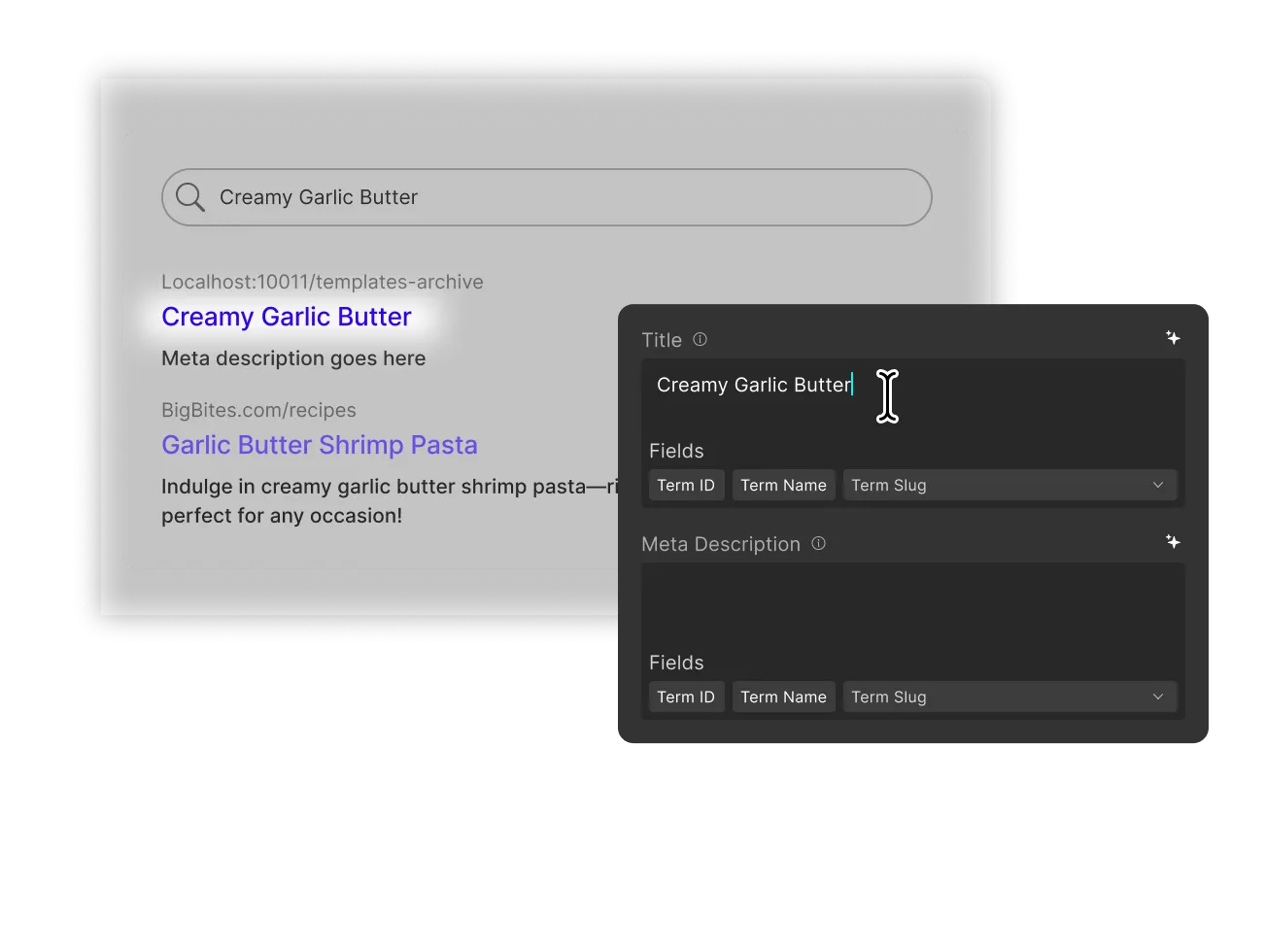
Add dynamic SEO
You can optimize the SEO for your Collection Pages by setting up dynamic titles and meta descriptions.
Automatic field tags
Use field tags to populate SEO settings with dynamic data, ensuring each page is optimized based on its unique content.
Everything you need.
Nothing you don't.
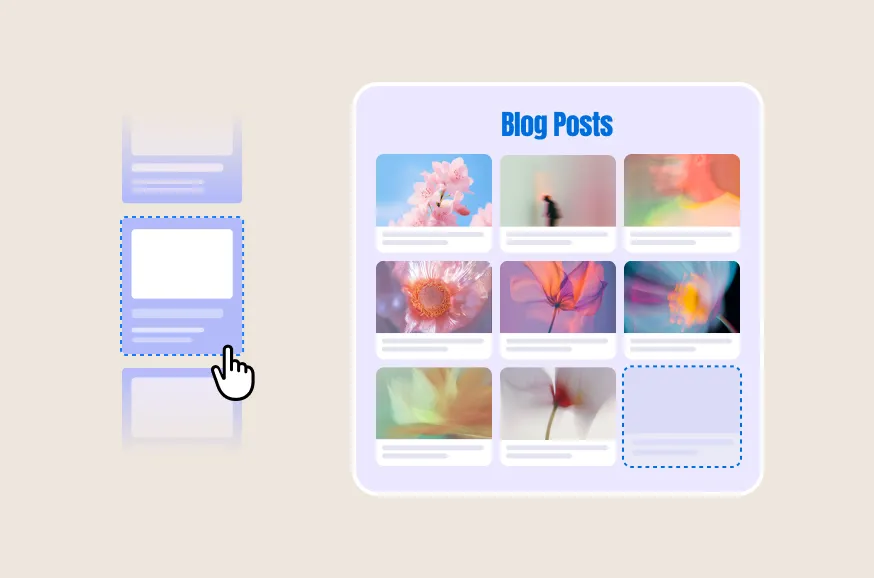
Scalability
Handle a growing amount of content effortlessly, maintaining performance and usability.
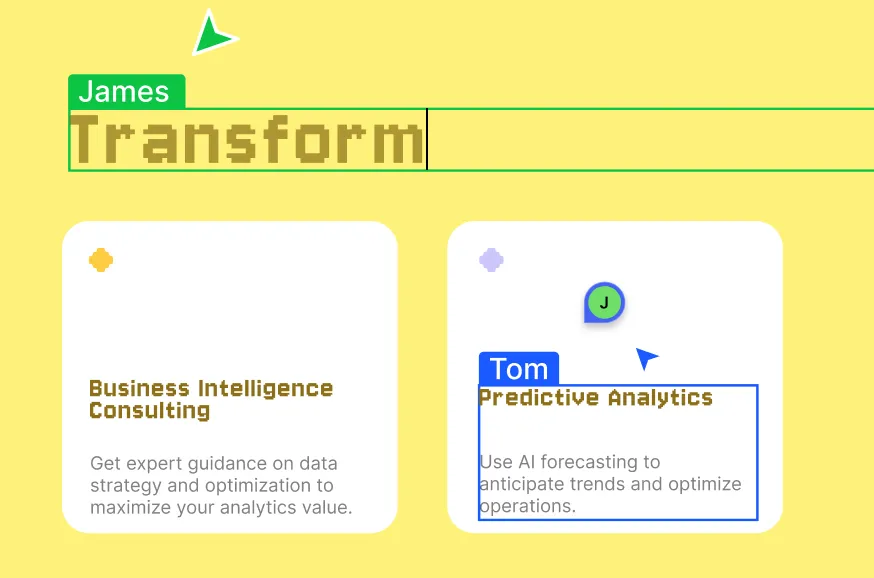
Collaboration
Collaborate efficiently on content, ensuring smooth teamwork without unwanted changes.

Seamlessly migrate to Kirki
Import from Figma, HTML, or any existing builder. Styles, spacing, and layouts preserved.
Figma to Kirki
Import Figma designs directly — preserving your styles, spacing, and layouts exactly as designed.
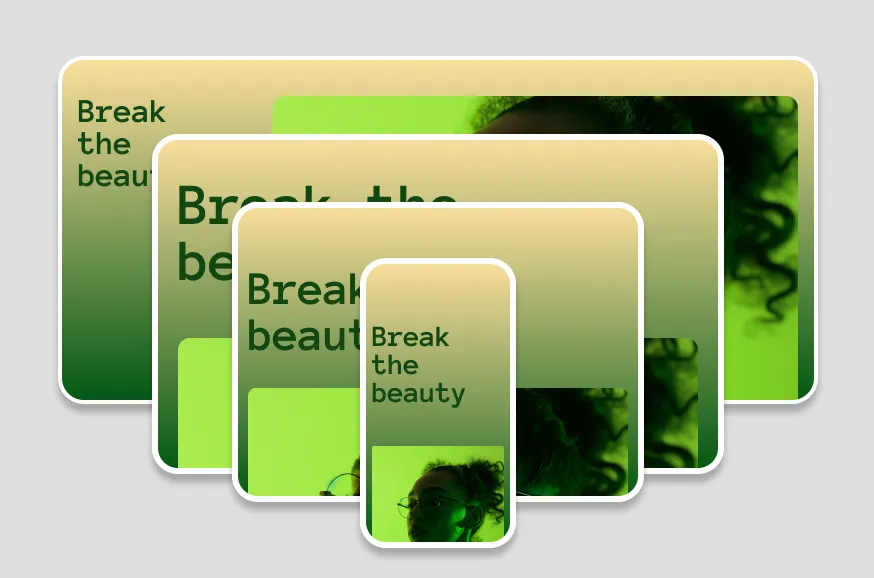
Create unlimited breakpoints
Less plugin reliance means fewer conflicts, better performance, and a smoother experience—without the WordPress plugin chaos.
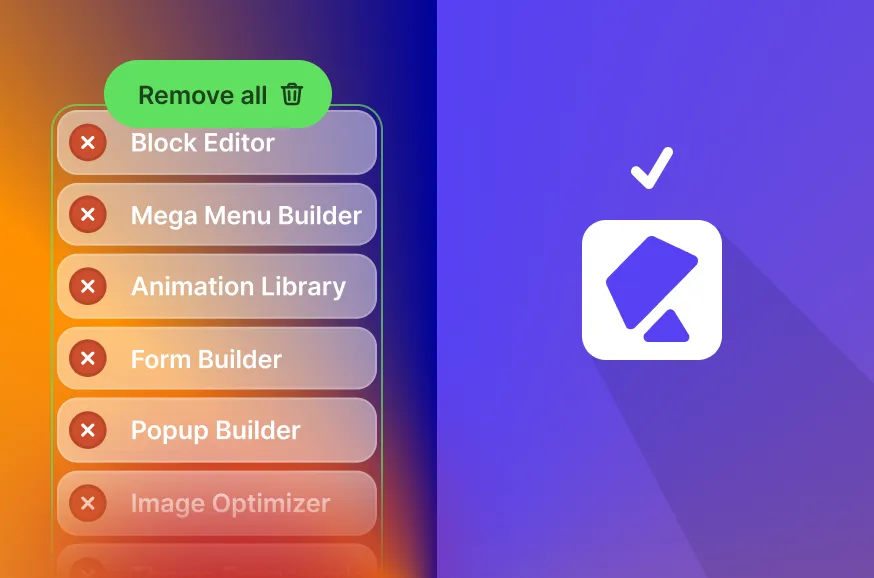
Get rid of third-party plugins
Forms, popups, maps, SEO, icons — all built in. Fewer plugins, faster sites, fewer vulnerabilities.
The WordPress site you imagined is possible.
Stop compromising on design. Start building the way you think.