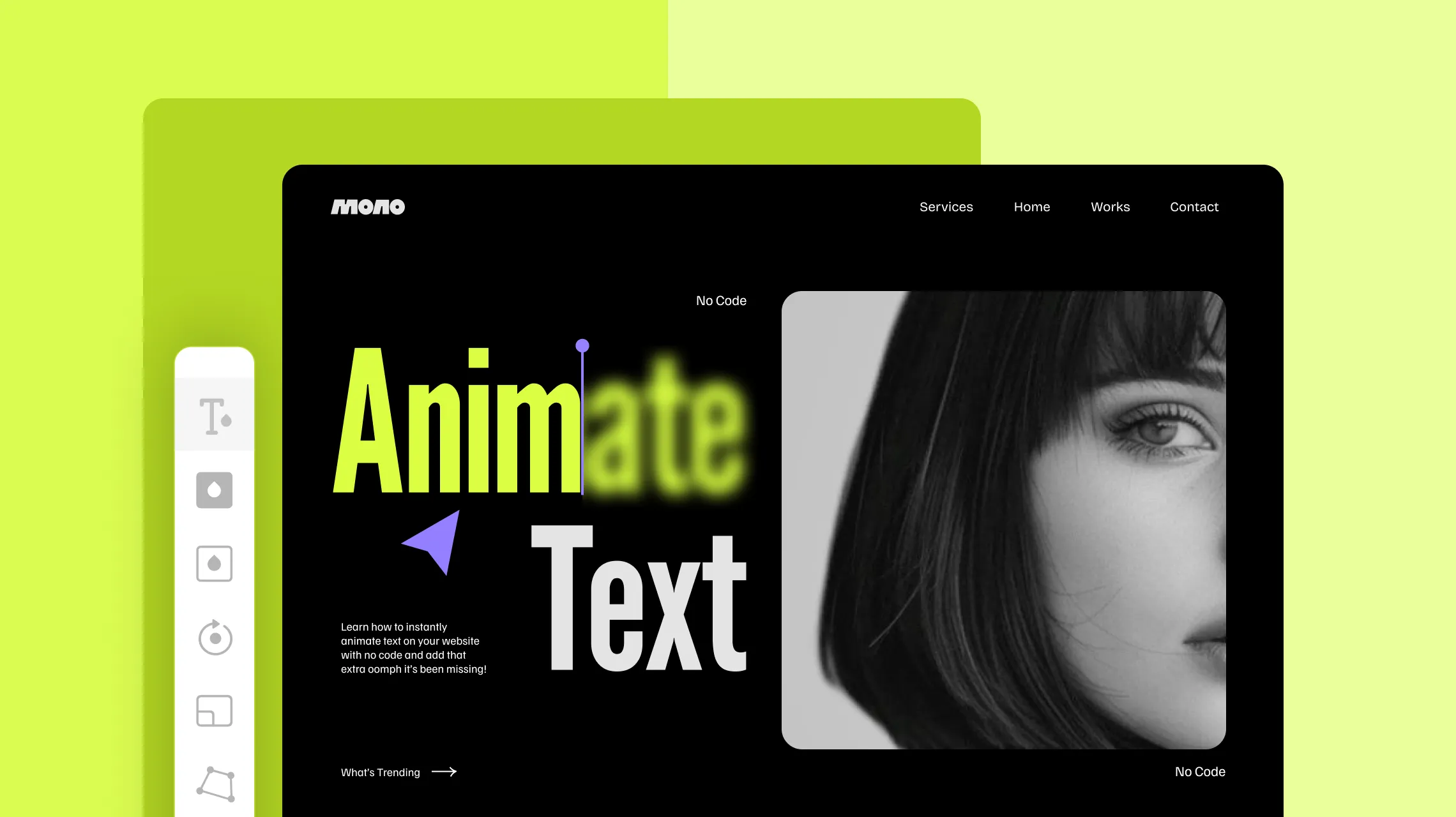
Learn how to instantly animate text on your website with no code and add that extra oomph it’s been missing!
That’s right, website text animations are a great way to make your site stand out. And with the right no-code tool, you can achieve stunning effects in just a few clicks.
So without further ado, let’s dive in!
Why Add Text Animations to Your Website
Text animations do more than just make your website stand out. They elevate the user experience and create a ripple effect that enhances your website overall! Here’s why you should consider adding them:
Grab Attention Instantly: Grab visitors’ attention the moment they land on your page and keep them engaged throughout.
Direct User Focus to Key Points: Easily drive user focus and highlight important information on your website at just the right moment.
Enhance User Experience: Smooth, dynamic text effects give your website a modern feel, significantly enhancing the user experience.
Improve Readability: Animated text helps break up the monotony, making content feel less overwhelming and improving overall readability.
Reduce Website Bounce Rate: The enhanced user experience and engaging visuals encourage visitors to stay longer, significantly reducing your website’s bounce rate.
Boost Conversions: Eye-catching text animations can draw attention to your CTAs, making them stand out and driving more conversions.
Now that you know why animated text is such a game-changer, let’s dive into how to animate text on your website without coding!
Best Way to Animate Text in WordPress
Animated text on websites can be achieved in a multitude of ways. Let’s explore each method and any potential pitfalls you might encounter.
Animating Text Using Code
First up is using code. With CSS and JavaScript, you can craft custom text animations. However, this option can be time-consuming and may not be the most accessible for those without coding experience.
Animating Text Using Plugins
Alternatively, text animation in WordPress can be achieved using any of the many text animation plugins available. However, this comes with the challenge of finding a reliable plugin that suits your needs and the potential for additional costs.
Animating Text Using Kirki
But what if you didn’t have to deal with coding or hunt for the right third-party plugin? With the Kirki WordPress website builder, you don’t have to! Its built-in Text Animation feature lets you bring your website content to life with just a few clicks.
No code and no extra tools, just your website builder doing all the work for you. You skip the hassle that comes with the alternatives while boosting efficiency, streamlining your workflow, and keeping your website faster and more secure.
How to Animate Text on Your Site Instantly With Kirki
With Kirki, animating text in WordPress is easier than ever. Simply follow these steps to bring your text to life:
Step 1: Select your text element on the canvas and open the Interaction tab on the right panel. Click Add trigger + and select Scroll into view.
Step 2: Under Scrolled Into, click “+” and choose Text Animation from the options. A submenu will appear showing the available text animation presets: Blur, Flip, Shoot, Scale, Rotate, Shake, and Stagger.
Step 3: Select the text animation style you want to apply. Not sure which one to pick? No worries — a live Preview at the top of the settings panel lets you see exactly how the animation looks before finalizing your choice.
Step 4: Customize your text animation from the settings panel:
Type: The animation preset you selected (Blur, Flip, Shoot, etc.)
Apply To: Choose whether the animation applies at the Character, Words, or Element level for different stagger effects.
Wait: Adjust the delay between each character or word’s appearance.
Scale: Control the scale transformation during the animation.
Blur: Set the blur intensity for applicable animation types.
Skew: Add X and Y axis skew to the animation for a more dynamic feel.
Offset: Control the X offset distance elements travel during the animation.
You can further refine your text animation using these controls to get the exact effect you envision. For a deeper dive, check out our documentation on Text Animation.
And that’s it! With just a few clicks, you can craft stunning text effects for your WordPress website directly from the Kirki builder.
Best Website Text Animations to Try
Now you know how to instantly animate text on your website, but maybe you’re not sure where to start. Here are a few of the best text animations you can easily try on your site!
Typing Animation
The typing animation is a classic text effect that looks great on any website. In Kirki, you can quickly achieve this using the Shoot preset. Here’s how:
Step 1: Select your text element, set the Scroll into view trigger, and under Scrolled Into choose Text Animation > Shoot.
Step 2: In the Text Animation settings panel, reset the X Offset back to 0 and set the Wait to 0.2s or adjust as needed to match your desired typing speed.
Just like that, you have your typing animation!
Fade to Bold Animation
Another popular website text animation is the fade-to-bold effect! This animation smoothly transitions text from a faded state to bold, creating a subtle yet eye-catching emphasis that enhances readability and draws attention to key content.
Here’s how to implement it in Kirki:
Step 1: Select your text element and duplicate it. Rename the first element Faded Text and the second Bold Text.
Step 2: Assign each one a sub-class from the Classes section in the Design tab. Then set the Faded Text’s Opacity to 25% from the Style section. Set both elements’ Position to Absolute and ensure they overlap perfectly on the canvas.
Step 3: Select the Bold Text element, set the Scroll into view trigger, and under Scrolled Into choose Text Animation > Shoot. In the settings panel, set Apply To to Words, reset the X Offset to 0, and set the Wait to 0.2s or adjust as needed.
And with just three steps, the coveted fade-to-bold animation is applied to your website!
Build Stunning Interactive Websites With No Code
With the Kirki WordPress website builder, creating text animations and tailoring them to your needs is simple. All you need is the creativity to flow!
So what are you waiting for? Get Kirki now and effortlessly create stunning websites with eye-catching text animations that make you stand out from the rest!

