Canvas
Design freely. Without limits
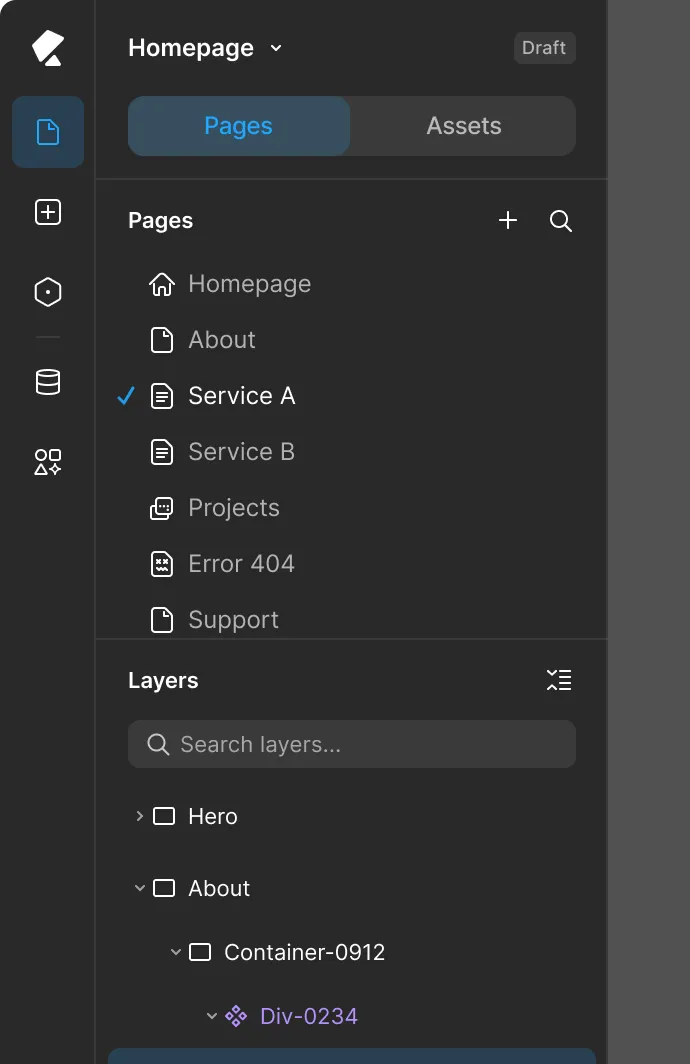
Kirki uses an atomic design approach — every element starts as a building block you control completely. No pre-decided widgets. No component ceilings. Place anything, anywhere, composed exactly the way you intend.


Every design decision. Yours to make.
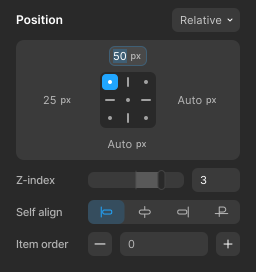
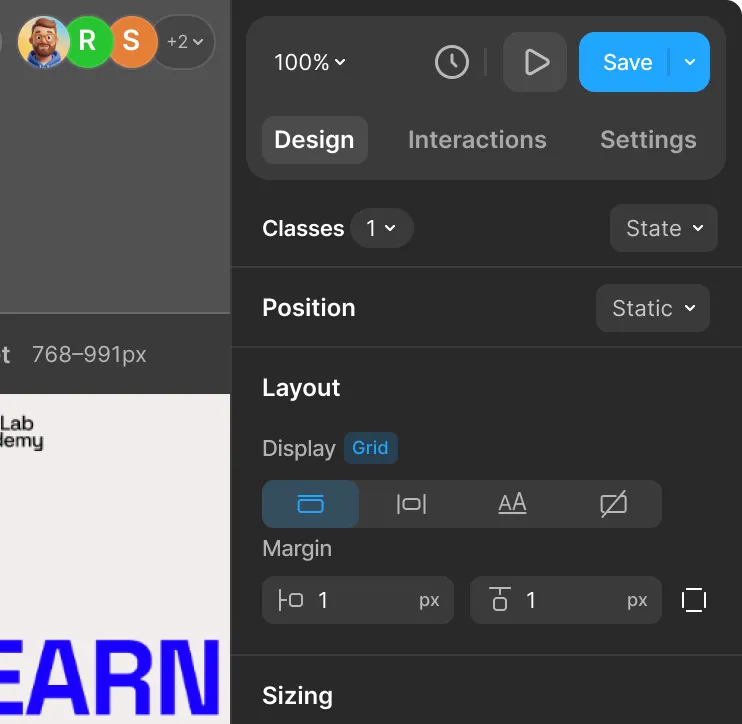
Position
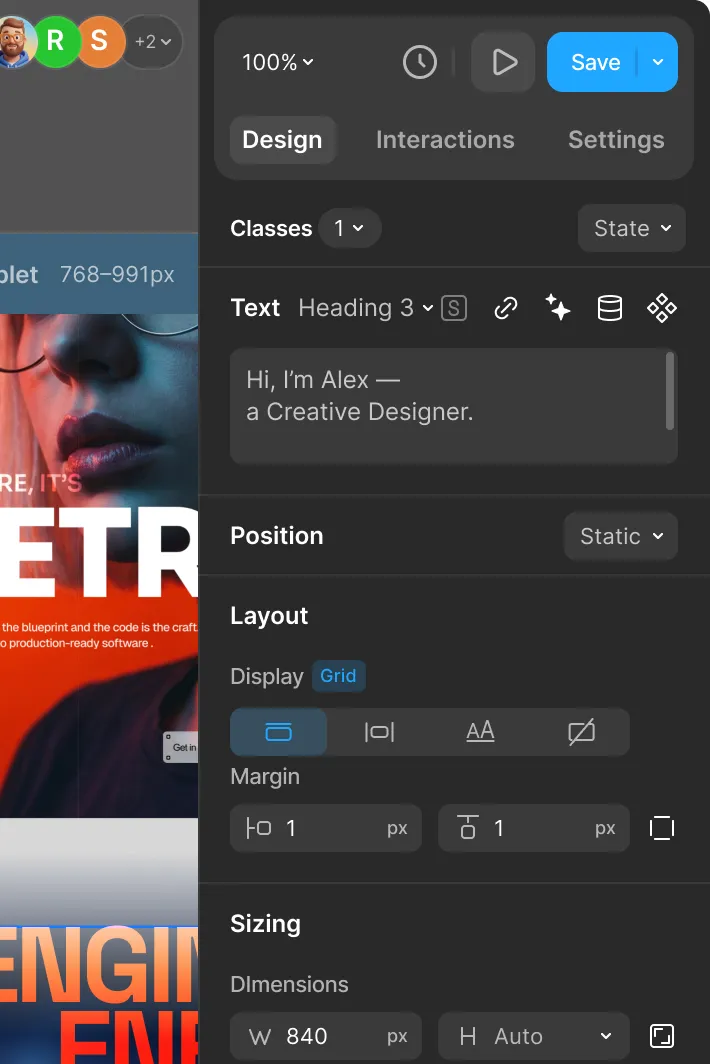
Organize elements with precise control over layout, positioning, and spacing to create a seamless design.

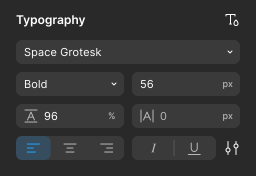
Typography
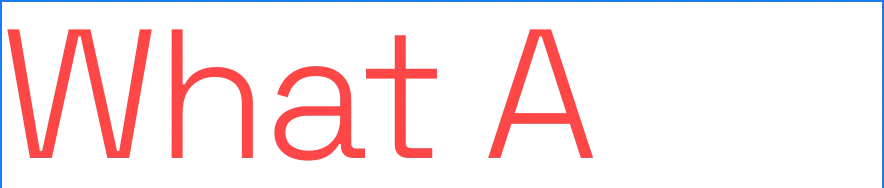
Learn moreStyle typography with advanced controls over fonts, weights, spacing, and alignment to craft stunning text.

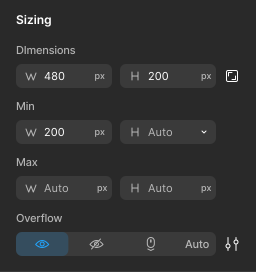
Size

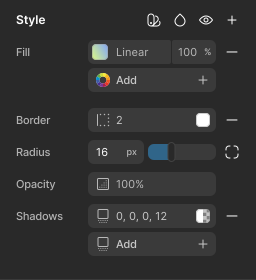
Styles

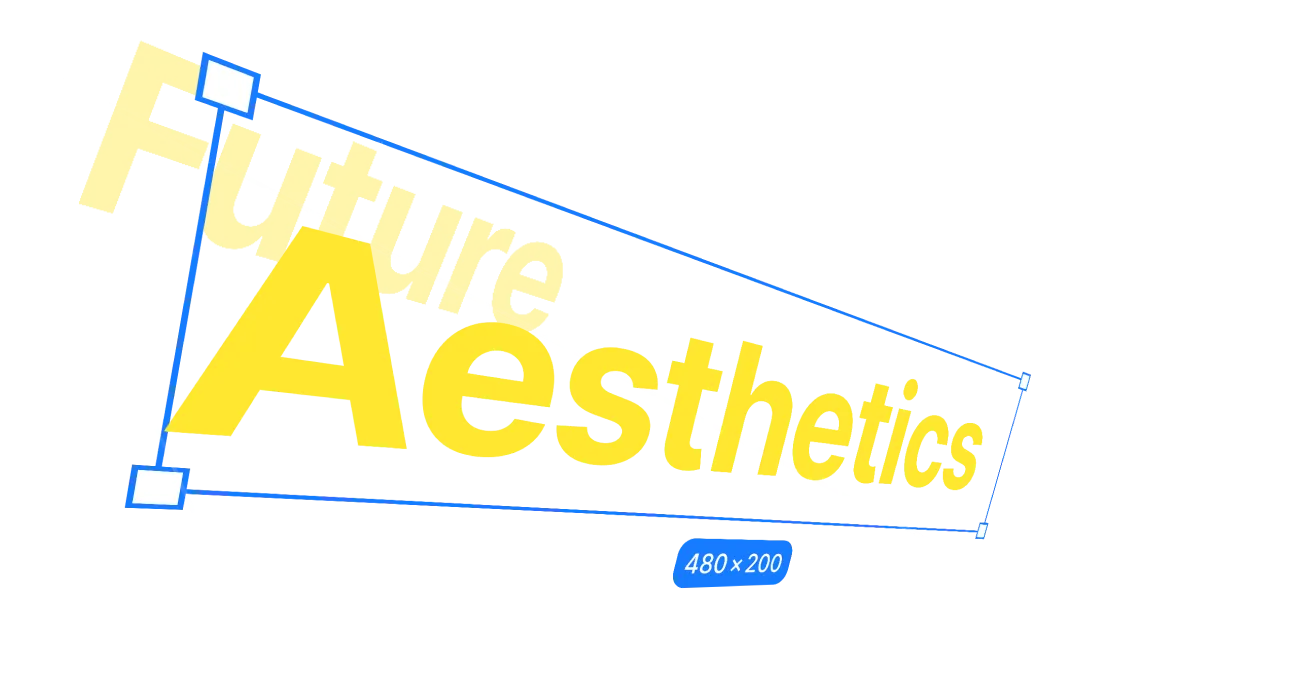
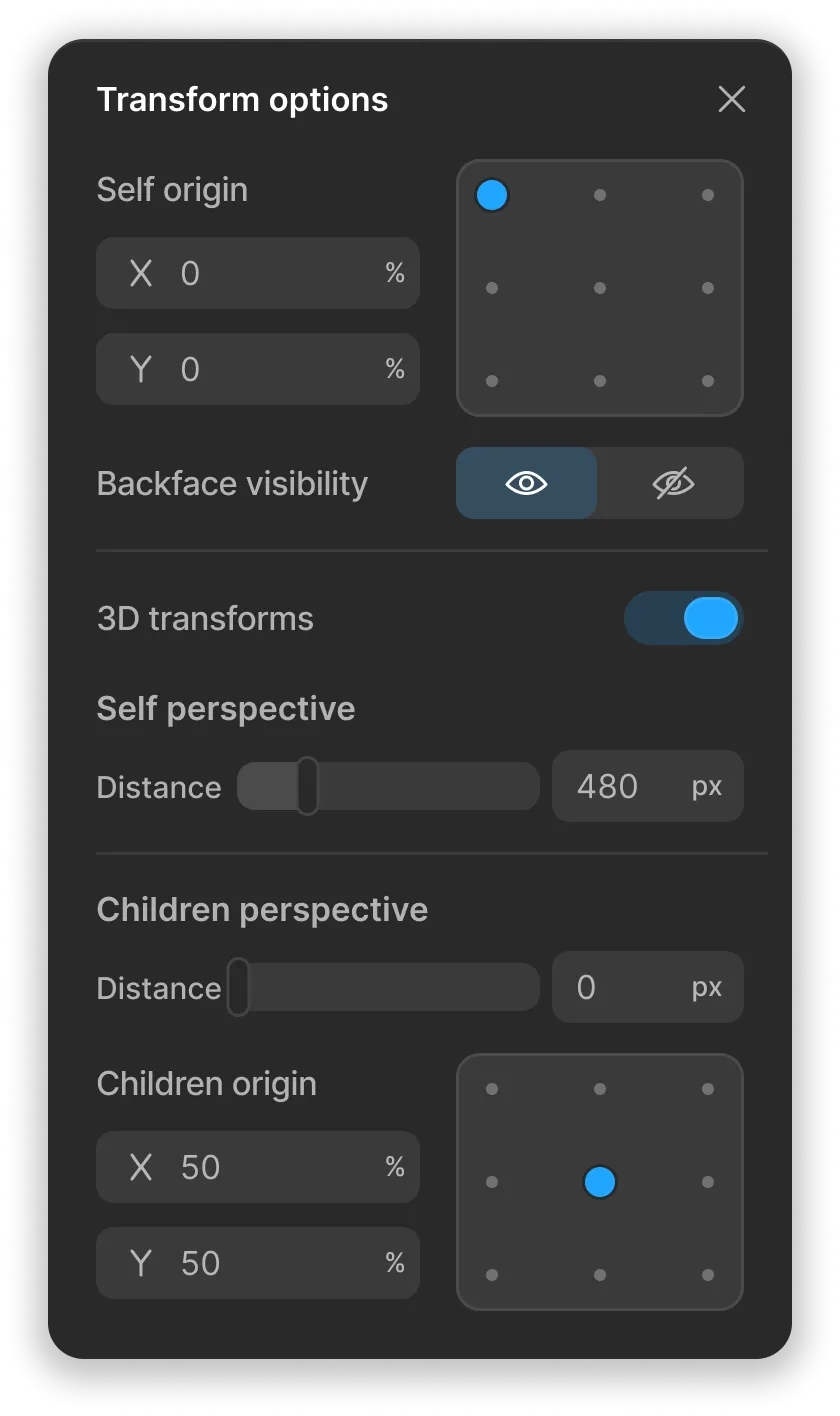
Transforms
Enhance your design with shadows, transitions, filters, and more to create a dynamic and engaging experience.
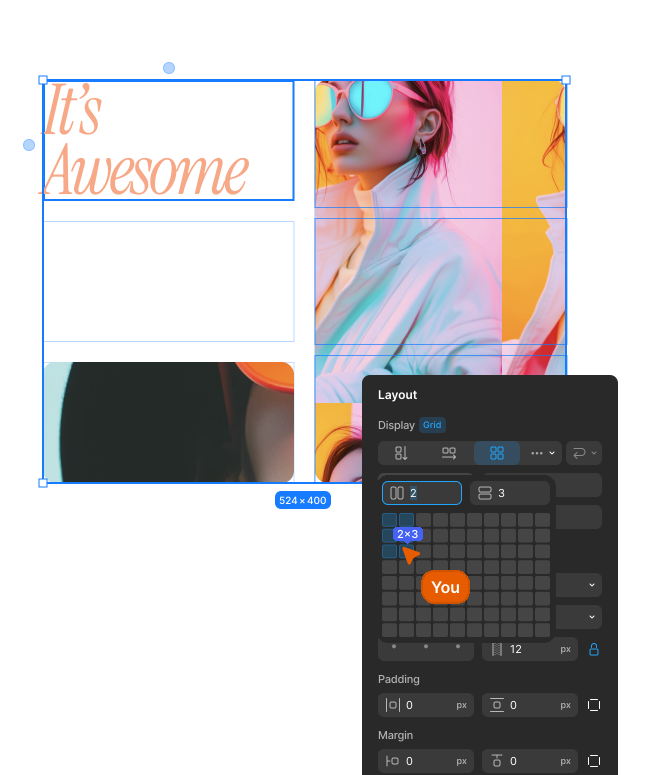
Grid
Learn moreBuild flexible grids with full control over columns, gaps, and responsiveness for pixel-perfect layouts.
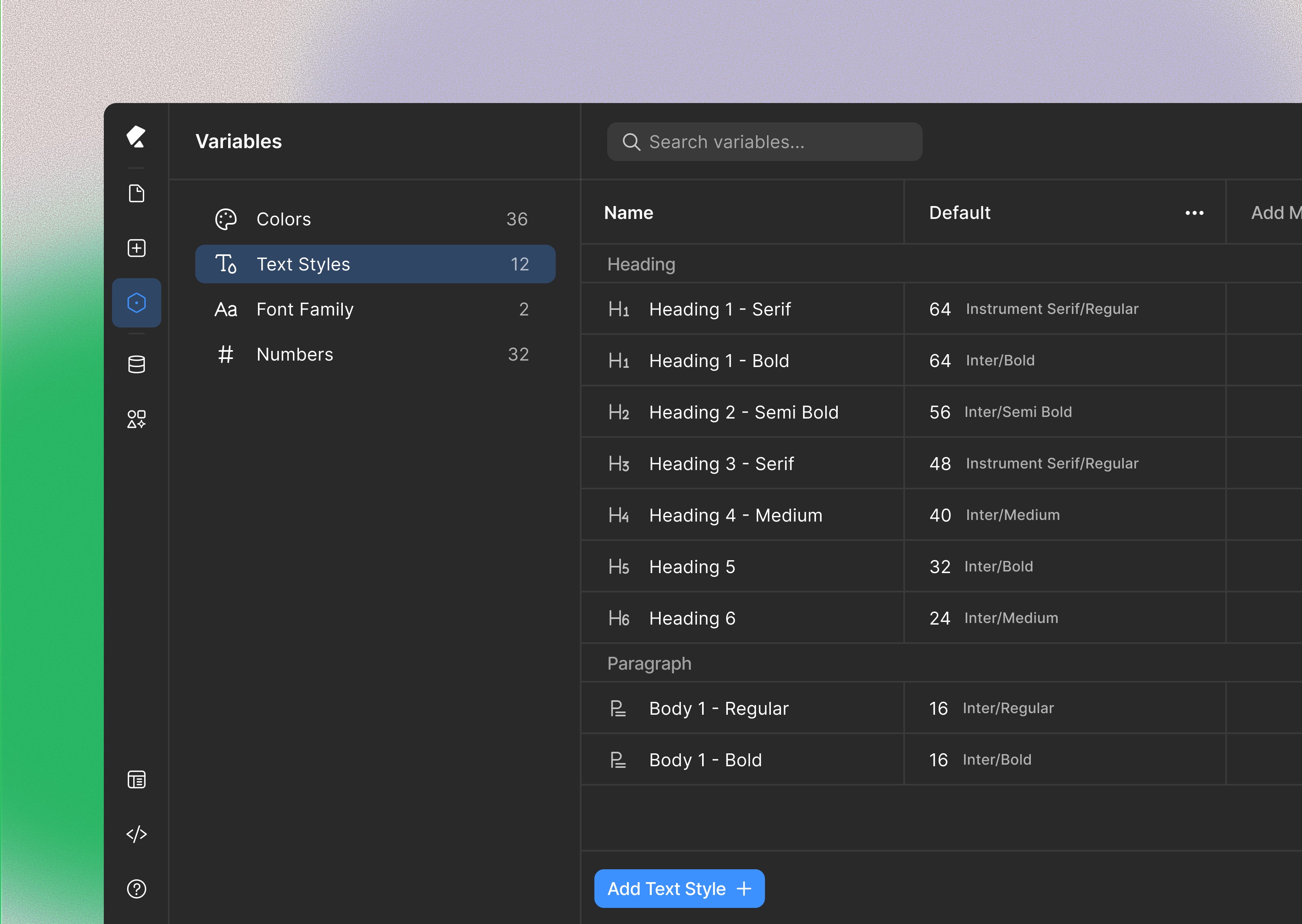
One change. Everything updates.
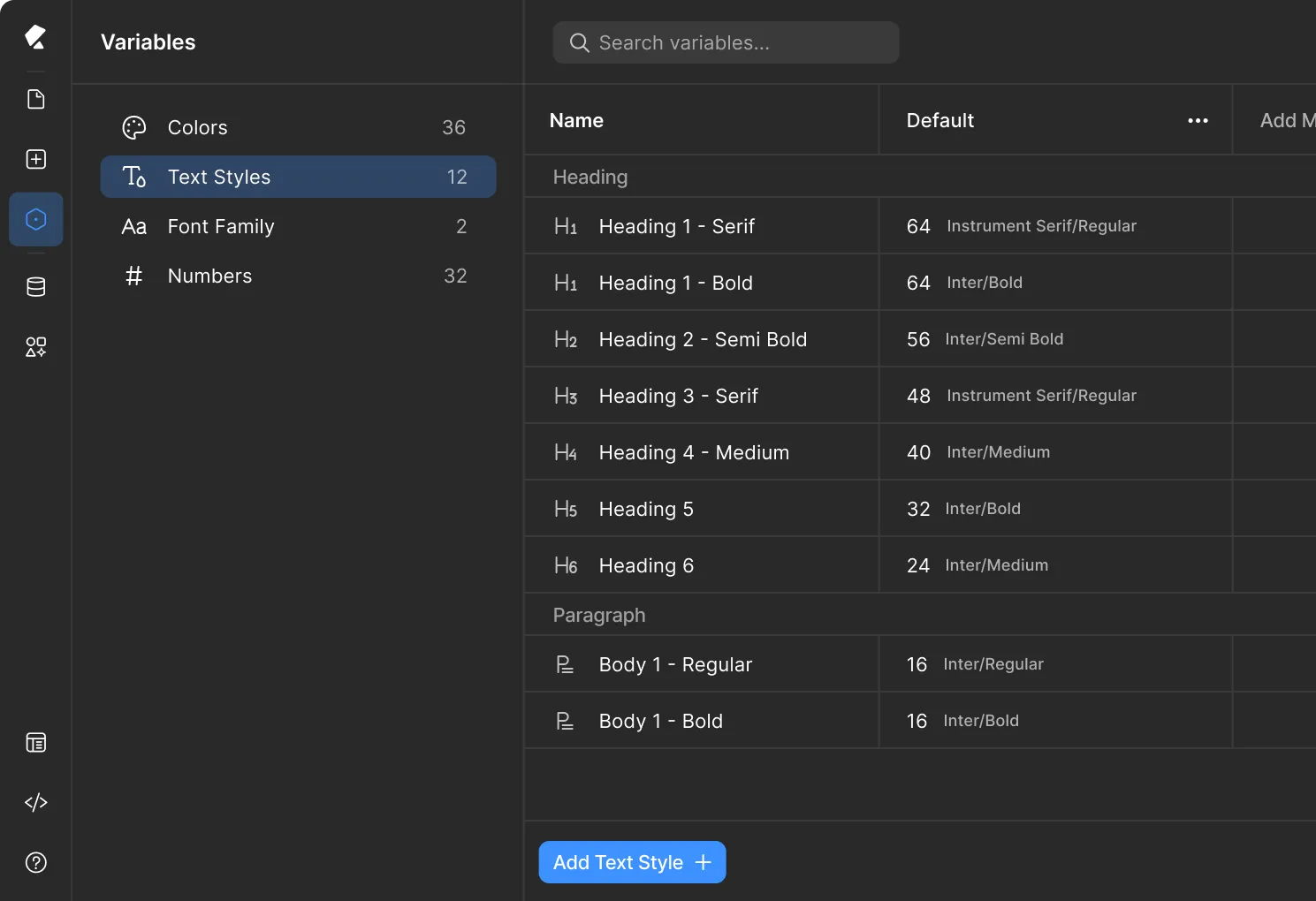
Define colors, typography, and spacing as variables once. Update any variable and watch it apply across every element on every page—instantly.
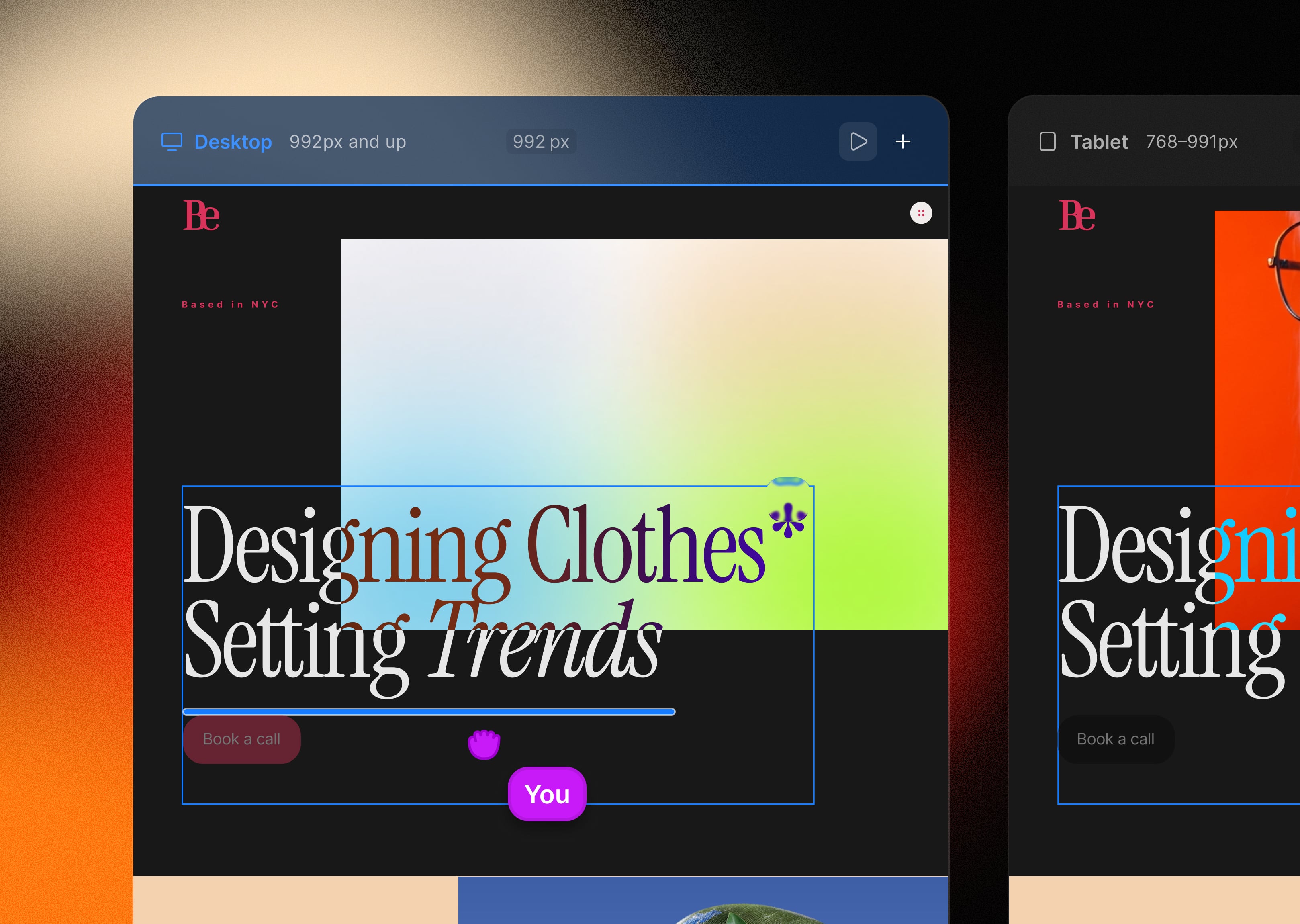
Design freely on an infinite freeform canvas
Design, customize, and arrange everything with full freedom on a smart canvas. Just drag and drop to build complex layouts that stay perfectly structured.
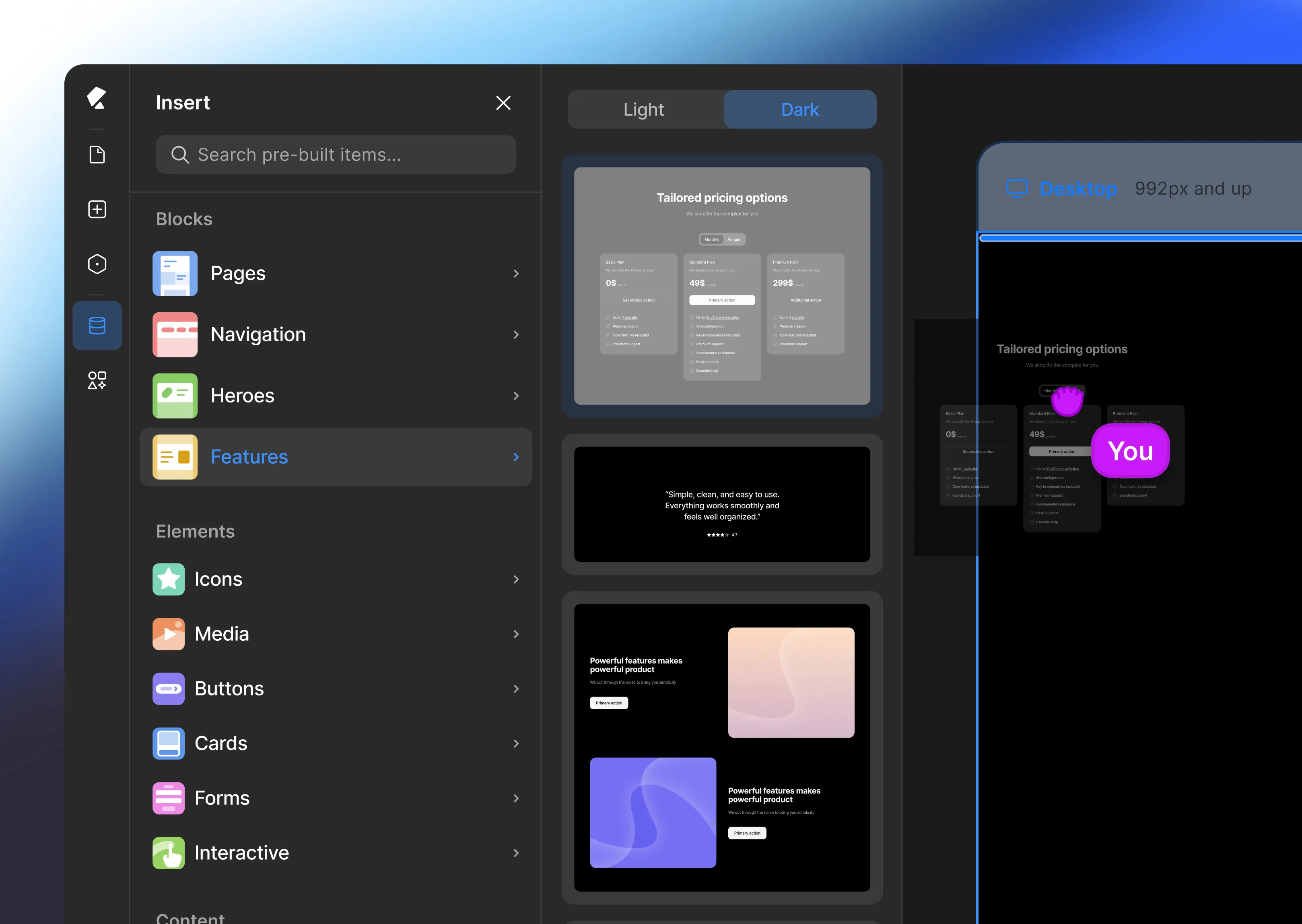
Start faster with pre-built sections
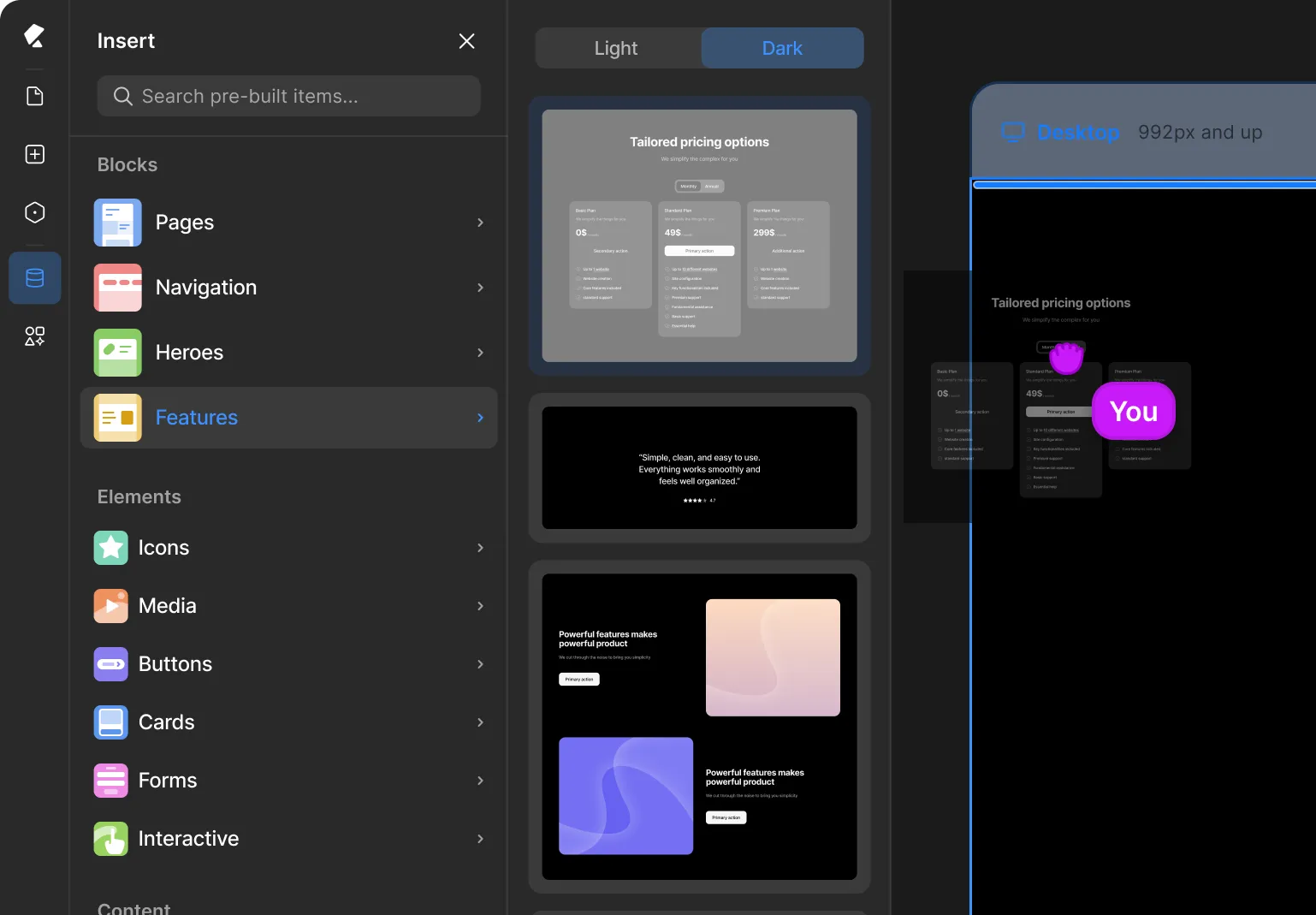
Access a curated library of high-fidelity, responsive blocks designed to be dismantled. Drag in a section, attach your global styles, and make it yours in seconds.
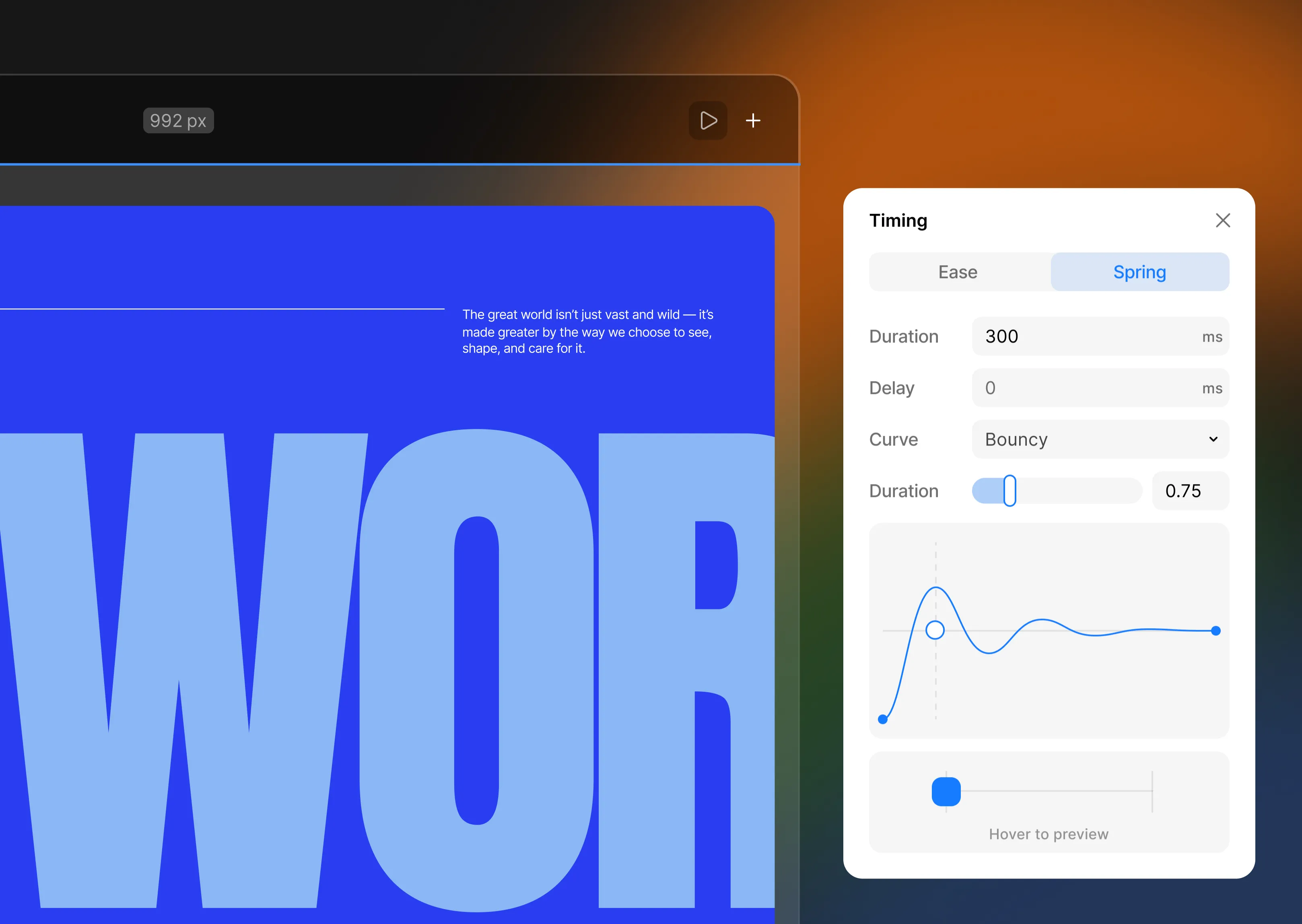
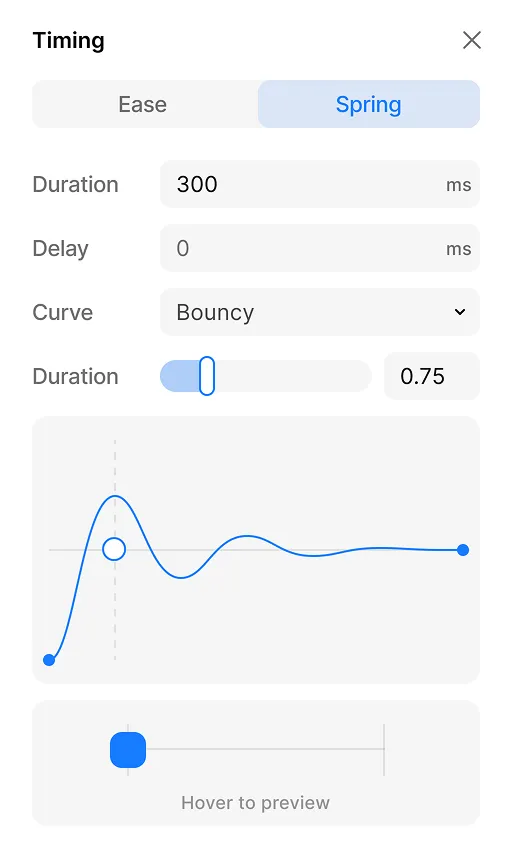
Fine-tune timing on every interaction
The first keyframe-perfect interaction builder for WordPress. Direct complex multi-element sequences and scroll-bound animations without touching a single line of GSAP.


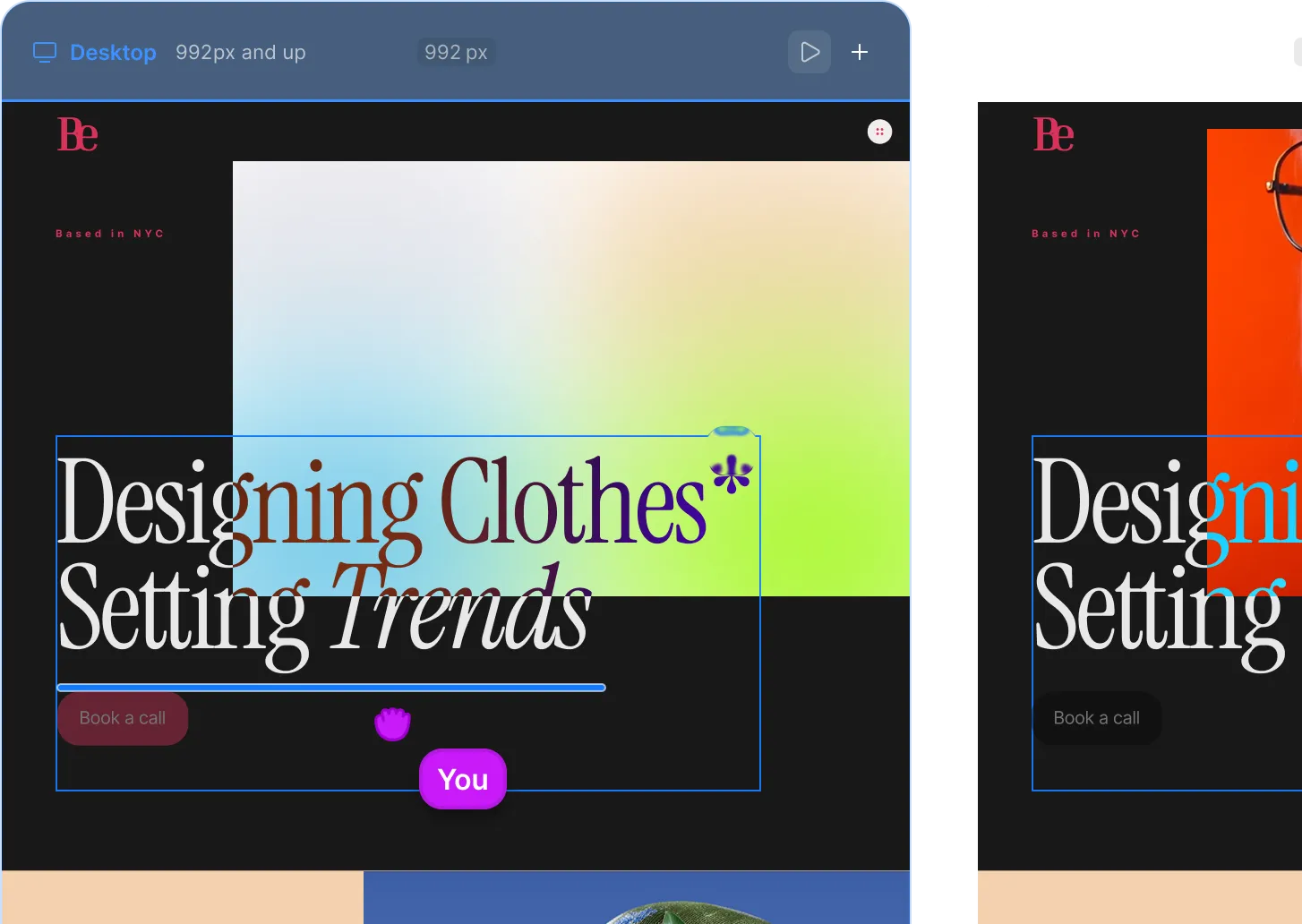



Edit on staging.
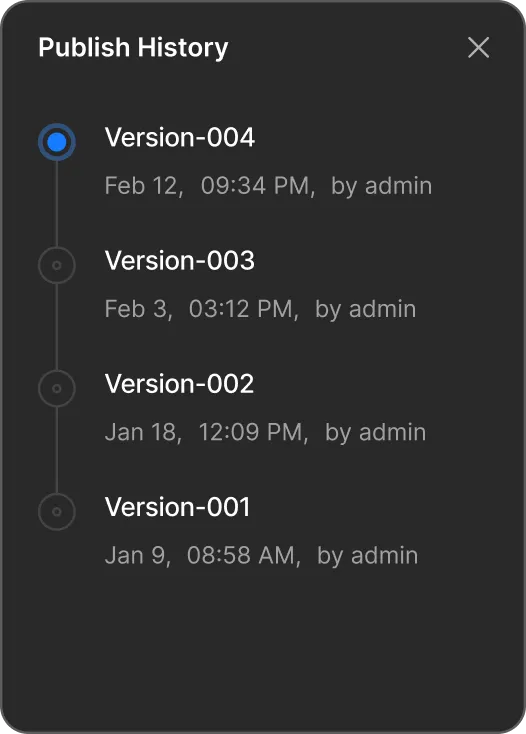
Publish when it's perfect.
Edit on staging. Publish when it's perfect.
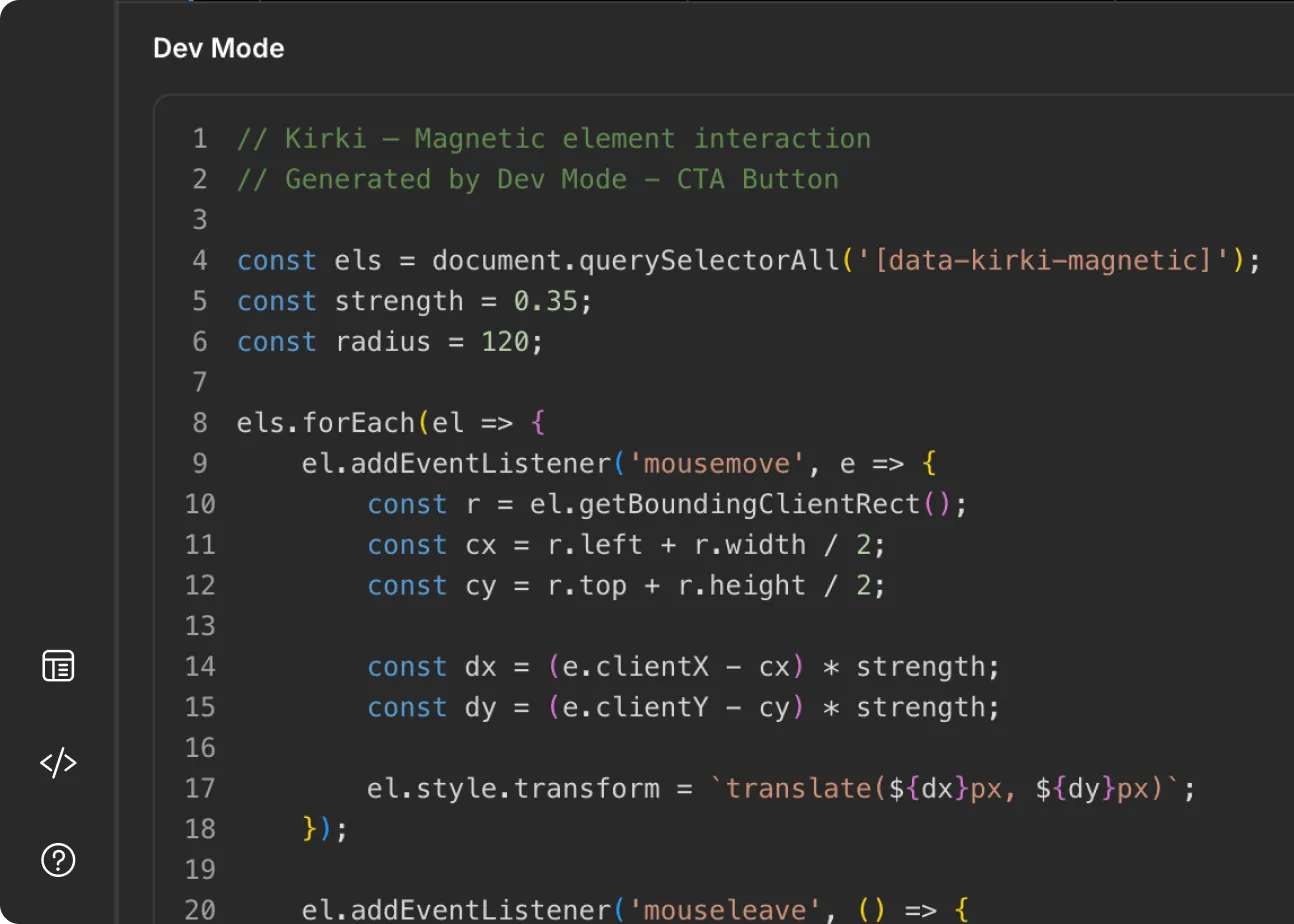

Hand off with confidence.
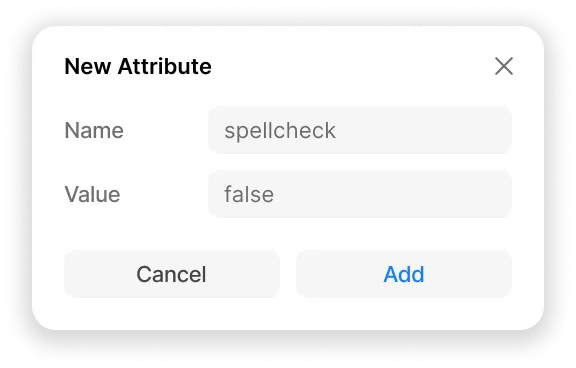
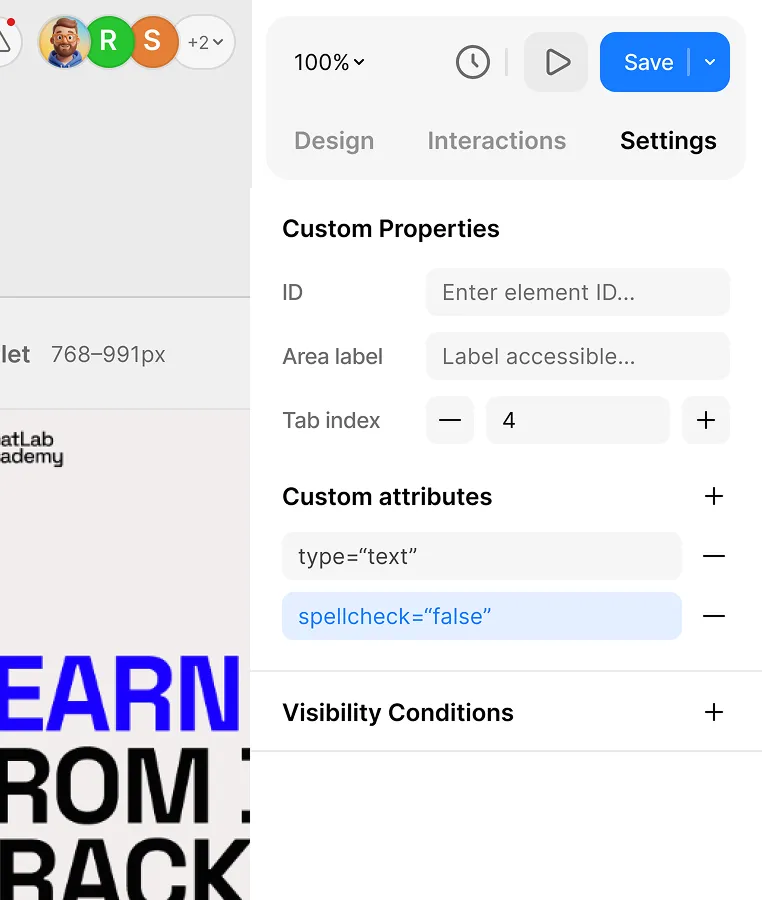

Extend anything.
Your way
Extend anything. Your way
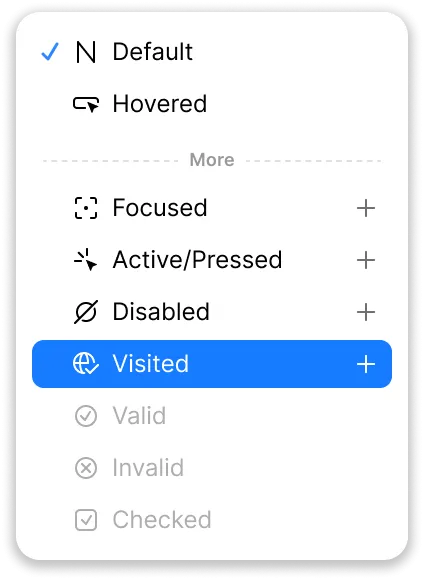
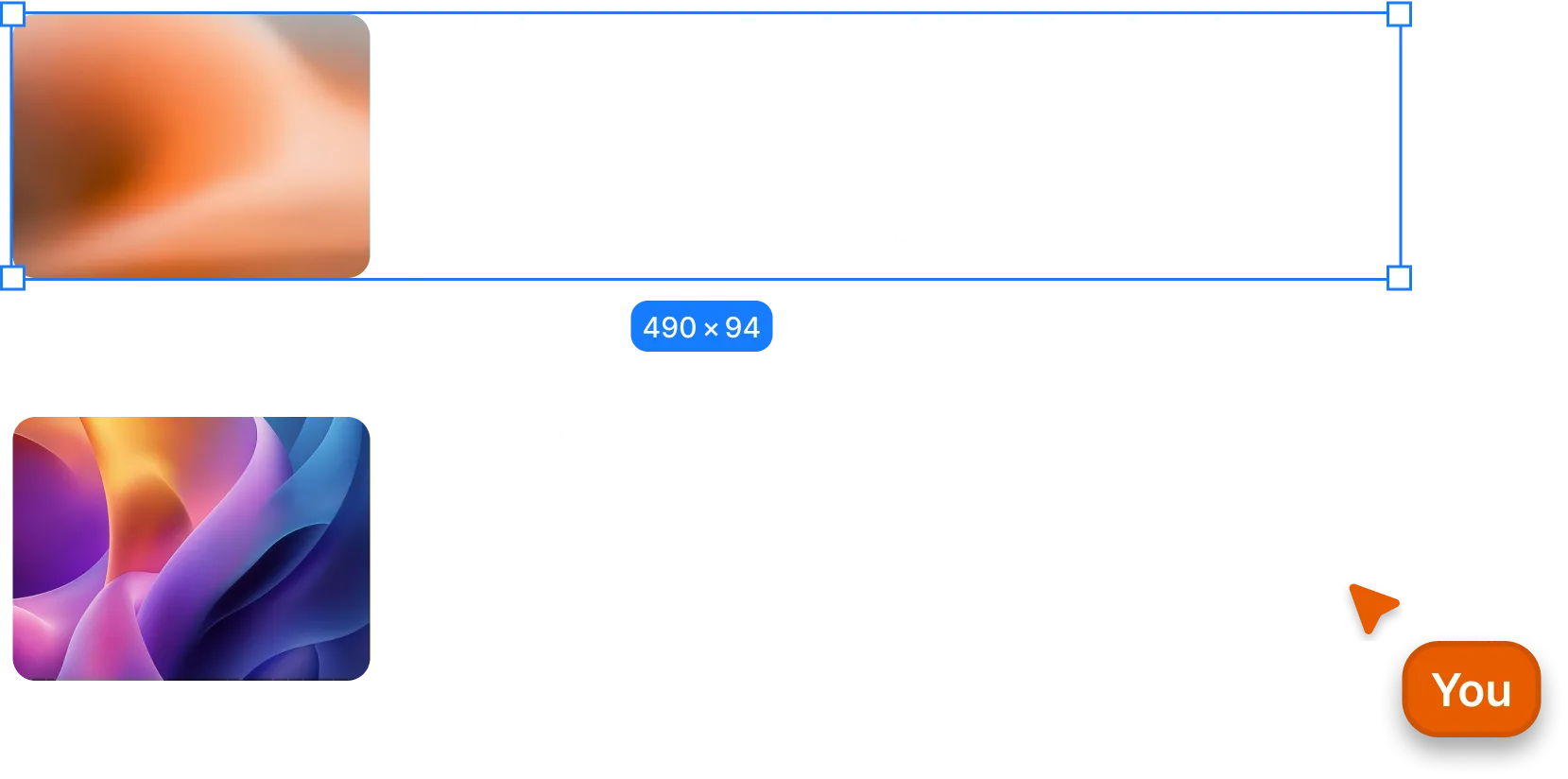

Design hover, focus, and active states — visually.
Everything you need.
Nothing you don't.
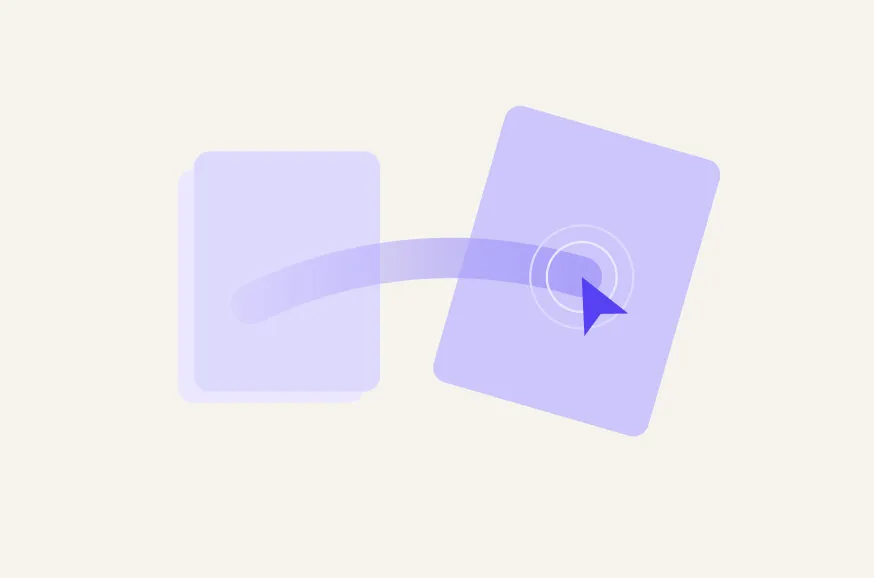
Interaction & Animation
Forms, popups, maps, SEO, icons — all built in. Fewer plugins, faster sites, fewer vulnerabilities.
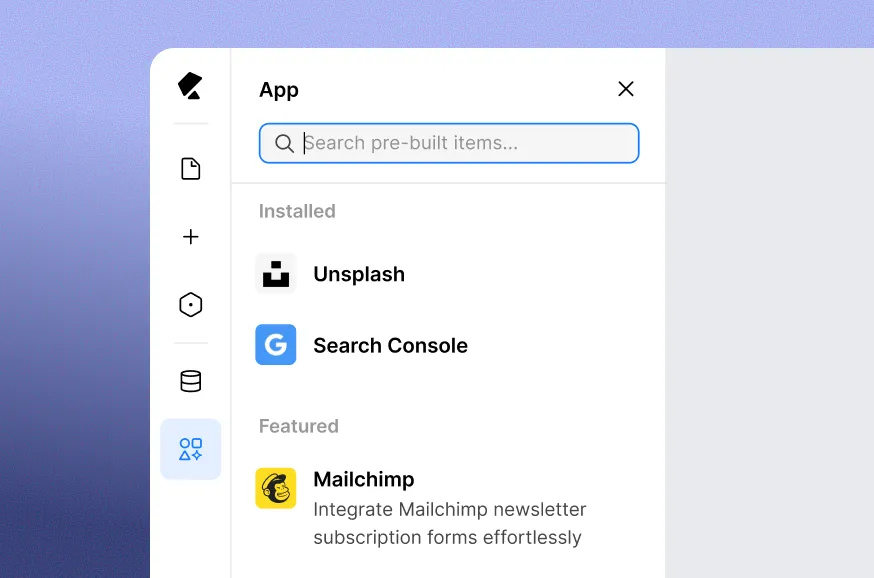
Get essential app integrations
20+ built-in apps from Mailchimp to Google Search Console — no third-party setup.
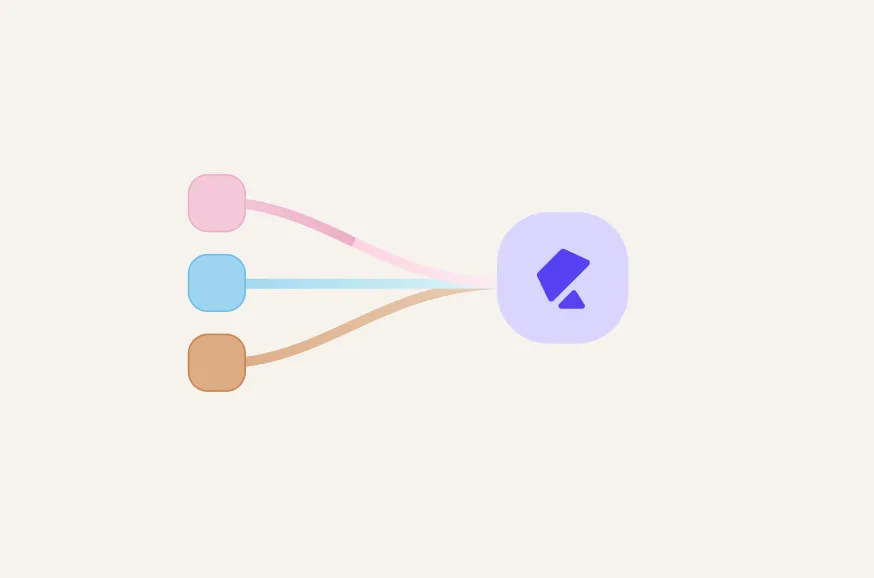
Seamlessly migrate to Kirki
Import from Figma, HTML, or any existing builder. Styles, spacing, and layouts preserved.
Figma to Kirki
Import Figma designs directly — preserving your styles, spacing, and layouts exactly as designed.
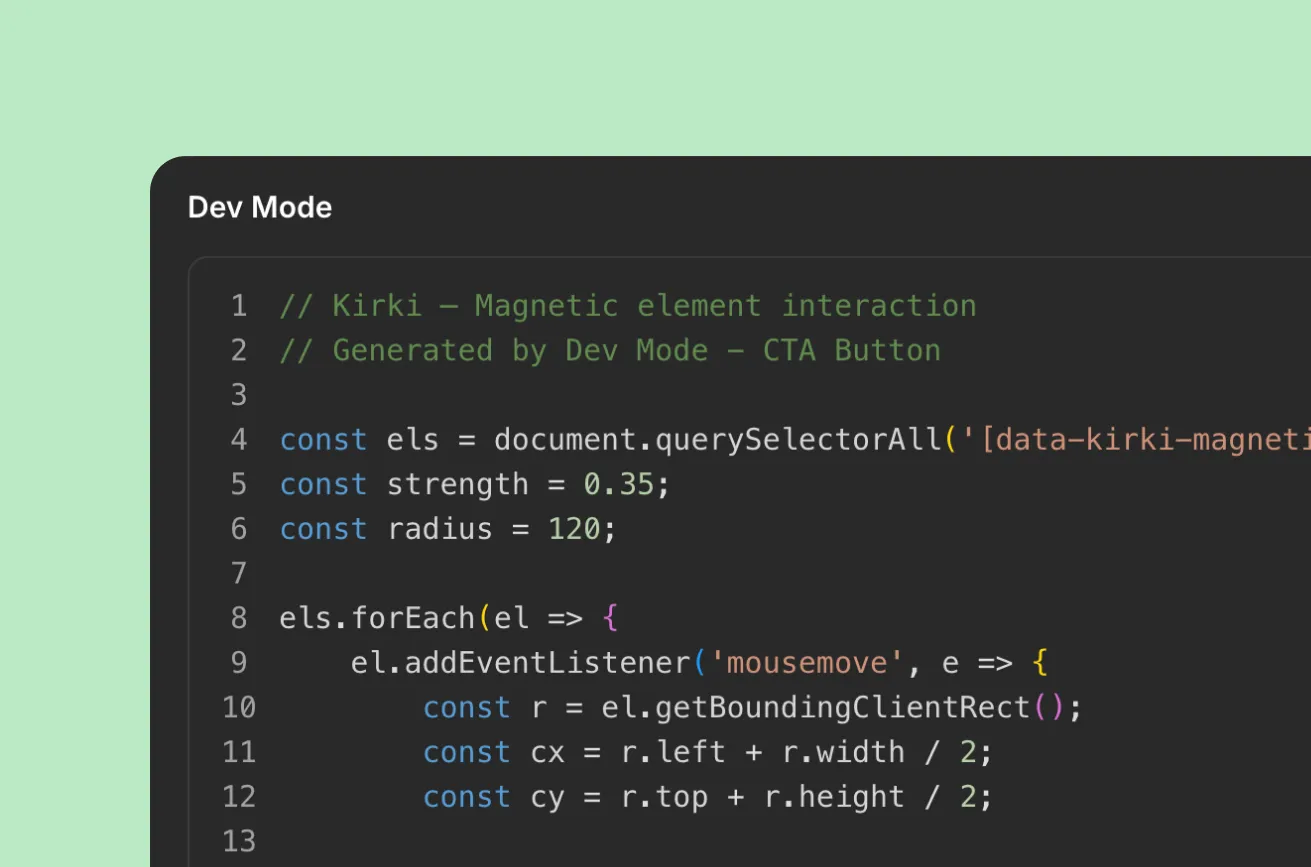
Dev mode
Full CSS visibility and clean structured markup for seamless developer handoff.
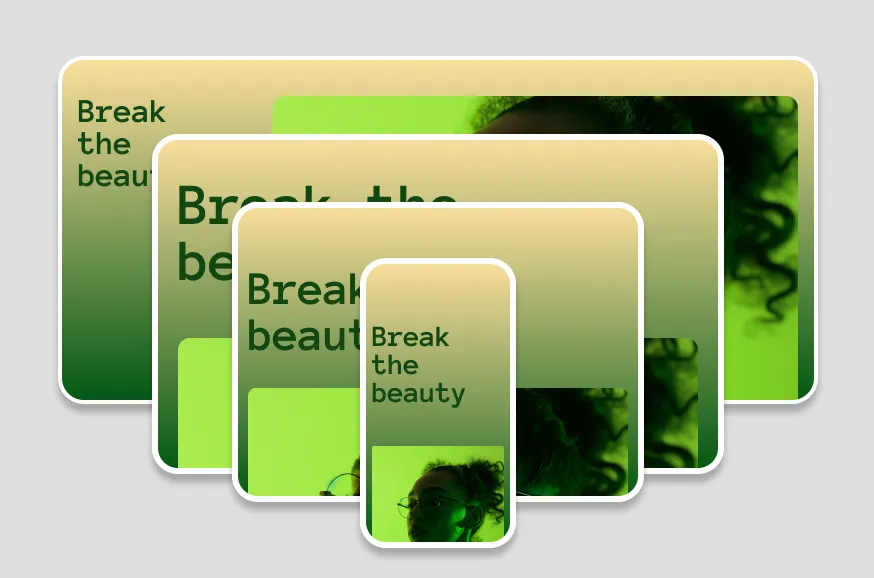
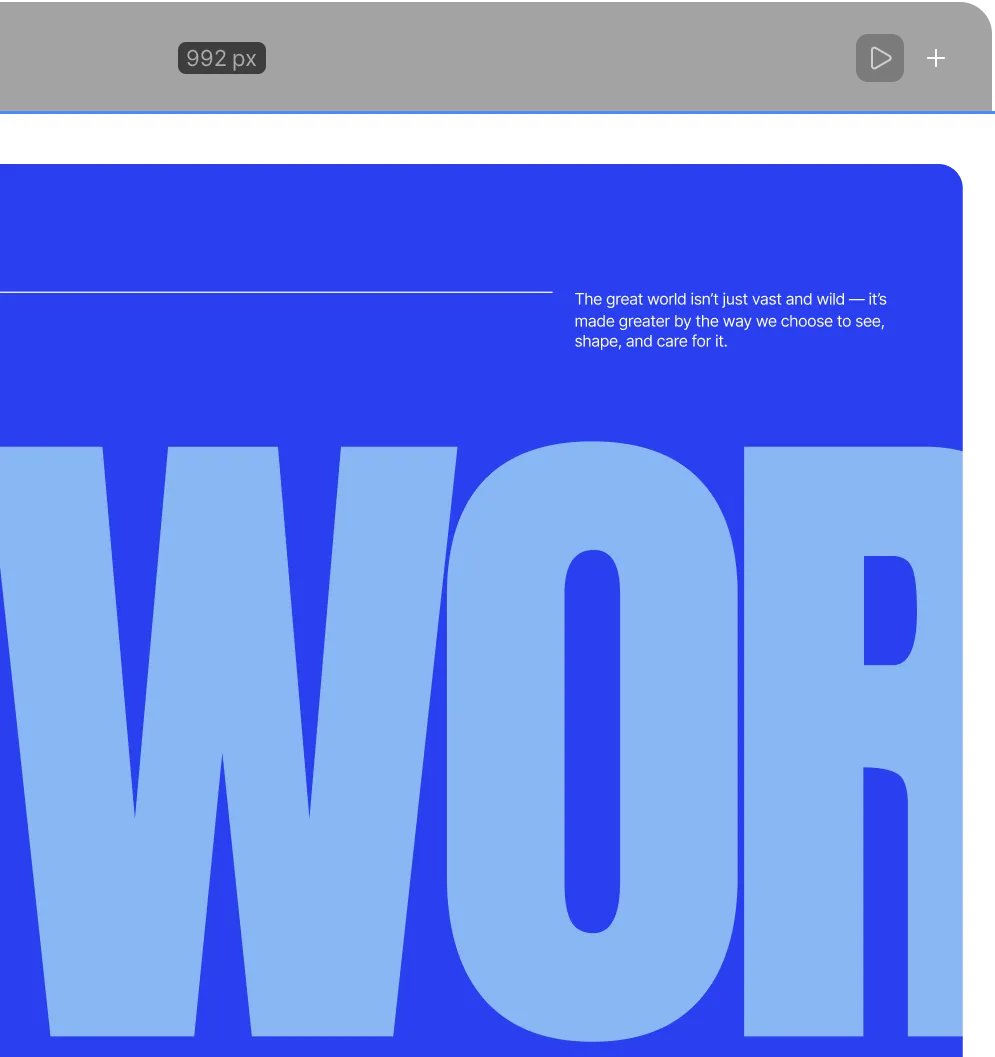
Create unlimited breakpoints
Less plugin reliance means fewer conflicts, better performance, and a smoother experience—without the WordPress plugin chaos.
The WordPress site you imagined is possible.
Stop compromising on design. Start building the way you think.