Knowing how to utilize website visuals to increase conversion rates can be a real game-changer! Today, we’re diving into all the ways you can do just that for your WordPress website, making it more visually appealing, engaging, and conversion-focused.
Whether you’re showcasing your portfolio, providing services, or growing your community, visuals play a pivotal role. So let’s explore how you can level up your visual content game!
Finding the Right Tool to Elevate Website Visuals
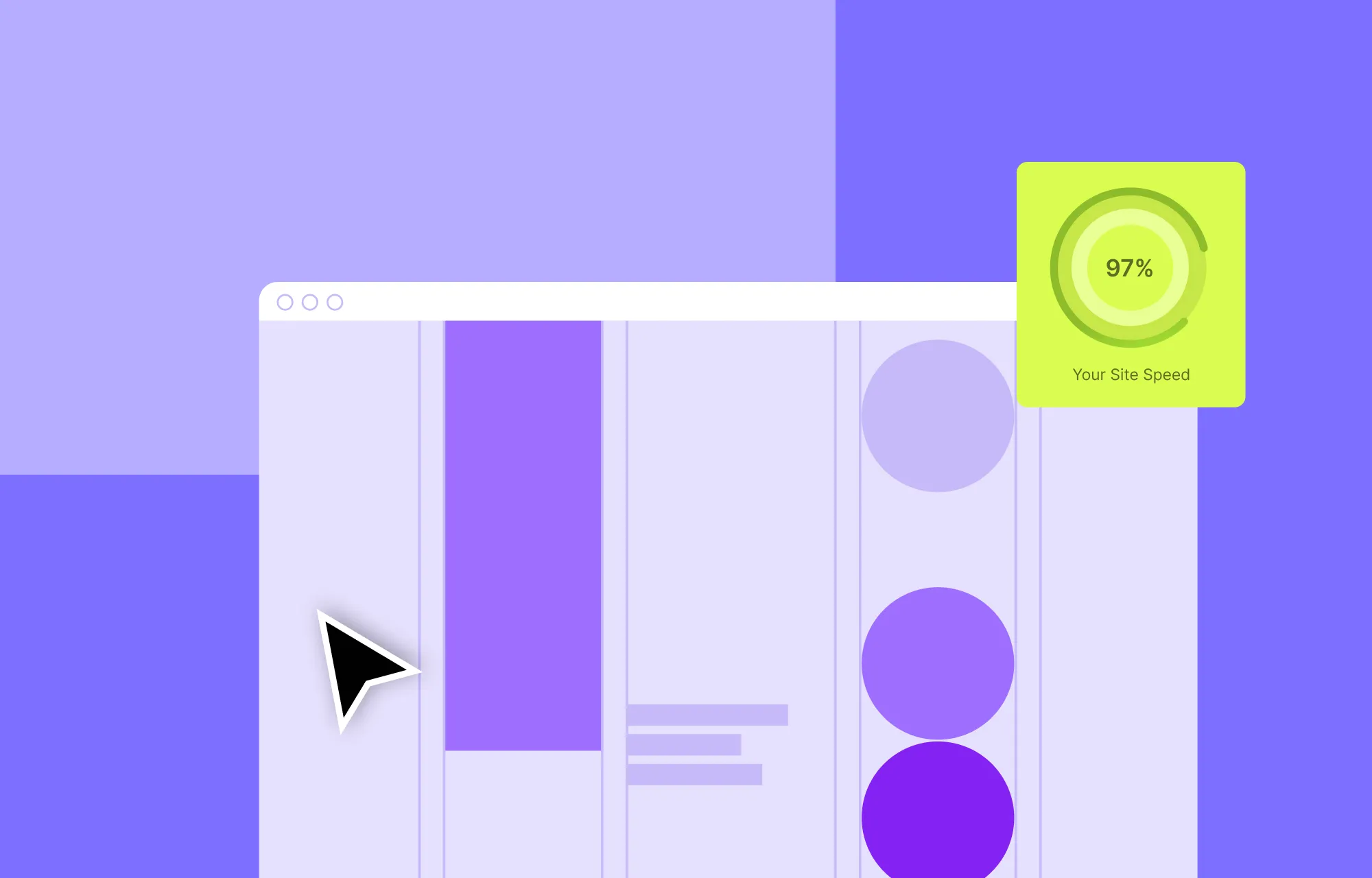
More often than not, not using the right tools can prevent you from making your website bigger and better. This is especially true for visual-centric websites because much of their success depends on using high-quality images and videos, optimizing those visuals for speed, ensuring seamless responsiveness, adding interactivity, and more.
Without the right tools, crafting and maintaining such a website can be difficult, causing conversion rates to drop instead of improve.
Here’s what you need to look for in a tool to elevate your WordPress website and its visual content with ease:
Advanced Media Handling Features: Choose a website builder that allows you to upload and manage your media easily. Bonus if you can edit media in-house!
Optimized for Fast Loading: Look for a tool with built-in image compression capabilities to avoid relying on external third-party tools or slowing down your website with clunky extra plugins.
Seamless Responsive Design: Elevated visuals are pointless without seamless responsiveness. Ensure your builder optimizes your site for all screen sizes simultaneously.
Maintaining Visual Consistency: Find a tool that lets you easily maintain visual consistency, a key factor in making website visuals create the most impact.
Adding Interactive Visual Elements: Select a tool that simplifies adding interactive elements to your website, boosting visual engagement.
Wondering how many extra plugins you’ll need to manage all these aspects? What if we told you there’s an all-in-one solution?
The Kirki WordPress Website Builder offers advanced media handling capabilities including in-house image editing and image compression, an infinite canvas with all breakpoints visible side by side simultaneously, and basically everything on this list and beyond.
With a one-stop solution like Kirki, effectively utilizing website visuals can be more effortless than ever!
Utilizing Website Visuals for Higher Conversion Rates
Now that we’ve covered what to look for in the right tool, it’s time to dive into how to utilize website visuals for higher conversions using Kirki!
Create an Impact With Flexible Layouts
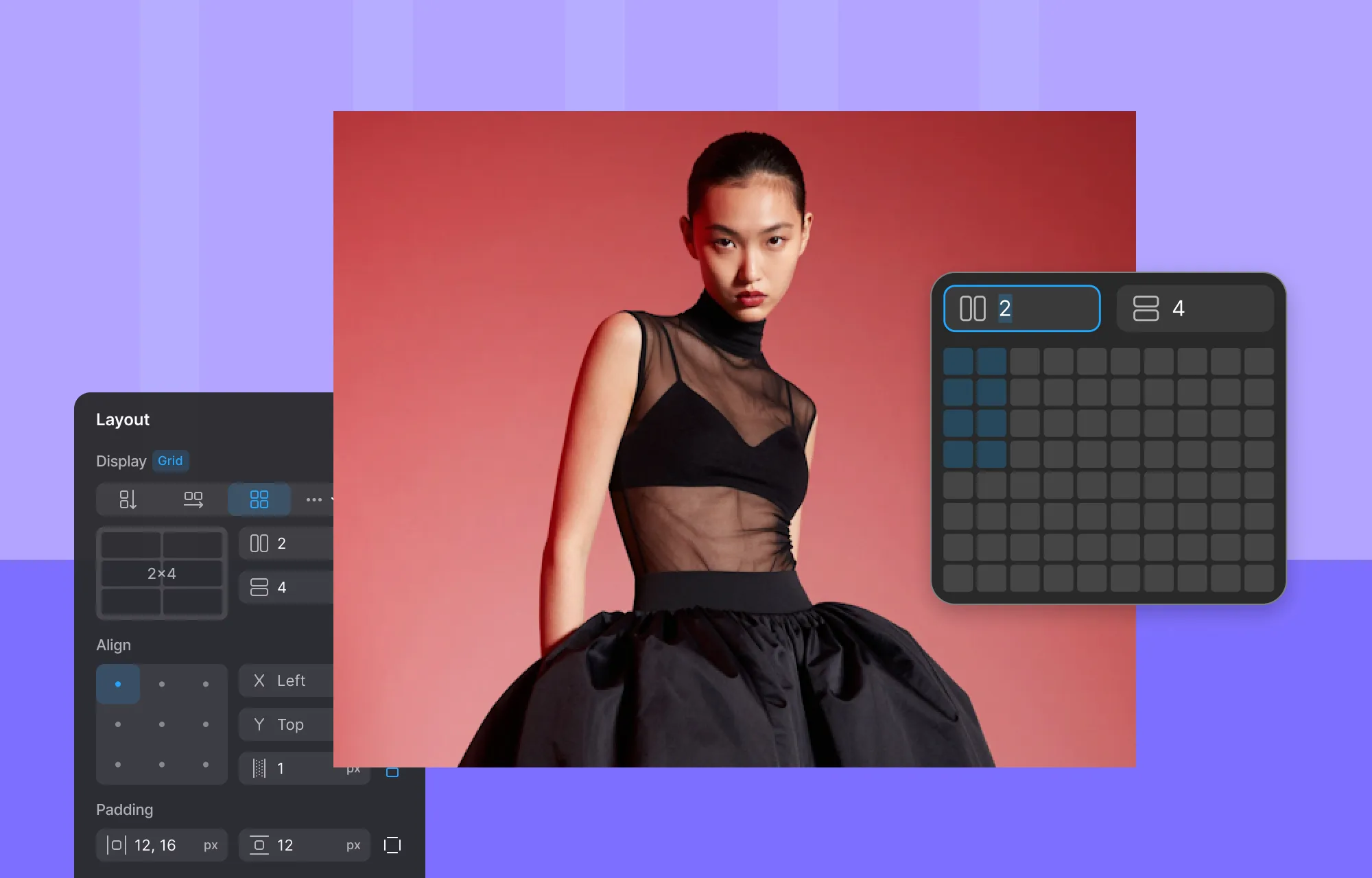
Showcasing your visual content through flexible and unique layouts is one of the simplest and most effective ways to create a lasting impact.
In Kirki, you can achieve this effortlessly using Grids and Flex, seamlessly crafting unique and responsive layouts, whether it’s hero sections, galleries, or anything else you envision.
And if you’re in a pinch, you can get a head start with pre-built layout patterns from the Insert panel, then customize them with ease through Kirki’s atomic-level granular control.
Speaking of flexible layouts, you can also leverage Kirki’s native Dynamic Content Manager to display your website visuals through dynamic collection lists and single-page templates, making your website scalable and its content easier to manage.
Captivate Your Audience Using Videos
They say a picture is worth a thousand words, so imagine the impact videos can have when used at the right moment!
To boost conversion rates, captivating your audience is essential, and what better way to do so than by telling a compelling story through video?
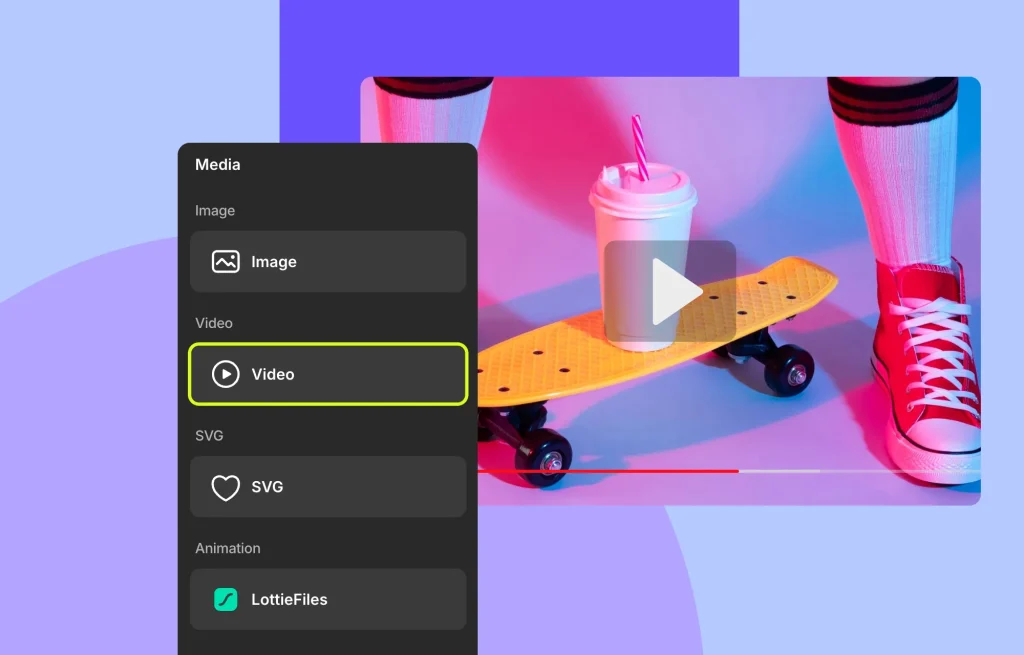
With Kirki, you can upload and manage videos using its built-in Media Manager and even trim clips directly within the builder using the visual Timeline in the Video Options panel.
From the Video element settings, you can also enable features like Looping, Slow-motion, and mute audio.
To ensure videos don’t slow down your website, Kirki allows you to enable Lazy Loading. Plus, you can set custom thumbnails to perfectly align with your website’s design, all without the need for extra tools!
Videos can be incredibly impactful, and with Kirki you can showcase them in creative ways beyond the mainstream. For example, you can even use videos as backgrounds to add striking visual interest to any section of your site.
Use Other Visual Elements to Highlight Key Points
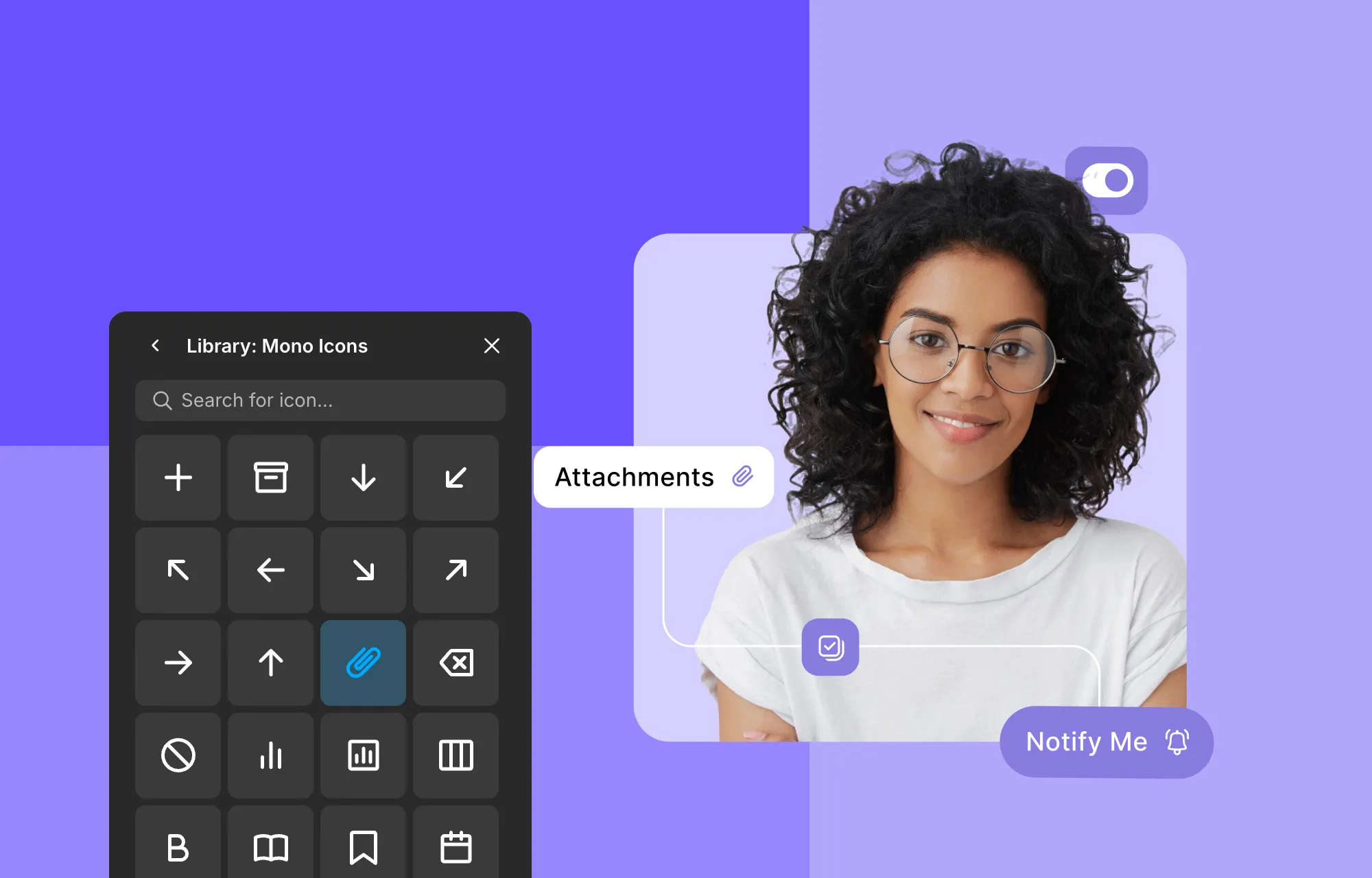
Images and videos aren’t the only visual content you can incorporate into your design. You can also add Icons, SVGs, and Lottie Animations to highlight key points, enhancing both aesthetics and readability!
With Kirki, you’ll have access to a vast in-house Icon Library offering a wide range of options to choose from. Once you’ve selected an icon, you can customize its color using the Font Color option in the Typography settings, and adjust its size, position, and other properties from the Design tab so it perfectly fits your design. Icons are scalable by nature, so they remain crisp and clear on all screen sizes.
Similarly, SVGs are also scalable. With Kirki, you can use the SVG element to insert custom SVG code directly, giving you full control to tweak these website graphics right within the builder.
And for truly dynamic visuals, Kirki’s Lottie element lets you integrate Lottie Animations with customization options like looping, reverse play, and more.
Add Interest to Visuals Using Interactions
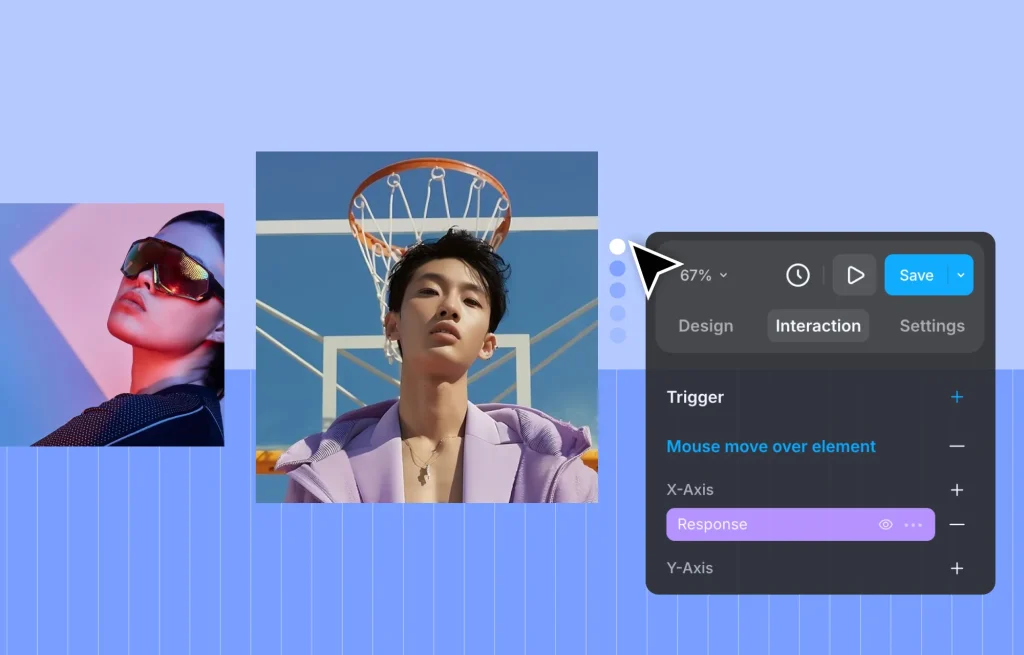
Incorporating interactions is a powerful way to elevate your website’s visual design and drive conversions.
Adding interactive elements such as hover effects, scrolling animations, or on-click actions can significantly enhance user experience and engagement, ultimately increasing conversion rates.
In Kirki, you can easily craft complex interactions with its visual Interaction Builder from the Interaction tab, all without any coding. Choose from various triggers including Click (tap), Hover, Scroll into view, and While element is scrolling. Then build your response using the visual timeline, selecting from preset animations in the Library or crafting fully custom ones.
And unlike most no-code website builders, Kirki does not limit you in terms of interaction complexity. You can set your target element to be different from your trigger element, trigger multiple actions simultaneously, apply Spring transitions for natural physics-based motion, use the Timing Editor to fine-tune every millisecond of your animation, and much more, giving you complete flexibility to create sophisticated, engaging visual experiences.
Take Your Website Conversion Rates to the Next Level
And that’s how you can utilize website visuals to increase conversion rates effectively!
Don’t underestimate the impact of your website’s visual content. When used correctly, it can be the key to creating engaging, visually stunning websites that drive organic traffic and boost conversions.
Armed with the powerful Kirki WordPress Website Builder, managing and elevating website visual content has never been more effortless. Get Kirki today and take your website design to new heights!

