Working in a team to build a website, but the coordinated effort is lacking in coordination?
We get it.
Changes can overlap, feedback vanishes in endless message threads, and team members are often stuck waiting for their turn to edit.
What your team really needs is real-time collaboration in WordPress. And we’re going to show you how that’s possible with Kirki!
What Is Real-Time Collaboration
Ever collaborated with multiple people on a Google Doc or Figma design?
That’s real-time collaboration.
It’s when multiple people can work together on the same page, see each other’s changes as they happen, share feedback instantly, and stay completely in sync.
Why WordPress Needs Real-Time Collaboration
Now that you know what real-time collaboration is, imagine bringing the same seamless experience to no-code website building in WordPress.
Your team would be able to design, develop, and publish web pages together, each doing their part without stepping on anyone’s toes.
Real-time collaboration keeps everyone on the same page, quite literally, eliminating common roadblocks such as:
Delays in Access: Nothing kills momentum faster than waiting for your turn to edit. It breaks flow, reduces efficiency, and pushes deadlines back.
Accidental Overwriting: When multiple people work on the same webpage separately, changes often clash and get overwritten, causing mistakes and wasting time.
Feedback Lost in Communication: Ever had feedback disappear into a sea of chats and to-do lists? That’s how great ideas and crucial fixes slip through the cracks.
Irreversible Mistakes: In a team setting, one accidental change can undo someone else’s hard work. With no rewind button, small slip-ups can lead to big delays.
No matter how many tools you use, nothing beats seeing your team work on the design as it happens and being on top of every change with real-time collaboration in WordPress.
Kirki: Real-Time Collaborative Website Builder for WordPress
You know the what and why, so let’s get to the how.
How do you bring real-time collaboration to WordPress?
Since collaboration needs to happen in your workspace, the key is finding a solution that combines no-code design capabilities with real-time collaboration built right in.
In other words, look for the ultimate collaborative website builder for WordPress!
There are collaboration plugins for WordPress, but most are designed for the default editor and aren’t built for modern design tools where teams can design, manage, and launch pages visually.
Enter Kirki, a no-code collaborative website builder that combines the power of WordPress with modern web design tools including:
- Dynamic Content Manager (CMS)
- Figma to Kirki import
- Visual Interaction Builder
- Form Builder and Submissions Manager
- Variable-based Global Styling
- And more!
All while offering a full collaborative suite built right in, allowing your team to design, edit, and iterate together in real time.
Kirki’s Real-Time Collaboration Features
This is where the magic happens.
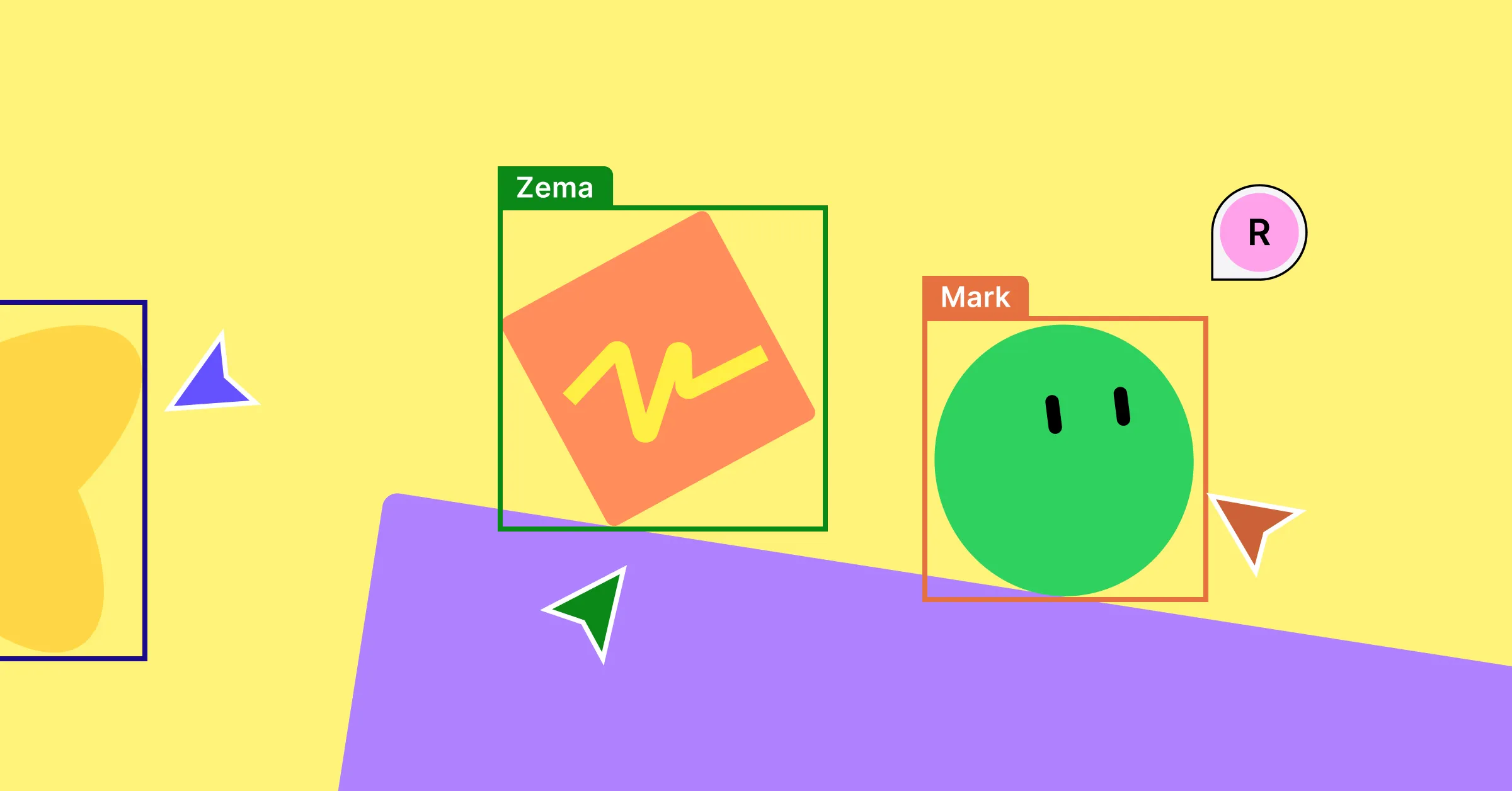
With real-time co-editing in Kirki, your team can work together simultaneously on the same page, where every change unfolds live. You can see cursors move across the infinite canvas, watch edits happen in real time, and follow color-coded highlights that show exactly who is changing what.
No more stepping on anyone’s toes or wondering “Who did this?” Everything is streamlined, transparent, and efficient, letting your team focus on what matters most — creating beautiful websites faster than ever.
Share Feedback Directly Using In-Canvas Comments
While watching your web page take shape, imagine spotting an issue that needs fixing. Normally, you’d have to ping a teammate through a third-party chat or project management tool.
But without a native, central place for feedback, suggestions can easily get lost in endless message threads, creating miscommunication and leaving team members out of the loop.
With Kirki’s built-in comments feature, you can leave feedback right there on the canvas, exactly where the change needs to happen. Tag teammates using their usernames to notify them instantly, and access comments directly from the comments panel in the editor.
Since comments stay visible until resolved and are accessible to everyone, no issue slips through the cracks, misunderstandings are minimized, and your team stays fully aligned without ever leaving the workspace.
Restore Your Website Instantly With Smart Versioning
Website building is never a one-and-done process. It takes multiple iterations of building, reviewing, and refining to get it just right.
Along the way, some changes may no longer fit or a small mistake can slip through, and hitting undo isn’t always enough to fix it.
That’s where Kirki’s Smart Versioning comes in. Every published update creates a new version instance, letting you easily go back to previous versions and restore your project at any time.
With custom version names, timestamps, and clear attribution of who published each version, identifying and reverting to the exact version you need is effortless.
Move Projects in Seconds Using Export and Import
Move your project anywhere, anytime, instantly.
Whether you’re handing off the project to another team, moving from staging to live, or creating backups, Kirki’s Export and Import feature makes it effortless. Your entire website including all layouts, assets, settings, and more transfers perfectly intact without anything getting lost in transition.
Access it from Kirki > Settings > Data and Sharing in your WordPress dashboard.
Keep Clients in the Loop With a Shareable View-Only Link
Collaboration doesn’t stop at just the team — your clients are part of the process too.
Showing them the website through screen shares, recordings, or in-person demos is far from ideal. These methods create barriers, limit hands-on experience, and often delay valuable feedback.
Instead, use Kirki’s Shareable View-Only Link to give clients access to a view-only instance of your website from anywhere without any special setup. They can explore the project, experiment with temporary adjustments, and experience the website just as if it were live.
Enable and copy the View-Only Link from Kirki > Settings in your WordPress dashboard, then share it directly with your client.
How to Start Collaborative Web Design With Kirki
Collaborative web design in Kirki is quick and requires no extra plugins. Here’s how:
Step 1: Set Up Your Staging WordPress Site Host a private staging WordPress site on a server. This will be your team’s shared workspace that everyone can access from anywhere.
Step 2: Add Your Team Members Create user accounts in WordPress for each team member. Share the staging site link and login credentials so they can join the workspace.
Step 3: Set Up Kirki Install Kirki on your site and activate the license. Once done, use Kirki’s built-in Role Manager (accessible from the Kirki dashboard) to define access levels for each team member, securing your site and data.
Step 4: Start Designing Together The moment your team logs in, everyone can start co-editing simultaneously with no special setup needed. Access the comments panel in the editor to share feedback, view active discussion threads, reply to teammates, tag specific members, and resolve completed issues.
Step 5: Share the Project With Your Client Once your design is ready for review, enable the Shareable View-Only Link from Kirki > Settings and share it with your client to keep them in the loop at any stage of the project.
Step 6: Move From Staging to Live Once the website is perfected after multiple rounds of designing, reviewing, and refining, move it from staging to live using Kirki’s Export and Import feature from Kirki > Settings > Data and Sharing.
Best Practices for Team Collaboration
Now that you can collaborate in real time, here are some essential best practices to get the best results:
Use a Powerful Collaboration Tool: That’s already taken care of with Kirki and its built-in real-time collaboration capabilities.
Define a Comprehensive Style Guide: Before the team dives in, establish your website’s branding including style, color palettes, typography, and more using Kirki’s Variable system. This ensures the team is aligned and equipped to create a cohesive website from day one.
Provide Constructive Feedback: Feedback is only valuable if it’s clear, actionable, and centralized. Encourage team members to use in-canvas comments, tag relevant teammates, and follow a clear feedback structure to save time and prevent miscommunication.
Use Version Control: Mistakes happen, sometimes big ones that you can’t just undo. Use Kirki’s Smart Versioning to create a new version at every key stage, giving your team a safe backup that you can instantly revert to without losing progress.
Delegate Strategically: Assign responsibilities based on each team member’s strengths and set clear priorities. This ensures everyone knows what they’re doing, keeping your project running smoothly from start to finish.
Involve Clients Early and Often: Keep clients in the loop throughout the project using Kirki’s Shareable View-Only Link. This accelerates feedback, avoids last-minute changes, and delivers a website that meets client expectations every time.
Design on the Same Page, Literally
Kirki gives building websites together in WordPress a whole new meaning.
Now you can build as a team with real-time collaboration in WordPress without any extra plugins or hassle, quite literally keeping everyone on the same page.
So get Kirki and collaborate in WordPress like never before!

