Release notes
Lists of updates and fixes we do everyday for you. Release notes are presented according to the most recent version.
2.0.2
March 19, 2025
Fix
Incorrect inline CSS generation for the video element's object-fit property.
Fix
Template page edit header not displaying correctly.
Fix
Missing Droip Full Canvas page template issue on Windows OS.
Fix
Header and footer symbol preview scripts not initializing correctly after symbol updates.
Fix
Variable popover header text overflow issue.
New
Media query generation when a breakpoint is selected in the custom interaction panel.
New
Sticky button in the left panel to keep the panel fixed in place.
2.0.1
March 4, 2025
Fix
Double footer issue on the utility page.
Fix
Re-render issue when changing the text-animation property.
Fix
Handling of uppercase values and invalid CSS when adding a new style.
Fix
Removal of header and footer from the 404 page.
Fix
WP Admin trial user pro block access issue.
2.0.0
February 26, 2025
New
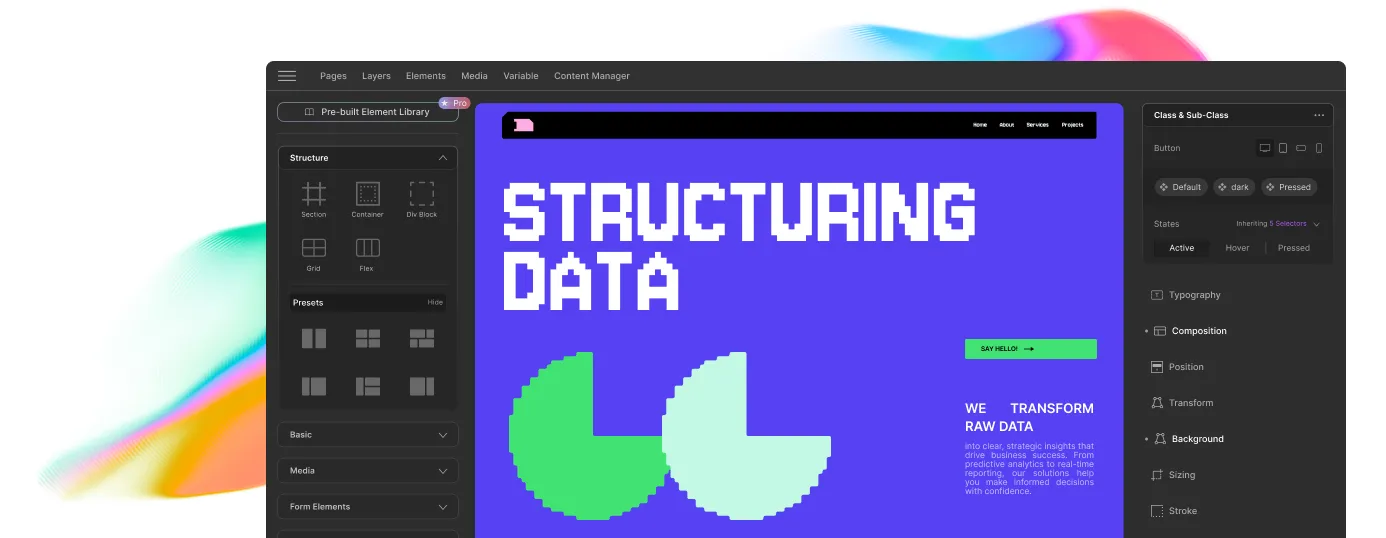
Completely redesigned UI for enhanced user experience.
New
Variables to manage global styles (color, font, size) from one place.
New
Droip Apps integration to connect your favorite tools directly within the builder.
New
Light mode for a brighter, more comfortable workspace.
New
85 beautifully crafted pre-designed sections to enhance your design process.
New
6 utility page options, including 404, registration, signup, forgot password, and more.
New
15 pre-made pages for faster, more efficient website setup.
New
Expanding library of full-site templates for quicker site creation and design flexibility.
New
Text animations to bring dynamic effects to your website's text elements.
New
Share a view-only link for seamless collaboration on projects.
New
Smooth scroll feature with adjustable smoothness for a better scrolling experience.
New
Project export/import functionality for seamless migration and backups.
New
AI-powered meta title and description generation for improved SEO.
New
More options for shadow, effects, transform, and 3D transform (including backface CSS).
New
Blend mode now works for all elements, expanding its use beyond images.
New
More size options available for enhanced design flexibility.
New
Focus mode: Only the selected panel is opened, minimizing distractions.
New
Custom interactions allow setting variables mode for added customization.
New
Sitewide fixed header/footer with symbols for consistency.
New
Conditional element visibility based on visitor type.
New
Expanded library of SVG shapes to elevate your design possibilities.
Update
Strokes are now changed to borders for clearer customization.
Update
Element settings now consolidate common settings in one place with improved access control.
Update
Updated icons across all elements for a fresh, modern look and improved usability.
Update
Search filter added to the left panel for quick access to tools and elements.
Update
Improved navigation element for a more intuitive and responsive experience.
Update
Added WordPress session handler for better session management.
Update
Adjust height/width with precision by holding the Shift key.
Update
Enhanced symbol functionality and added inline editor for easier editing.
Update
Updated onboarding experience to guide through Droip’s features.
Update
Revamped WordPress Dashboard backend for streamlined setup and workflow.
Update
Improved interactions feature for smoother and more responsive animations.
Update
Grid settings revamped for enhanced layout control.
Update
More concise breakpoints list for streamlined design control.
Update
Double-click symbols to edit for quicker access and edits.