Before publishing, Kirki lets you preview your page in a full-screen environment that closely mimics how it will look and behave for real visitors.
Opening Preview
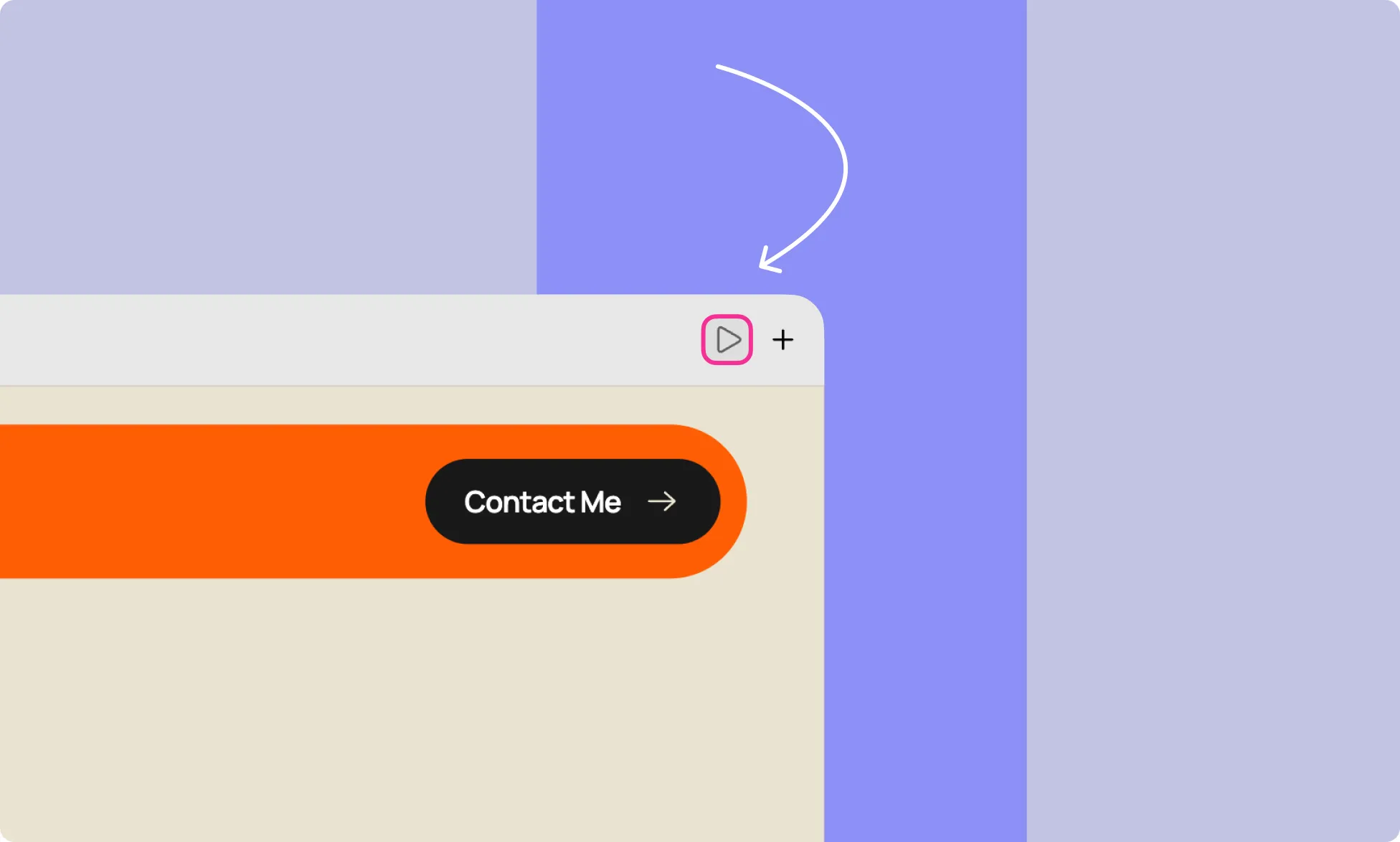
Click the play icon at the top of the canvas to enter Preview mode.
Preview Mode
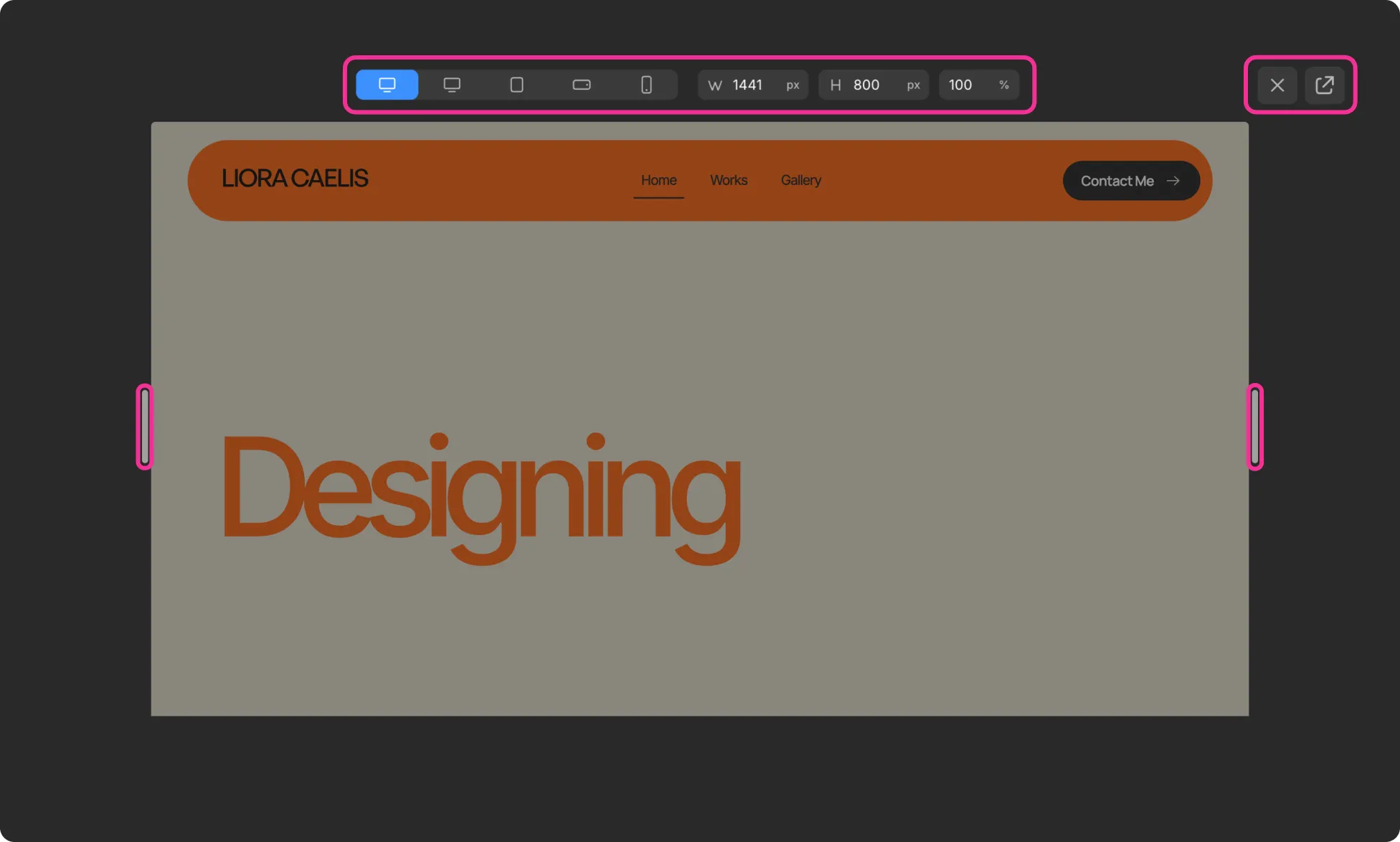
Preview mode opens your page in a full-screen environment, stripping away the editor UI so you can see your page as visitors would.
From here you can:
Switch Between Device Presets
Use the device switcher at the top to toggle between:
- Desktop
- Tablet
- Landscape Mobile
- Portrait Mobile
Manually Adjust Screen Dimensions
Enter values in the W (width) and H (height) fields, or adjust the zoom level using the % Control.
Resize Freely
Drag the handles on the left and right edges of the preview frame to toggle the screen size up or down.
Open in Browser
Click the external link icon at the top-right to view the page in a new browser tab.
Exit Preview
Click the X icon at the top-right to return to the editor.