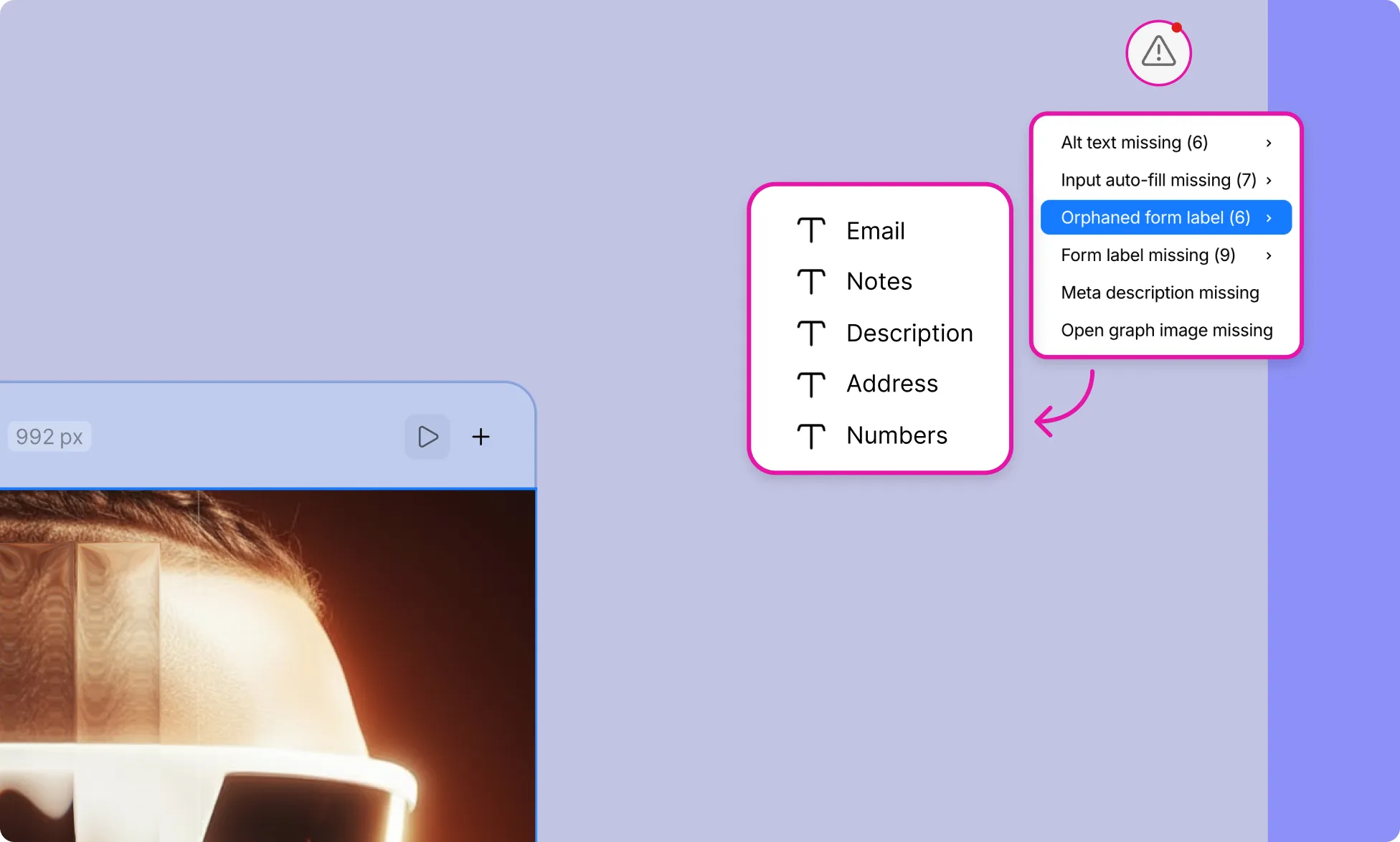
The Audit feature in Kirki, represented by a warning icon at the top-right corner of the canvas, automatically assesses your website’s accessibility and SEO.
It helps ensure your site adheres to key standards, improving usability and search engine visibility.
Running an Audit
- Click the warning icon at the top of the canvas to open the Audit panel.
- Any issues found will be listed along with a count of affected elements.
- Click on any issue to navigate directly to the affected element on the canvas.
- Make the necessary changes.
Audit Checks
Alt Text Missing
Identifies images and video elements that are missing alternative text.
Why it matters:
- Alt text is essential for visually impaired users, allowing screen readers to describe image content.
- Ensures accessibility compliance.
- Helps improve SEO by providing search engines with relevant content descriptions.
Link Missing
Detects link blocks that do not have URLs assigned.
Why it matters:
- Ensures smooth navigation for users.
- Prevents broken or incomplete links that could disrupt the user experience.
Meta Description Missing
Flags pages that are missing a meta description.
Why it matters:
- Meta descriptions are used by search engines to summarize page content in search results.
- Improves click-through rates and overall SEO performance.
Open Graph Image Missing
Flags pages that are missing an Open Graph image.
Why it matters:
- Open Graph images are displayed when your page is shared on social media platforms.
- A missing image can result in poor or inconsistent link previews.
Class Name Missing
Counts elements that are missing class names.
Why it matters:
- Simplifies styling and customization.
- Enhances maintainability and consistency across your project.