Starting From Templates
Building a website doesn’t have to mean starting from a blank canvas. Kirki’s template library gives you a head start with professionally designed, ready-made templates – complete with fully functional pages, interactive elements, dynamic content, and more – so you can focus on making the site yours rather than building it from scratch.
Find the Right Template
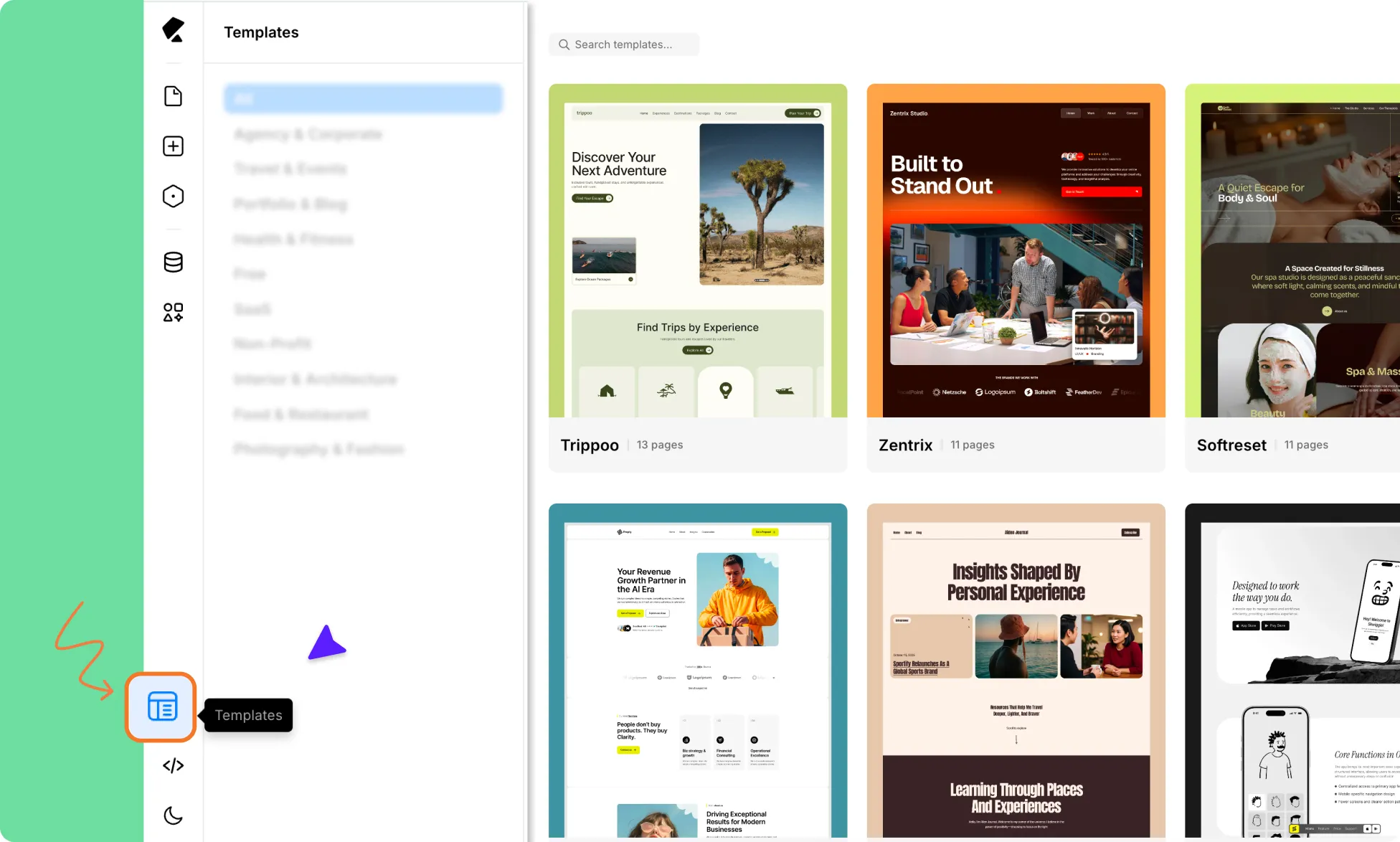
You can browse Kirki’s template library from two places:
- Kirki Editor – Click the Templates icon on the left sidebar to access the Template Library directly within the editor.
- Kirki Dashboard – Visit the Kirki Dashboard to explore the library outside the editor.
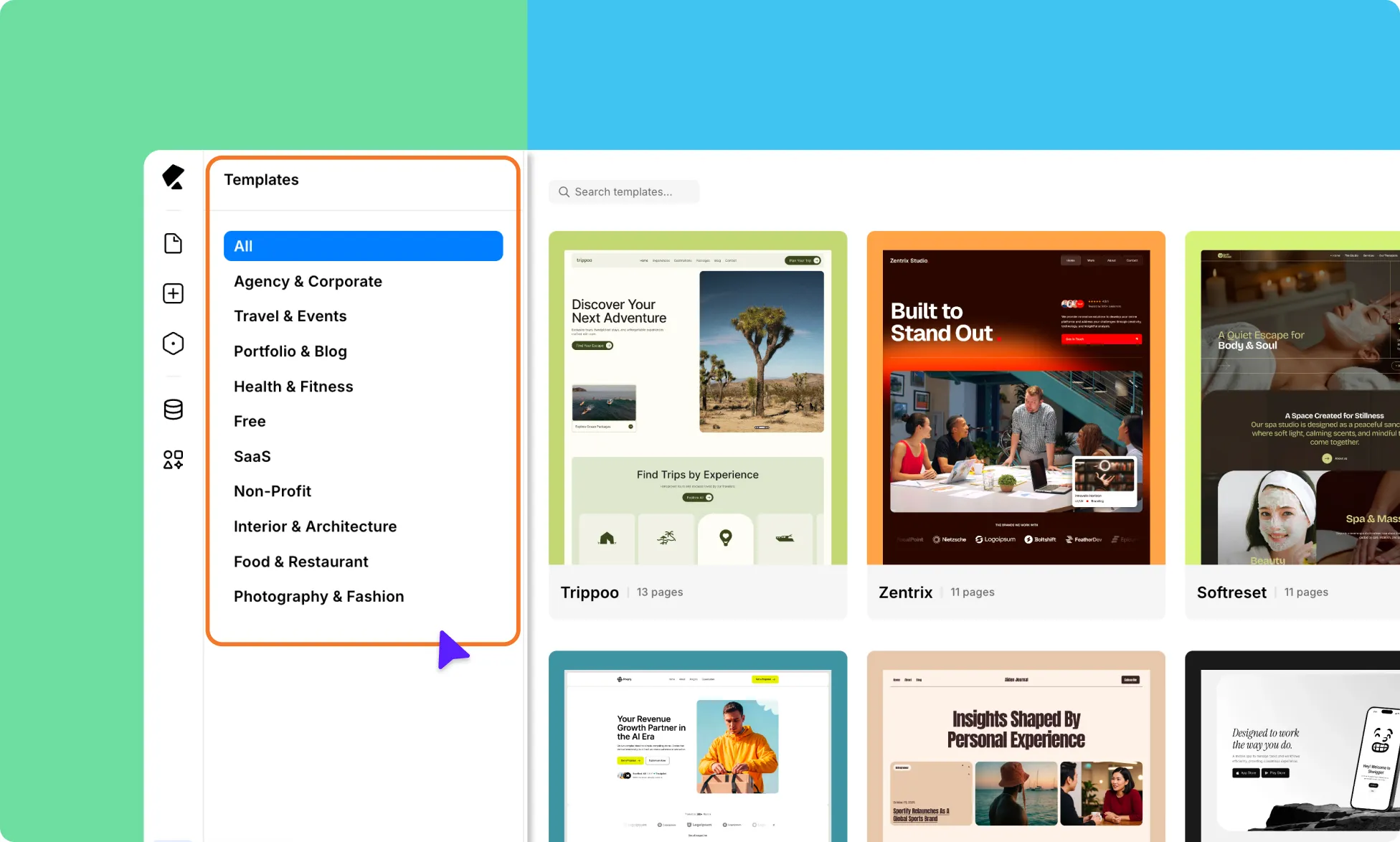
Either way, you’ll find a growing collection of well-crafted designs spanning a wide range of niches. Use the category filters or the search bar to narrow things down and find a template that fits your site’s purpose.
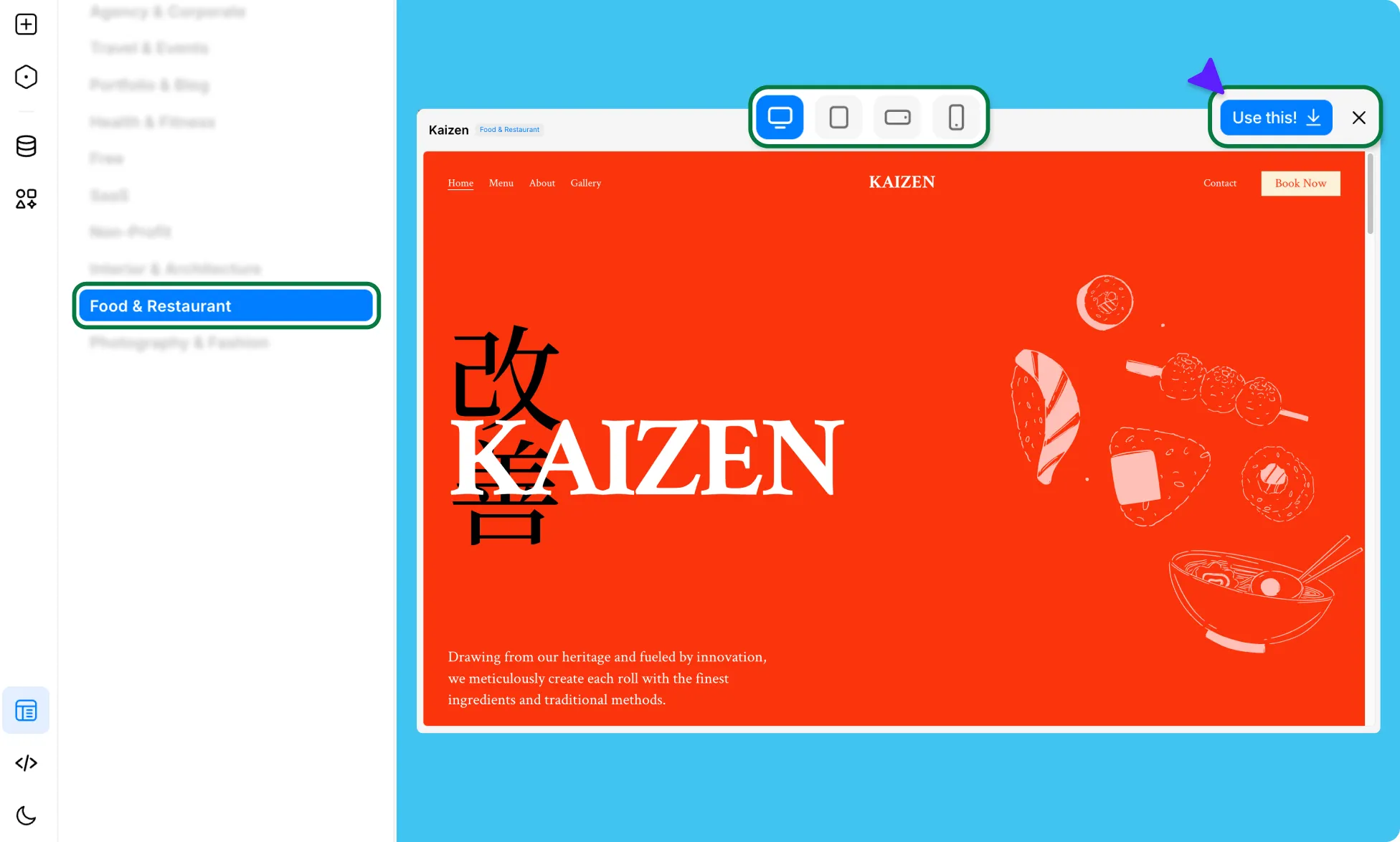
Before committing, click on any template to open a full preview, including responsive views, so you can see exactly how it looks across devices.
Import Template
When you’ve found the right fit, do the following:
- Click on a Template to view its details.
- Click Use This to begin the import.
- A Template overview will appear as a pop-up, summarizing everything that comes with the template:
- Site Settings – Styles, variables, assets, and fonts
- Components – Reusable entities like headers and footers
- Pages – Pre-designed page layouts
- Content Manager – Dynamic content such as products or services, projects, testimonials, etc
- Review the overview, then click Proceed to confirm.
Once the import is complete, a confirmation message will appear, and all template elements will be loaded into your project. Click Done to start editing.
Customize Template
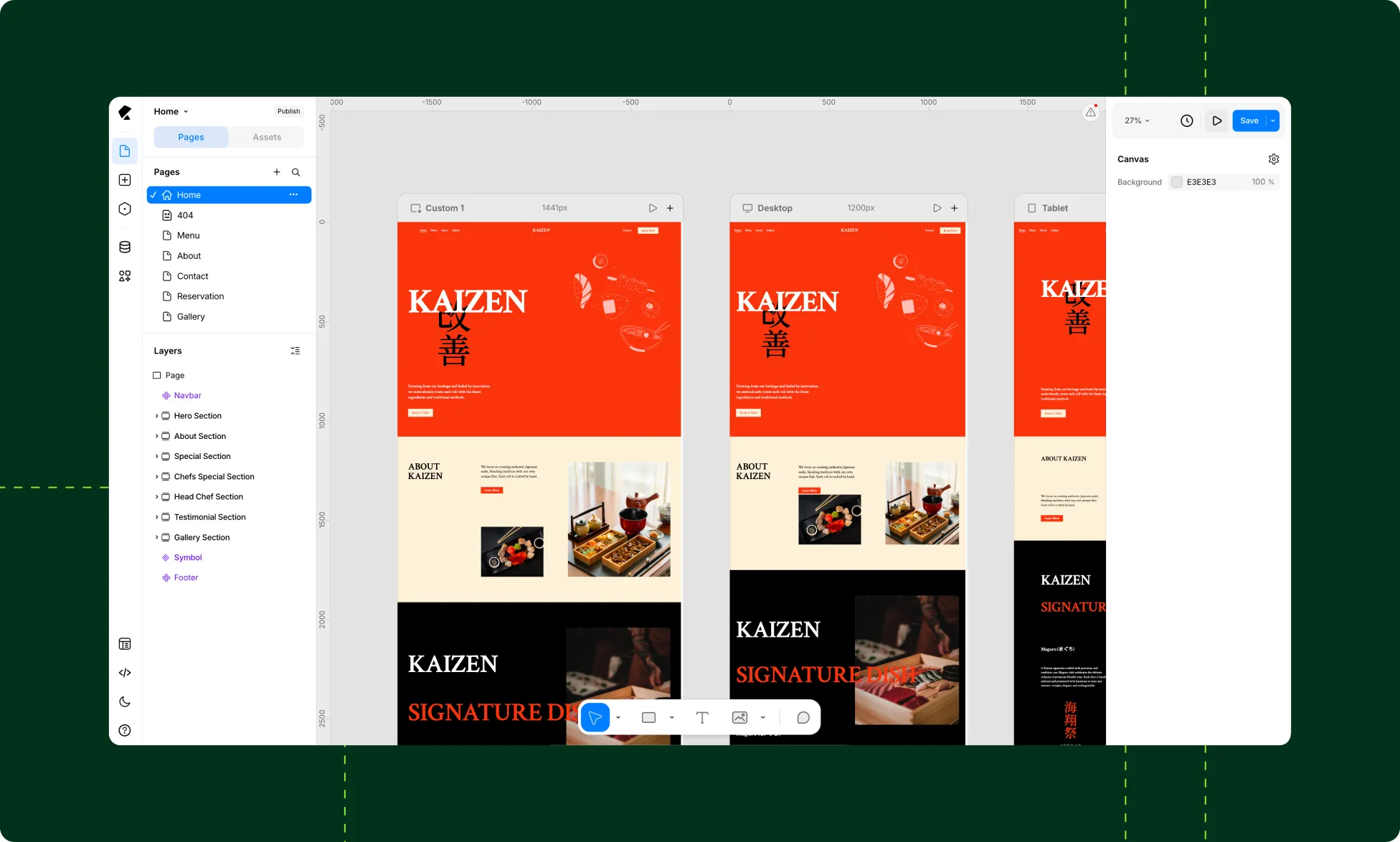
With the template loaded in your editor, you can quickly rebrand it to match your own style and requirements.
You can update the design system, customize layouts and pages, edit reusable components, and replace placeholder content with your own, all while maintaining consistency across the entire website.
Kirki’s infinite canvas and parallel responsive views also lets you see how your changes appear across devices side by side. And while design in Kirki is auto-responsive by default, these views make it easy to quickly spot where you’d like some more fine-tuning.
Modify Styles Globally
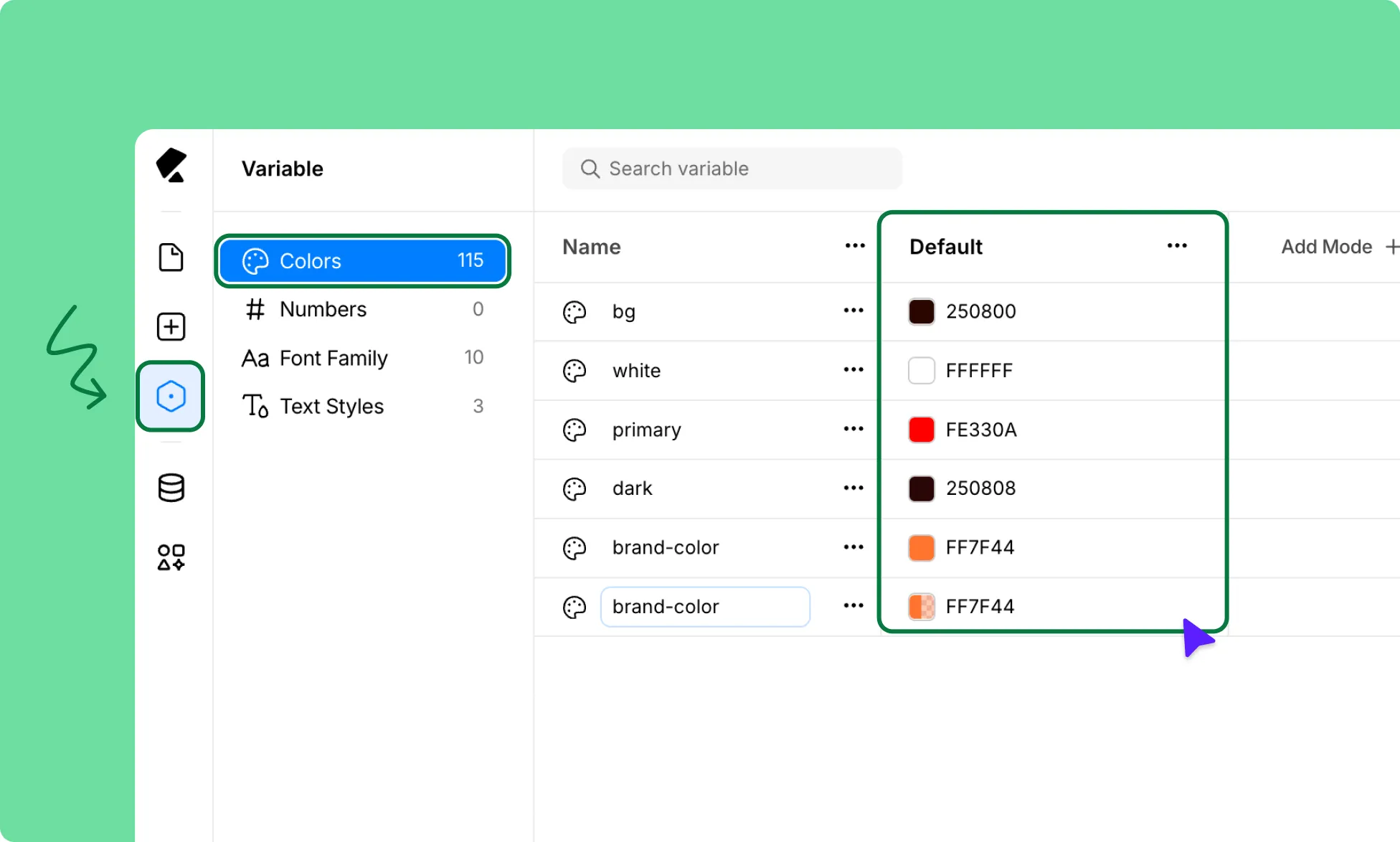
Use Variables to manage your website’s core design settings from one central place.
Easily update brand colors, fonts, sizing, and text styles site-wide without manually editing every element individually.
This makes it faster to maintain a cohesive visual identity throughout your entire website.
Learn more about Variables.
Edit Pages
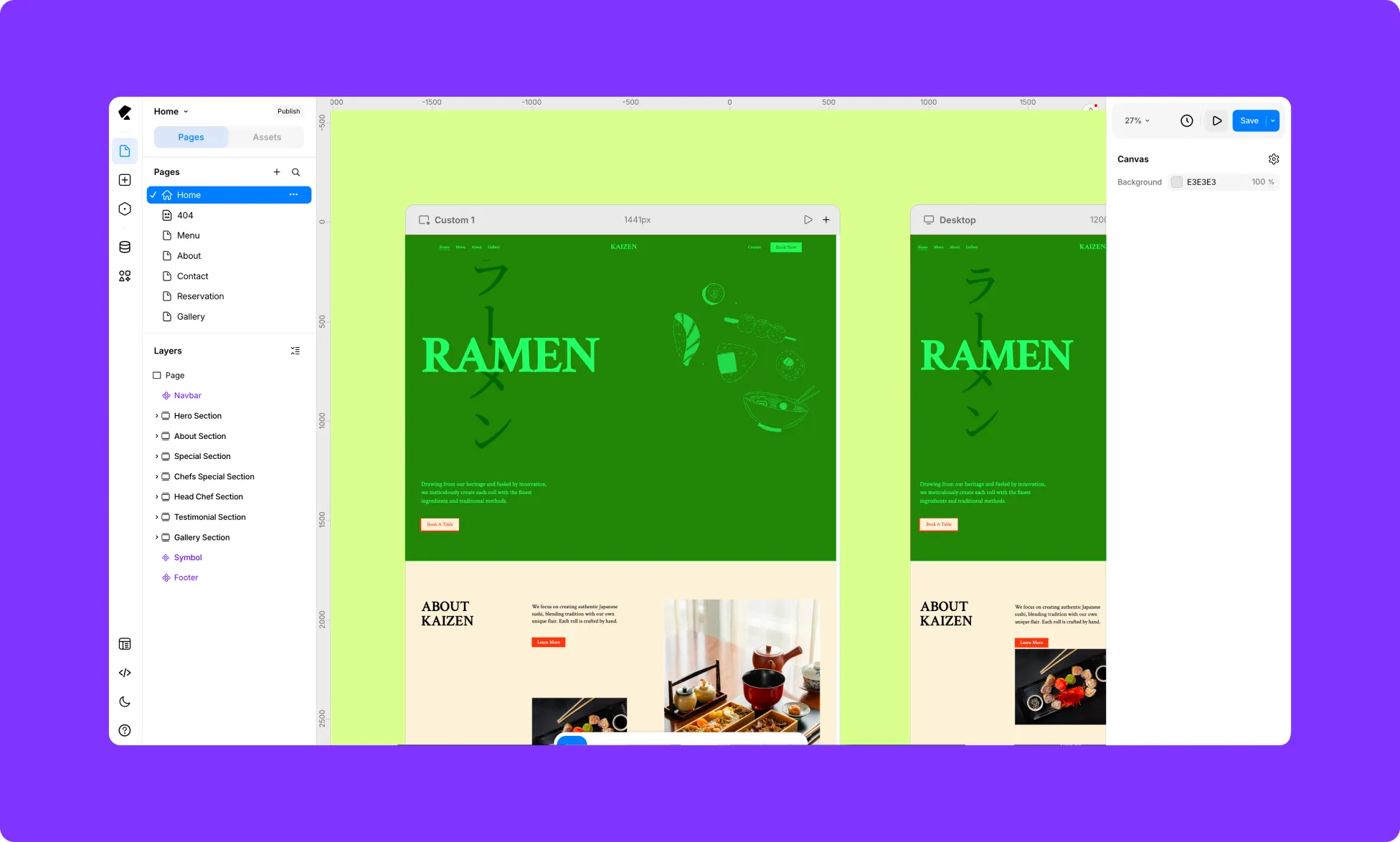
Use the Pages panel to navigate through your website and customize each page.
You can edit layouts, replace sections, rearrange content, add new sections, and adapt every page to match your brand identity and website needs.
Learn more about Pages.
Reuse Components
Access reusable Components from the Assets tab inside the Pages panel on the Left Sidebar.
This includes global components such as the Header and Footer. Changes made to these components automatically reflect everywhere they’re used, helping you maintain consistency while saving time.
To update a component, double-click it directly on the canvas to start editing the main instance.
Learn more about Components.
Manage Content
Use the Dynamic Content Manager to update dynamic sections and replace placeholder content with your own data. You can edit existing collections, add new items, manage structured content, and keep dynamic pages consistently updated across your website.
Learn more about Dynamic Content Manager.
Was this page helpful?