Save & Publish
Save & Publish
Kirki automatically saves your work every few seconds after you stop making changes, so you never have to worry about losing progress. You can also click the Save button at any time to save manually.
Once you’re happy with your page, you can publish it to make it live.
Opening the Save Panel
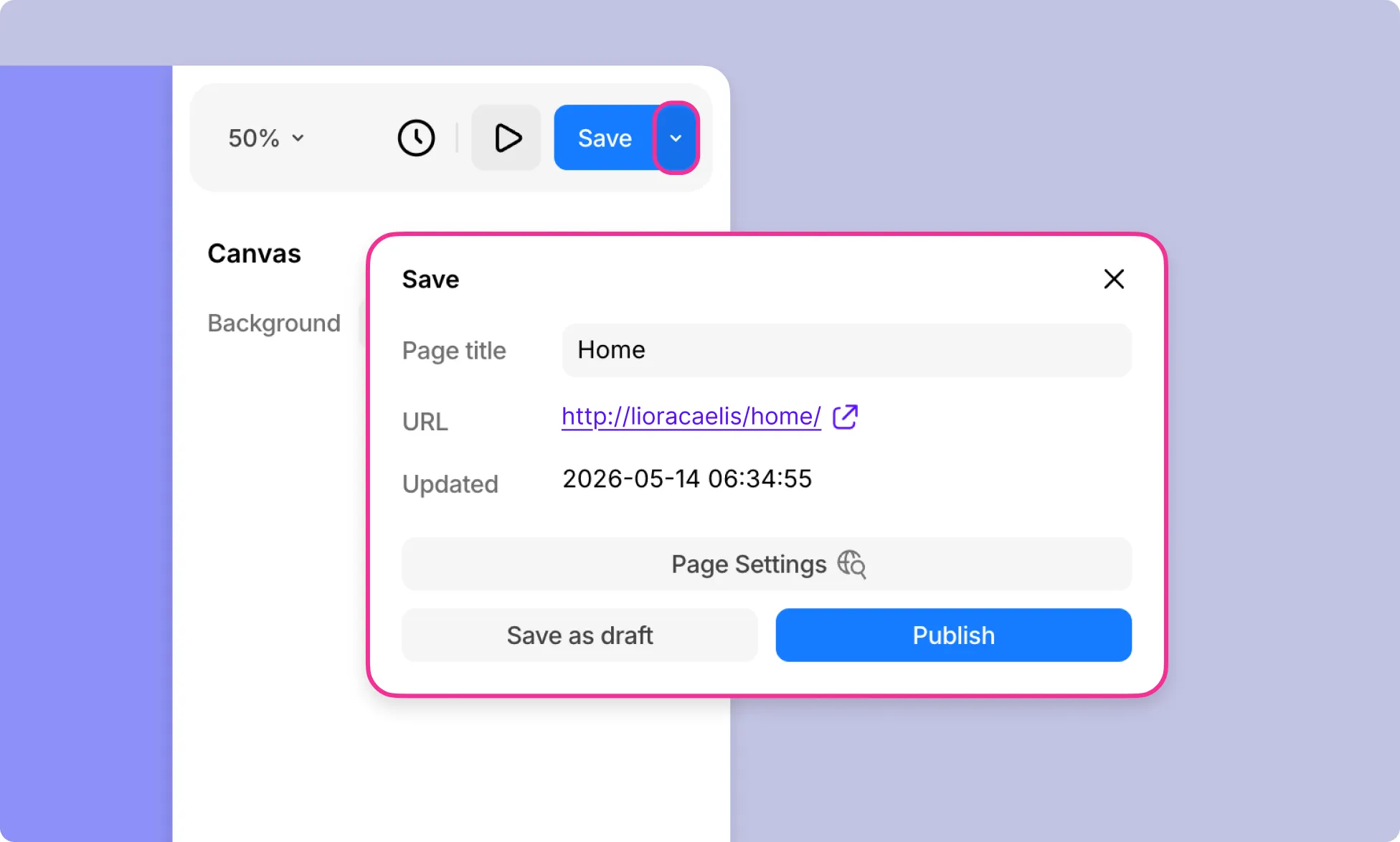
Click the arrow icon next to the Save button at the top-right of the canvas to open the Save panel. Here you’ll find:
- Page Title – The name of the current page.
- URL – The live URL of the page.
- Updated – The timestamp of the last save.
- Page Settings – A shortcut to the page settings.
Save as Draft
Click Save (or Save as Draft) to save your changes without making them live. This is useful when you’re still working on a page and aren’t ready to publish it yet.
Publish
Click Publish to make your page live and visible to visitors. Once published, your changes will be reflected on the live site immediately.
Publish History
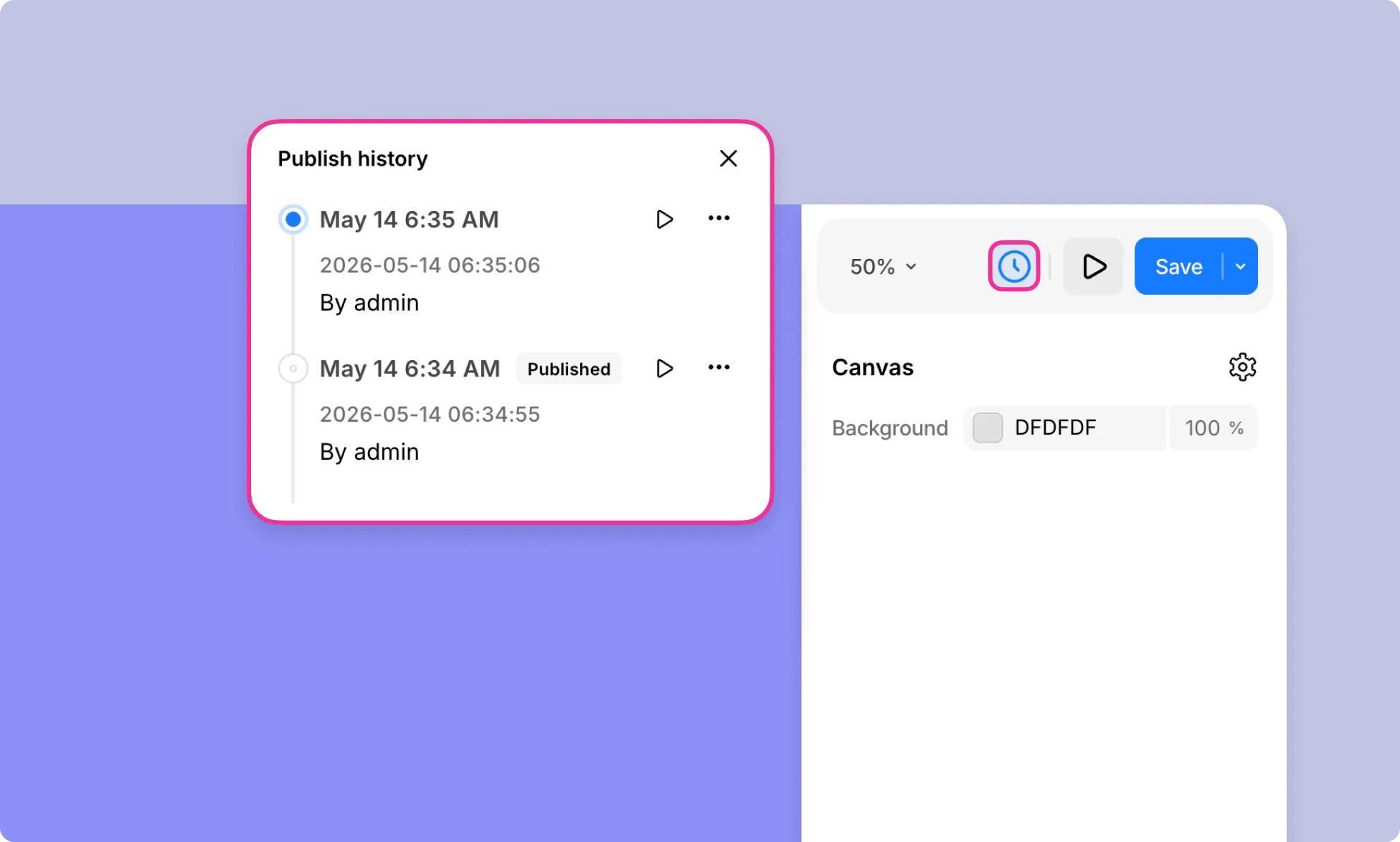
To view previous versions of your page, click the clock icon next to the Save button.
Learn more about Versions.
Was this page helpful?